Admin: Audit
Use Admin > Audit to review control-plane and security changes made through BucketReef.
What appears here
- significant authentication outcomes, logout, token revocation, and failures;
- users, groups, IAM, policies, keys, shares, and public links;
- bucket, project, account, endpoint, and application configuration;
- commands and state changes for migrations, purges, global restores, and history cleanup.
Object uploads, downloads, deletes, copies, metadata, tags, ACLs, retention, multipart operations, and individual restores do not appear. Healthchecks, usage/billing collection, and other operational telemetry are also excluded.
Investigating object access
Use the S3 provider's Server Access Logging or equivalent request logs. Portal Managers can use Portal > History > Access logs when that integration is enabled. These logs can arrive late and are available only for the configured retention period. If provider logging is disabled, there is no exhaustive object audit history in BucketReef.
For reliable attribution, every person must use a dedicated IAM identity or owned private S3 connection. Keys may overlap briefly during rotation, but must never be shared between people.
Related pages
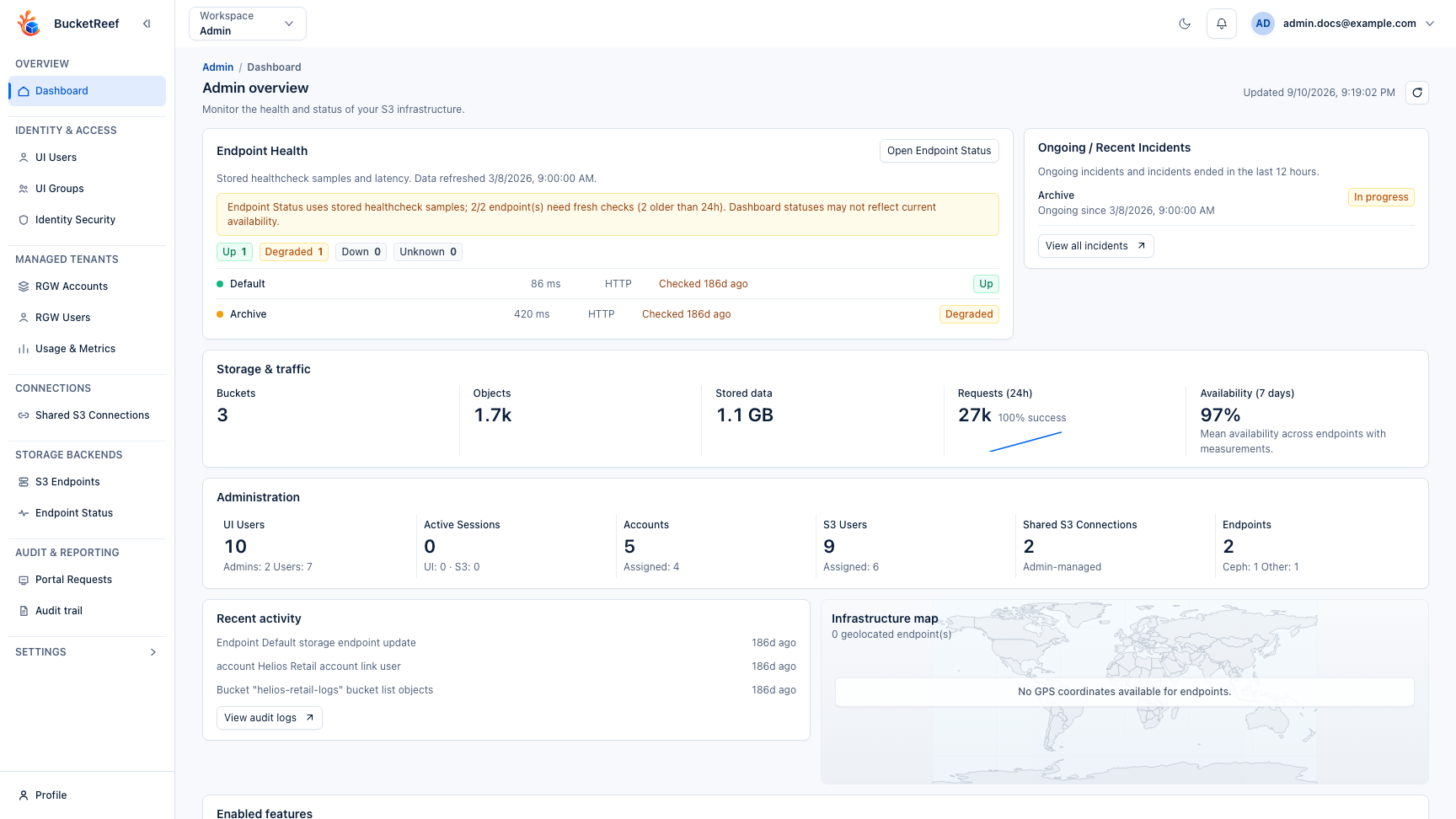
Visual example
This overview shows the Admin workspace where the control-plane audit is available.