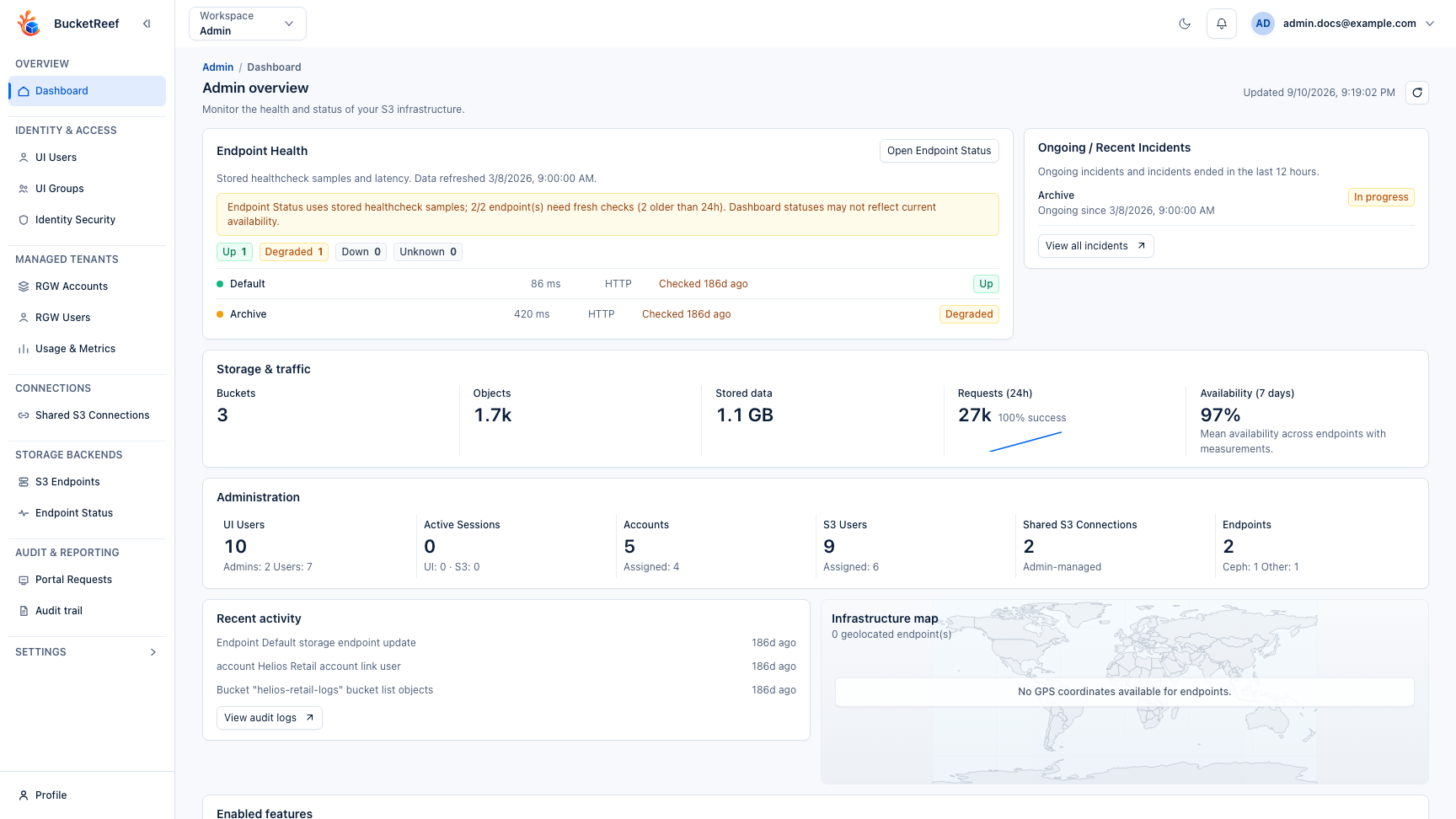
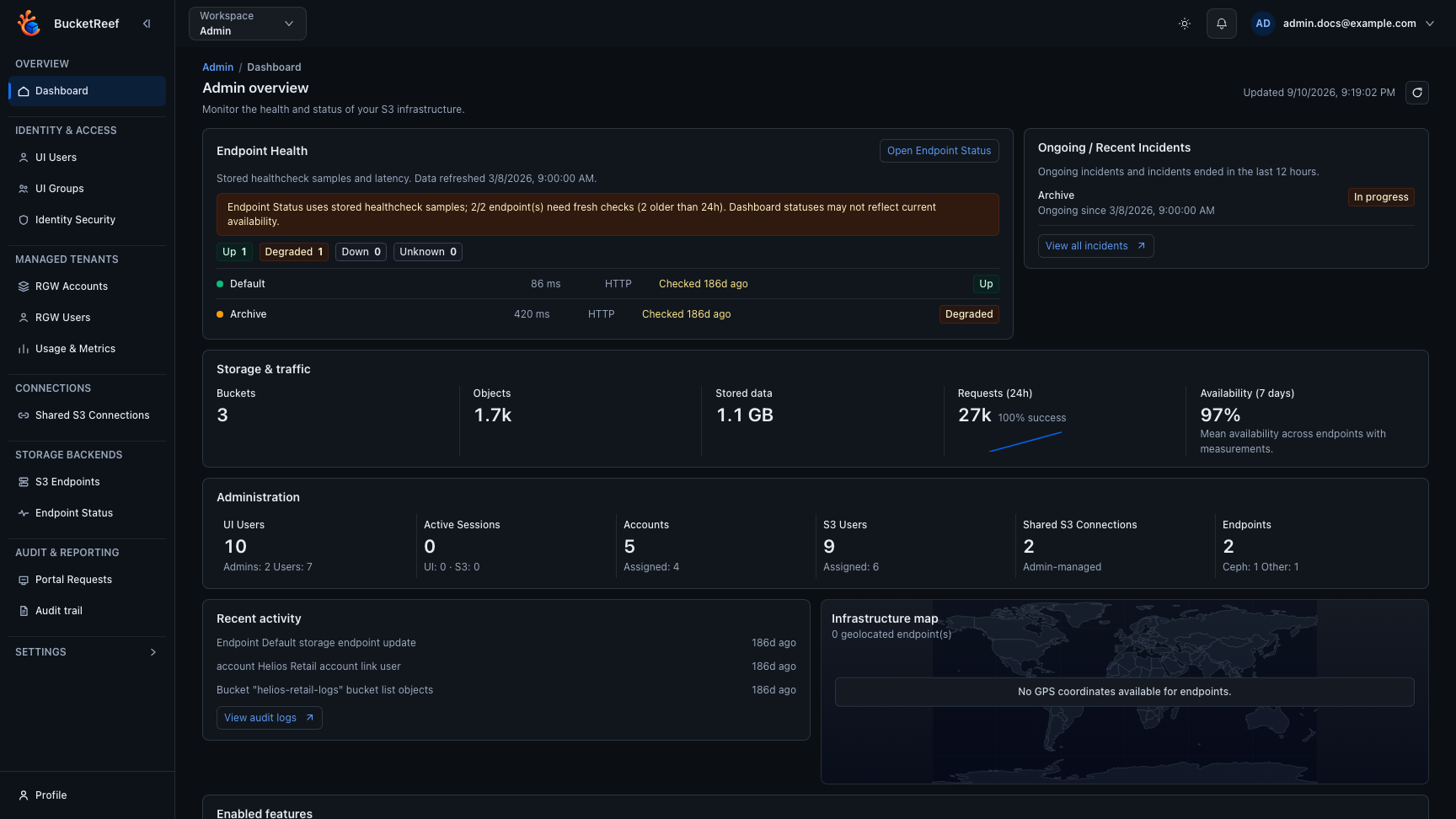
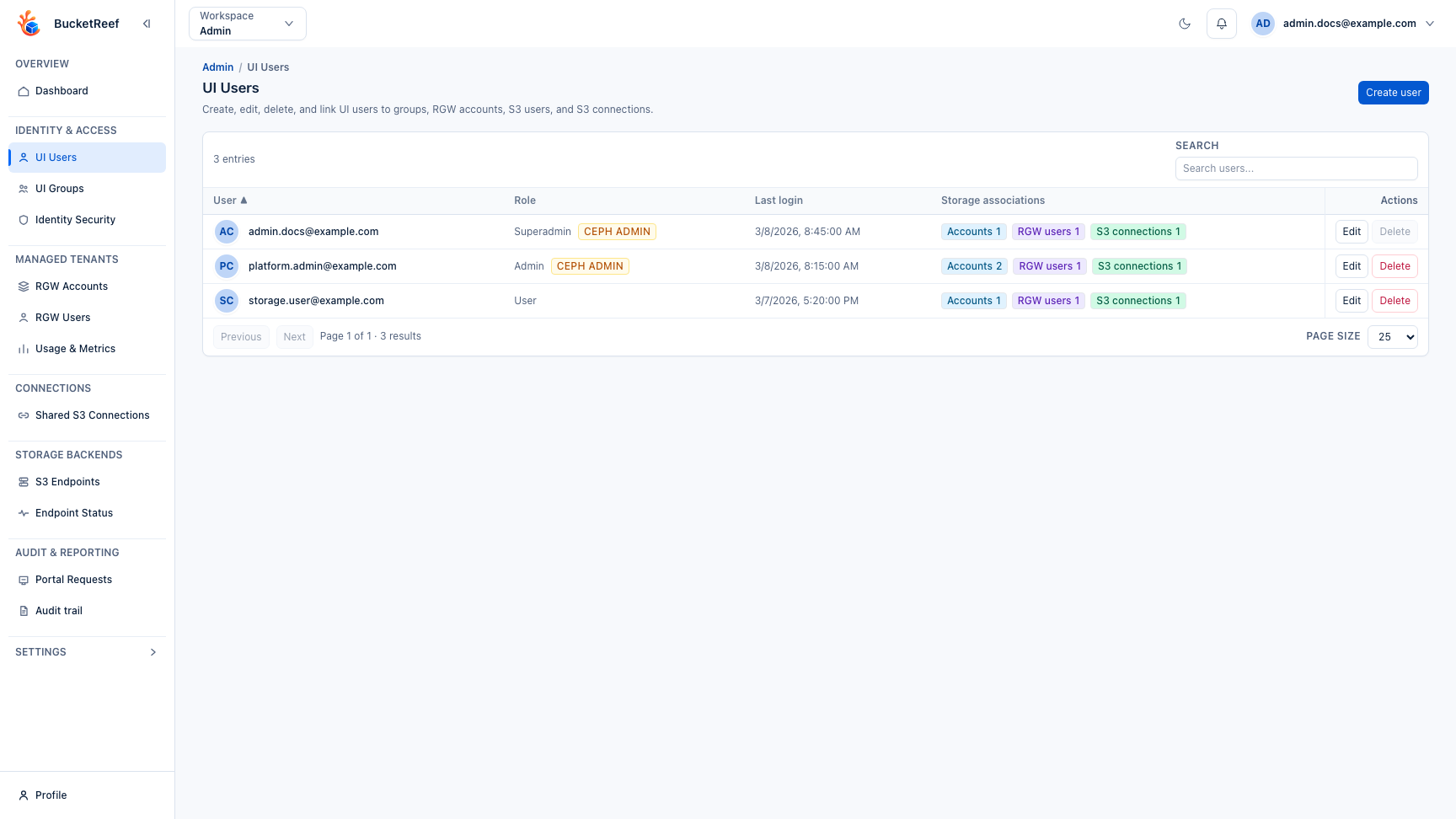
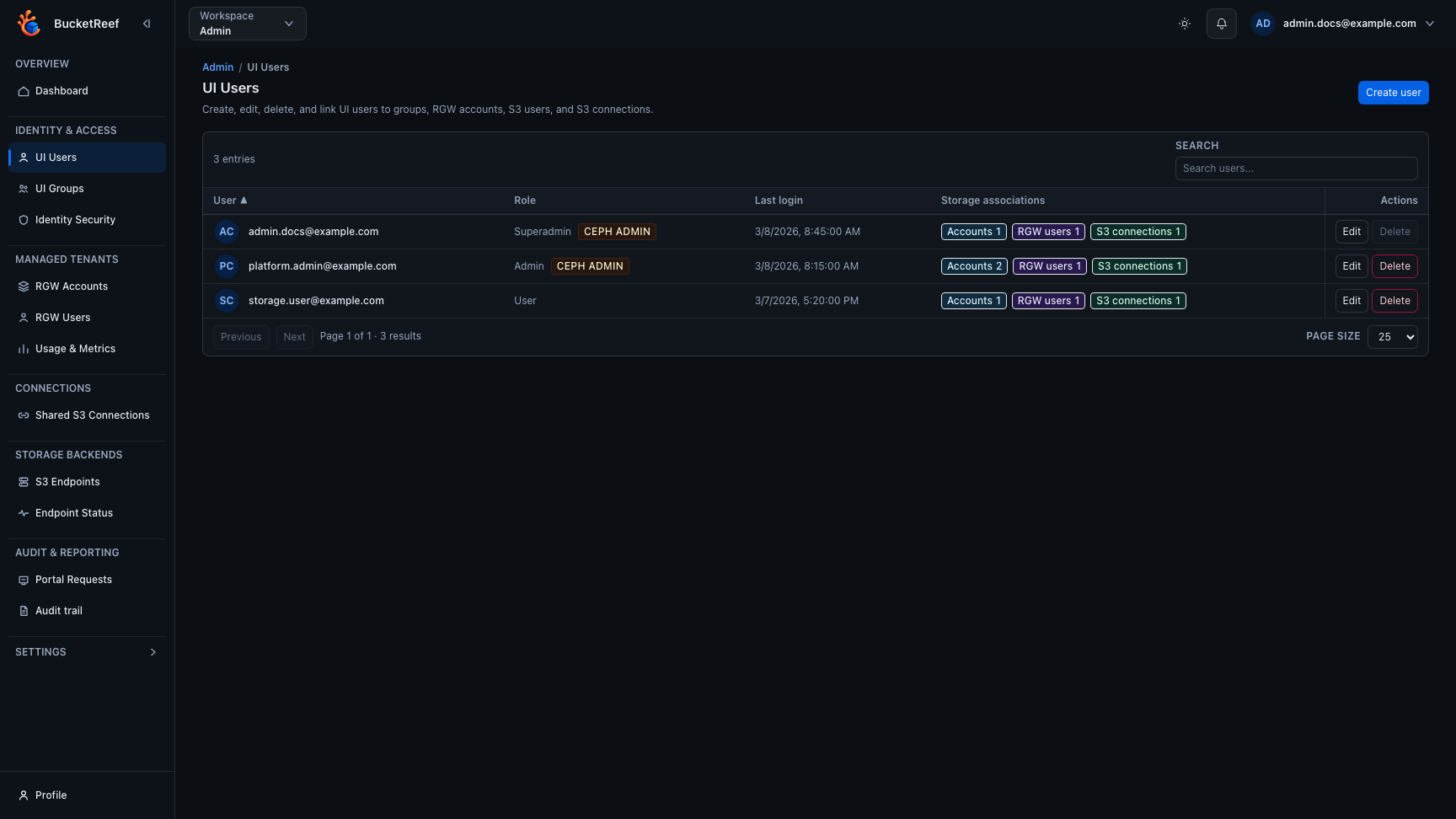
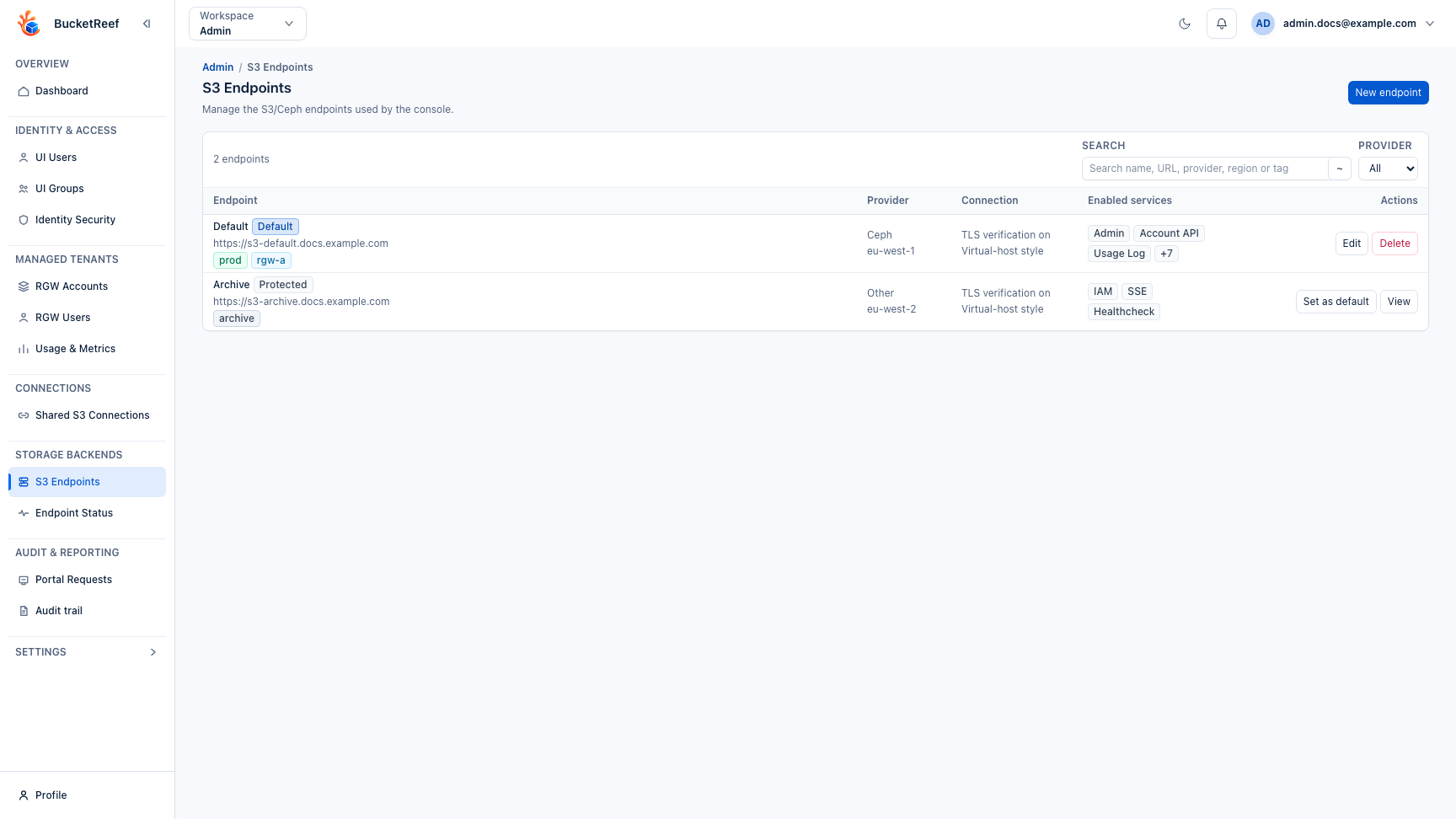
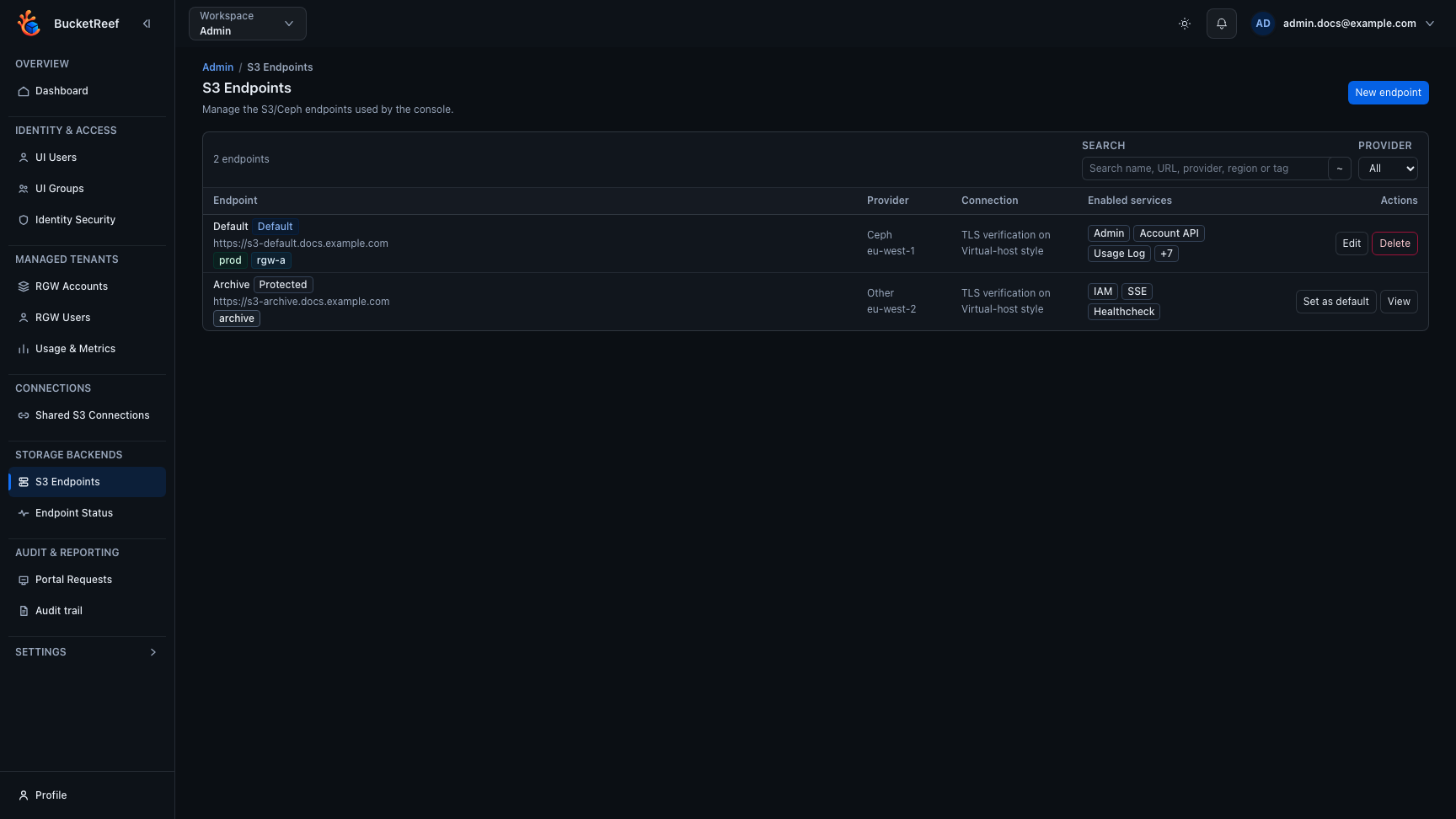
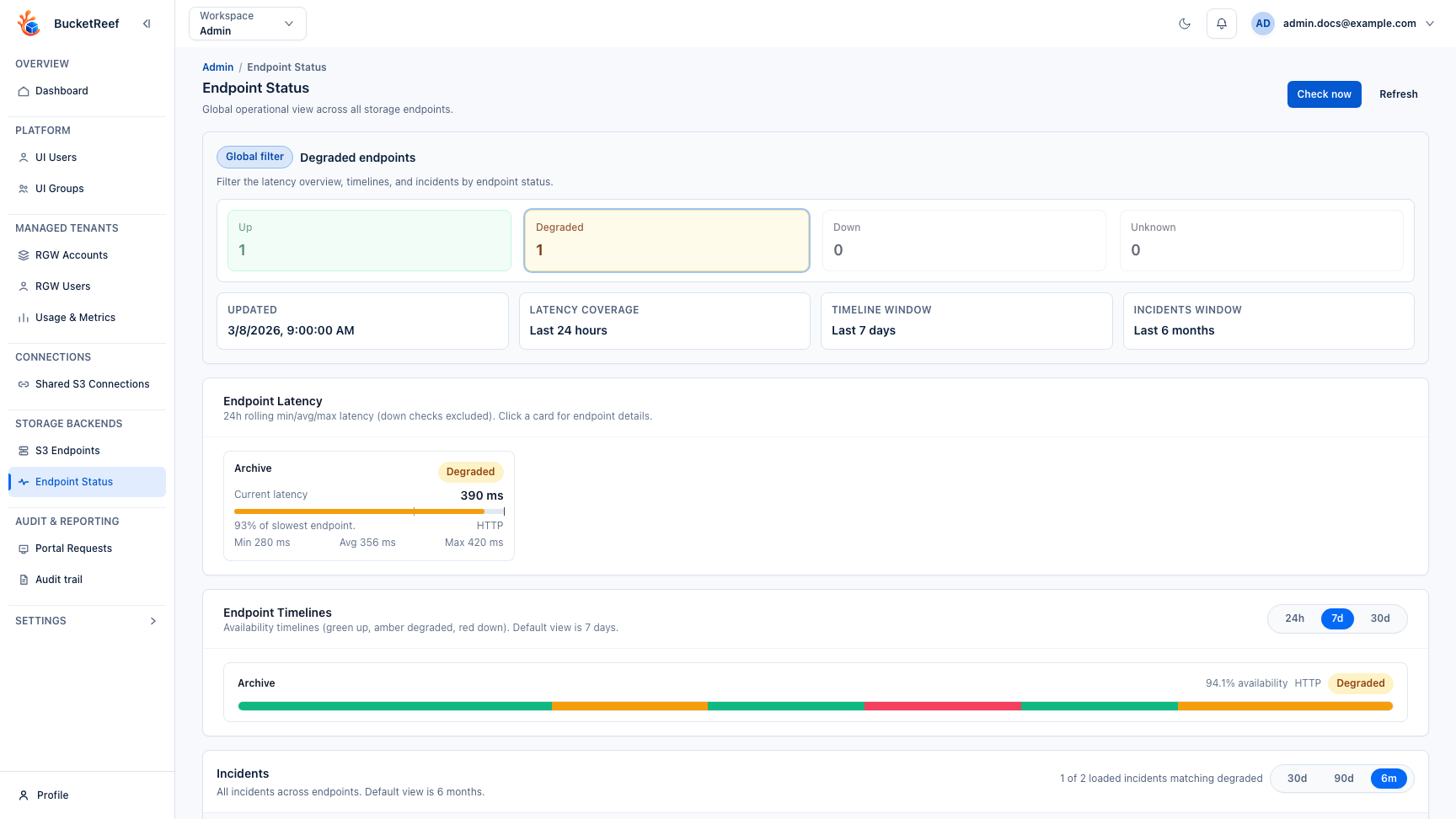
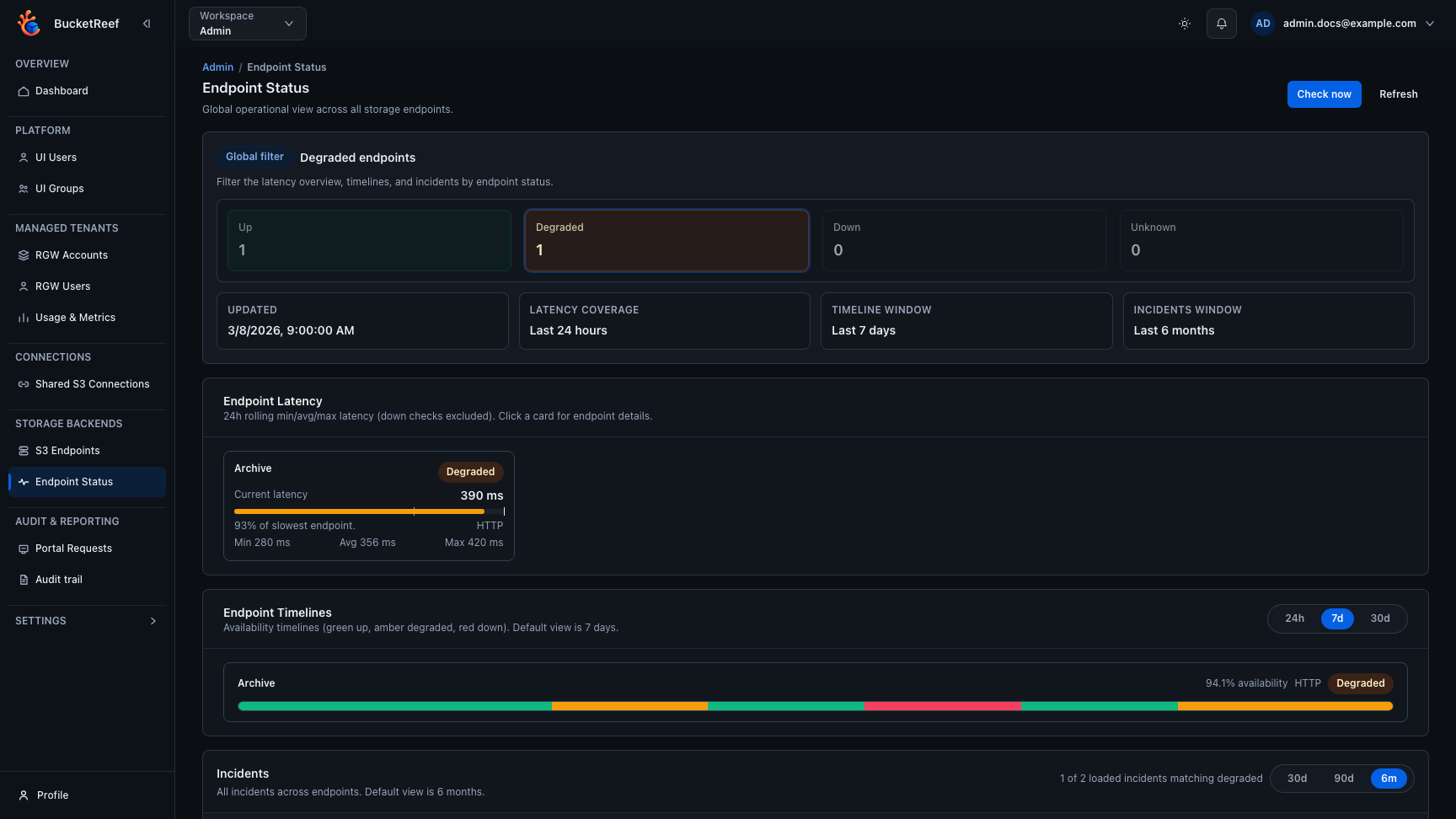
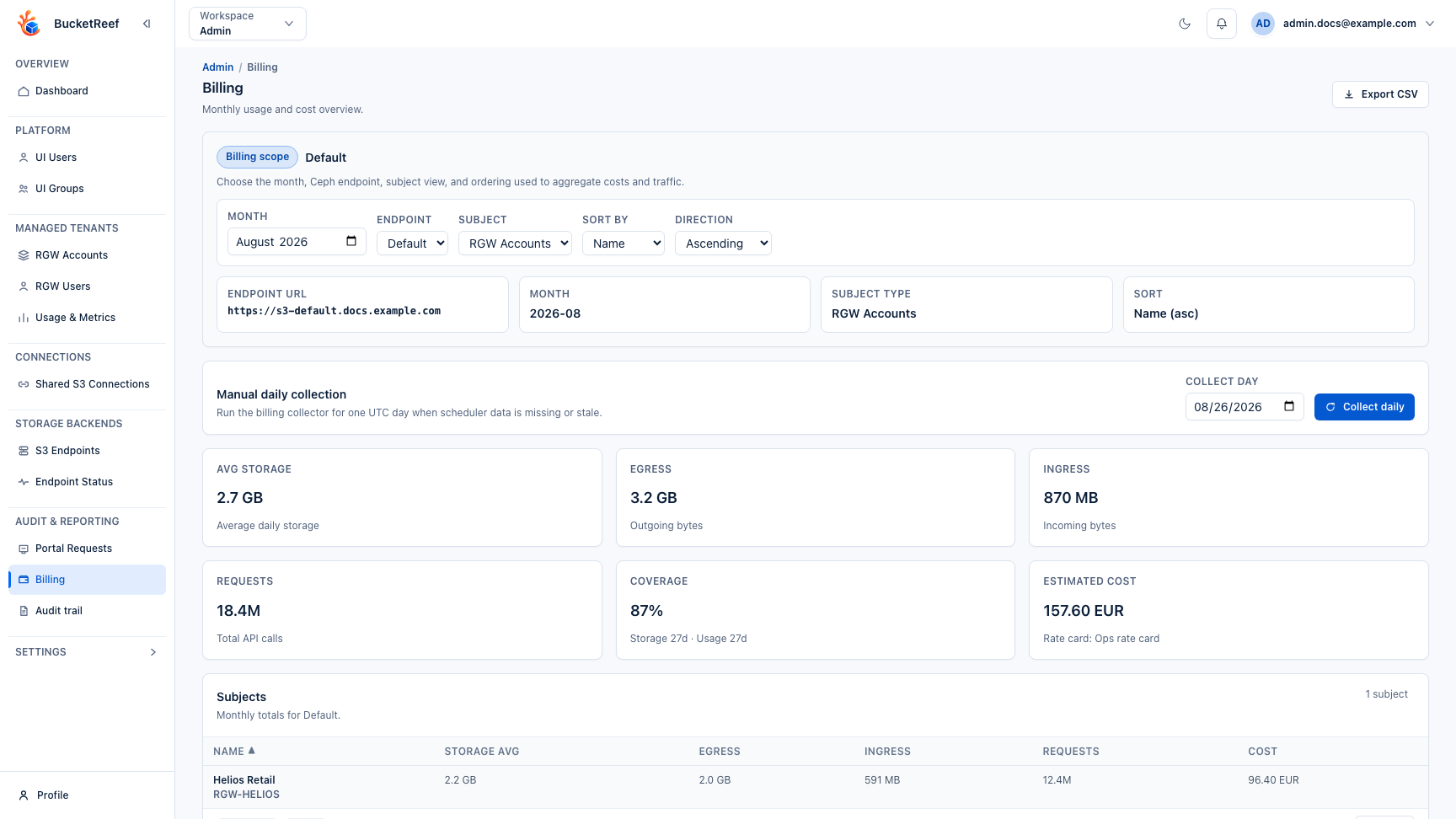
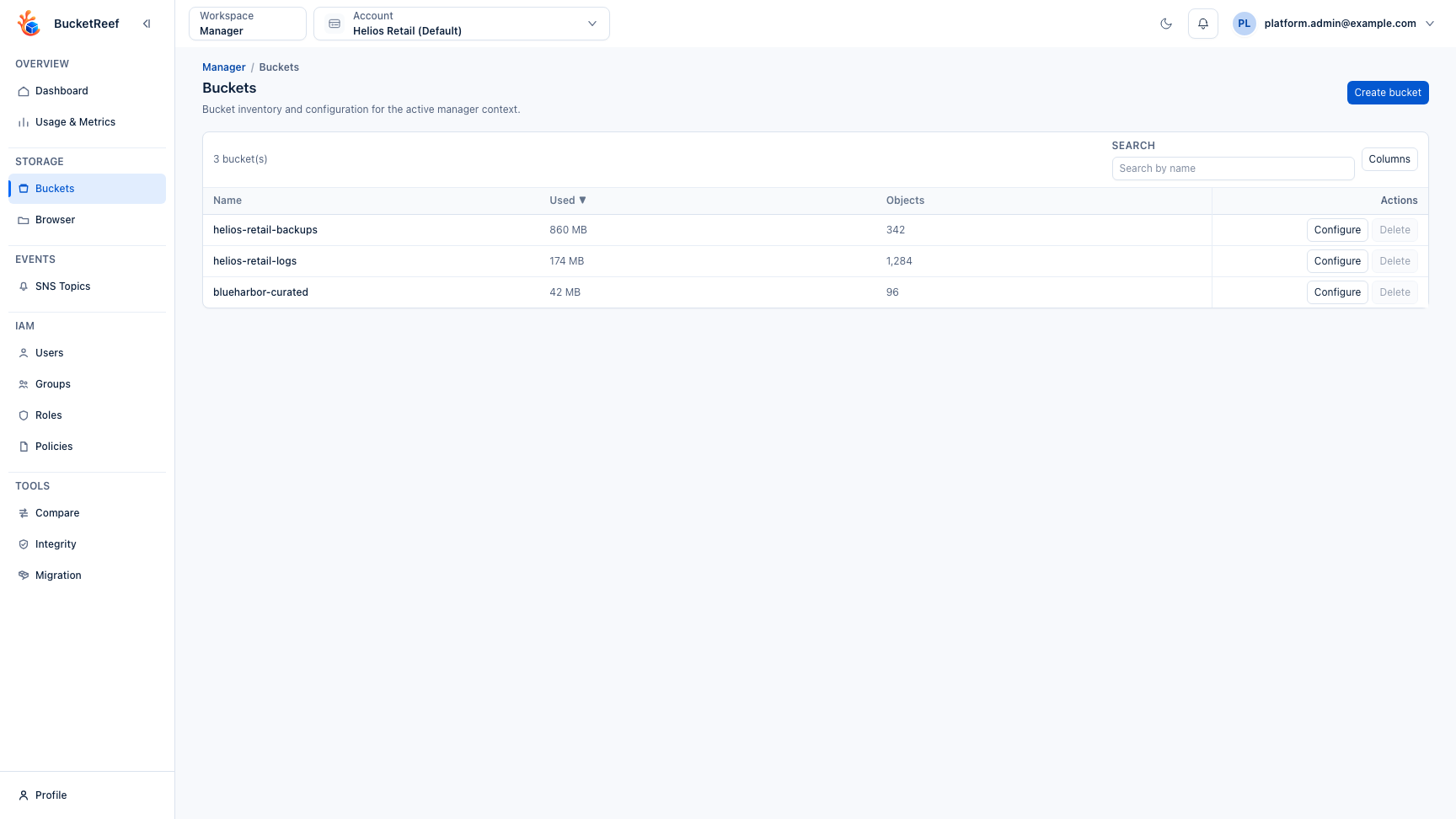
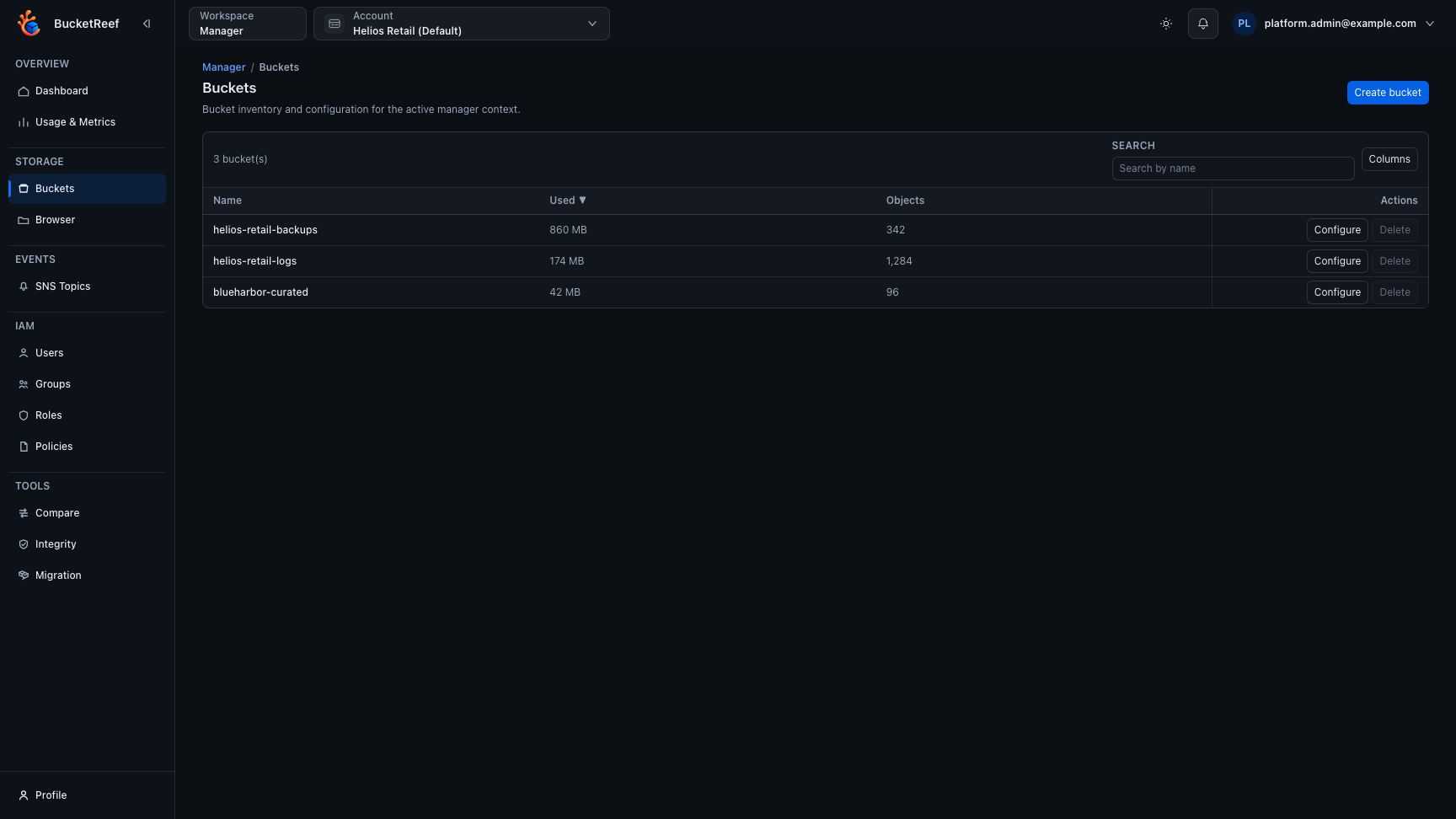
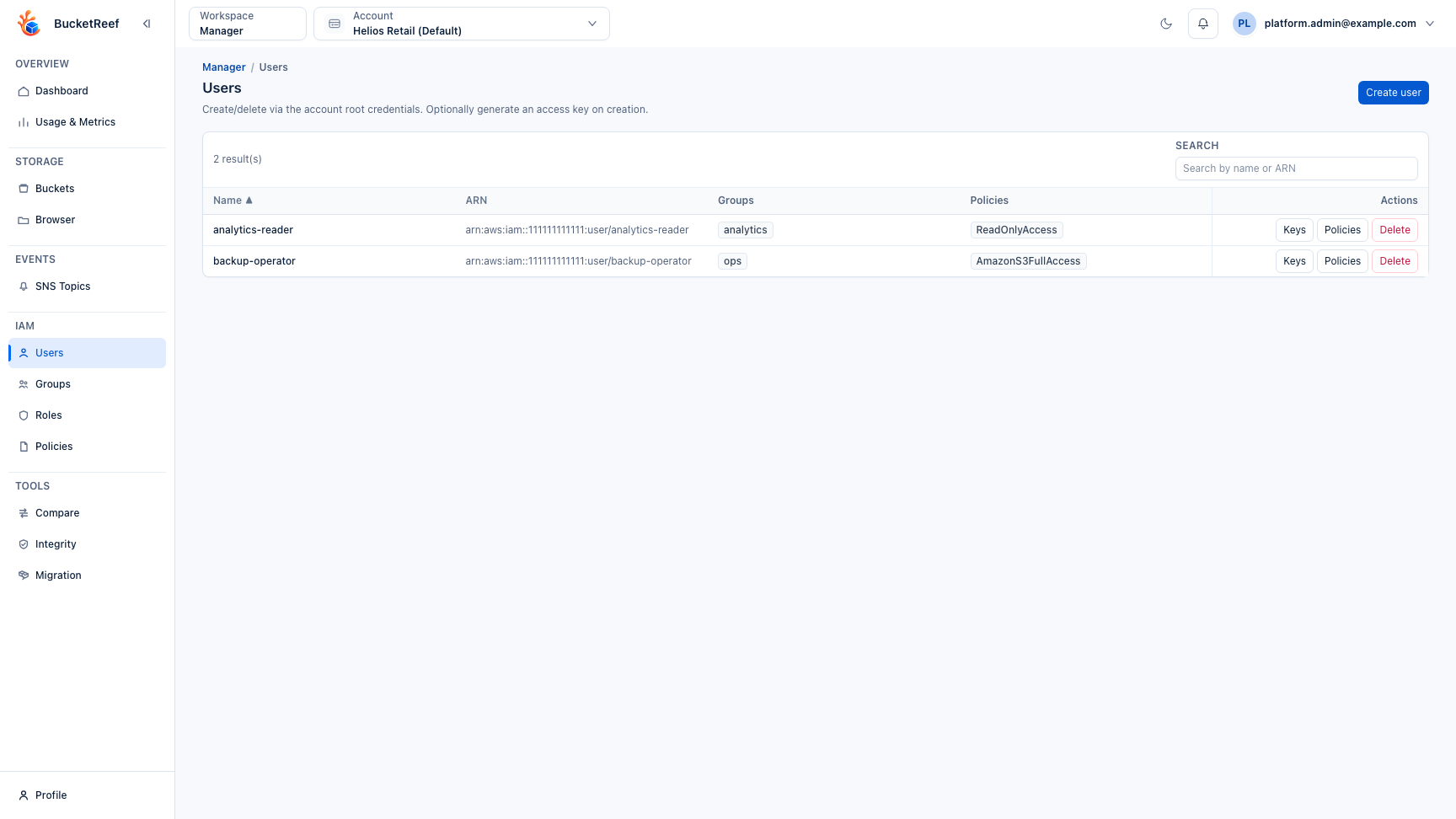
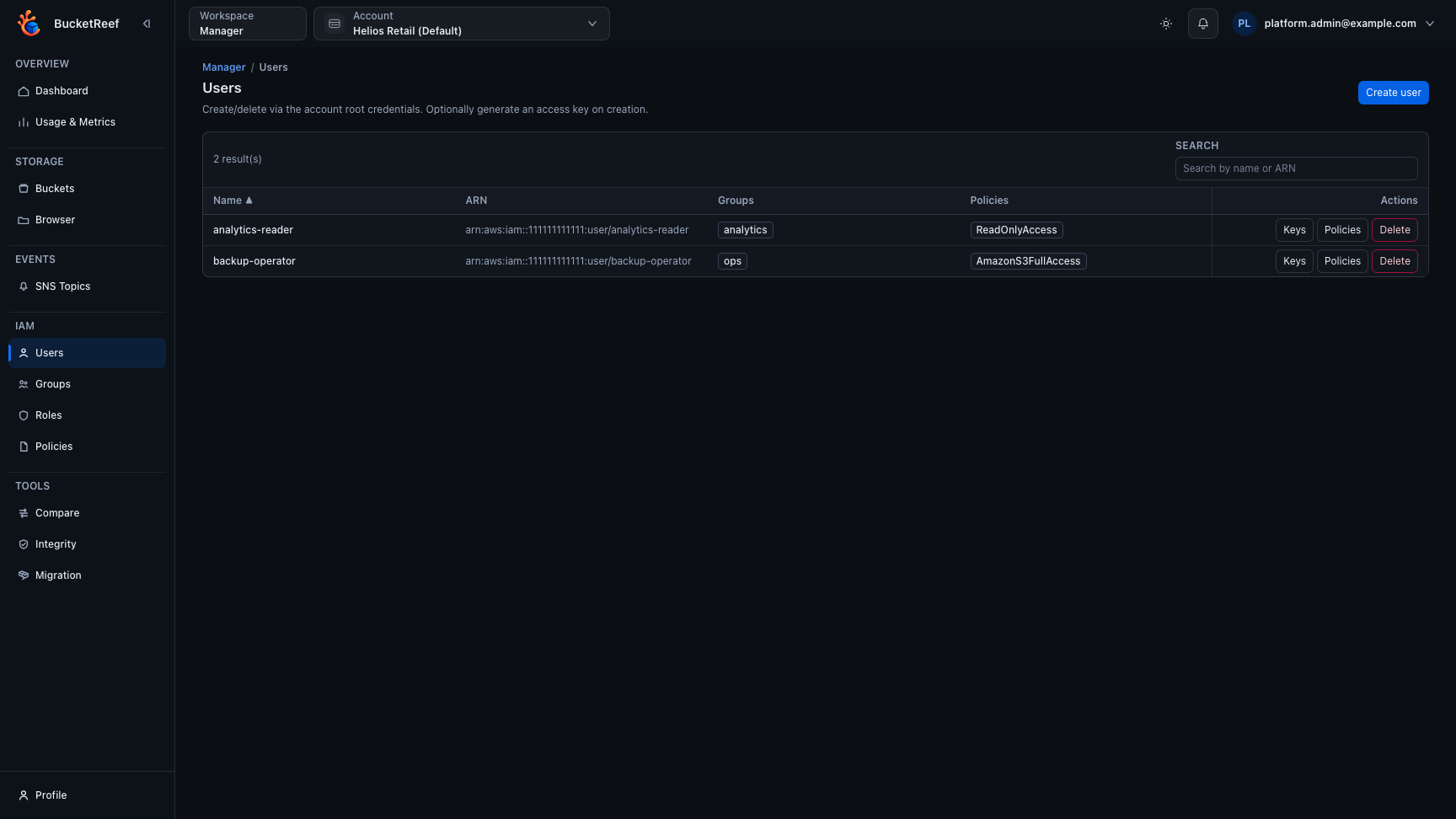
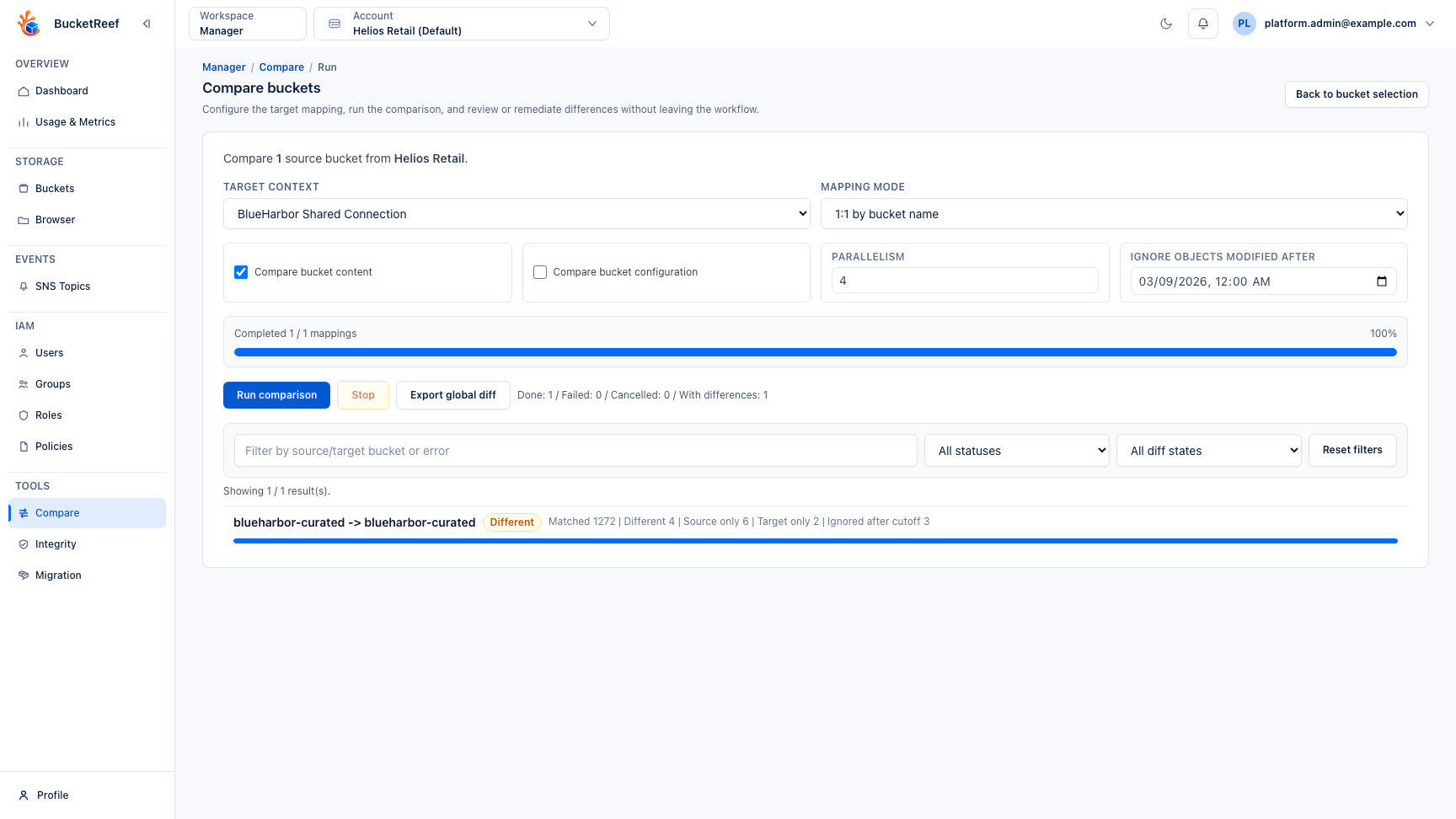
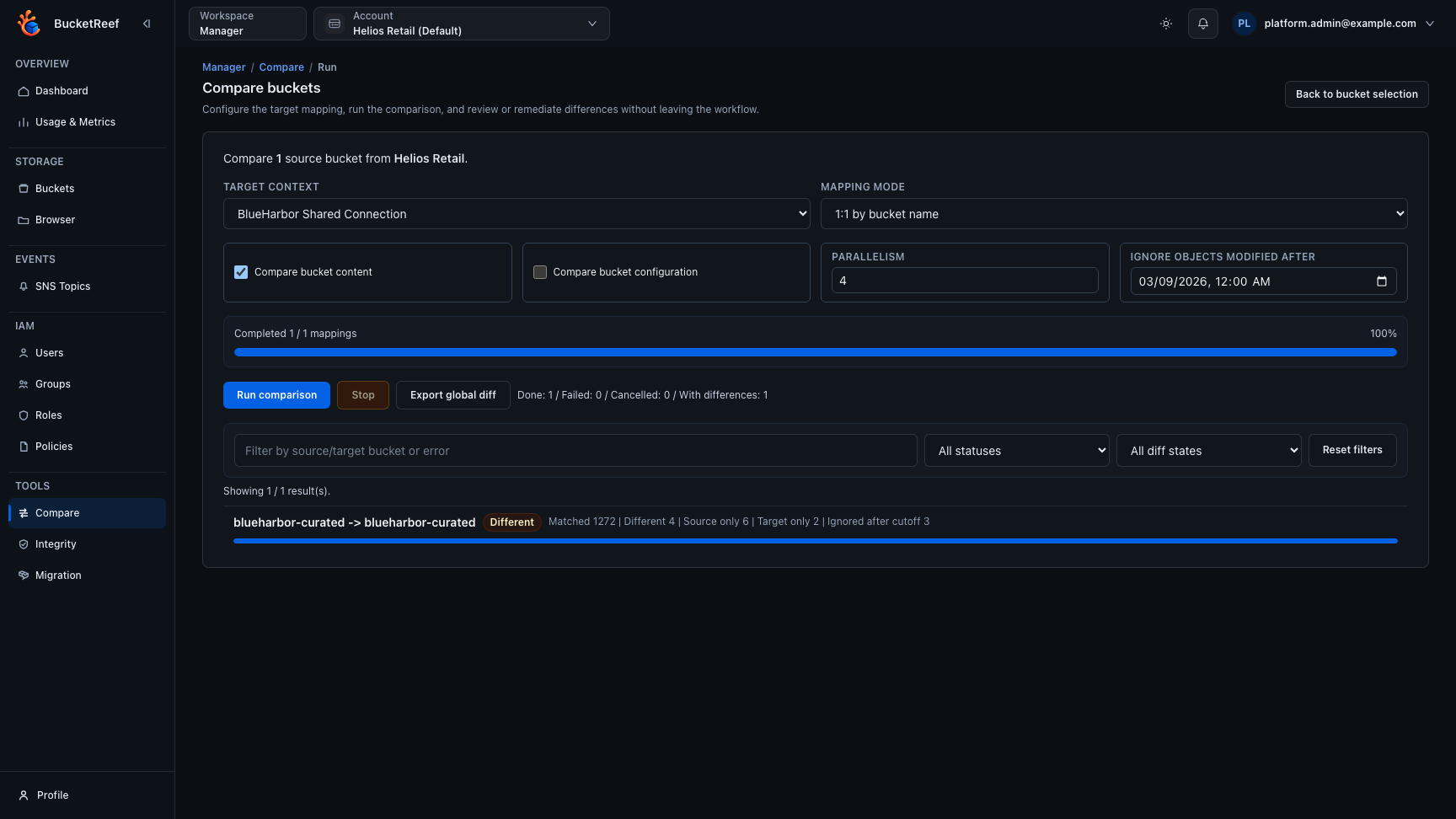
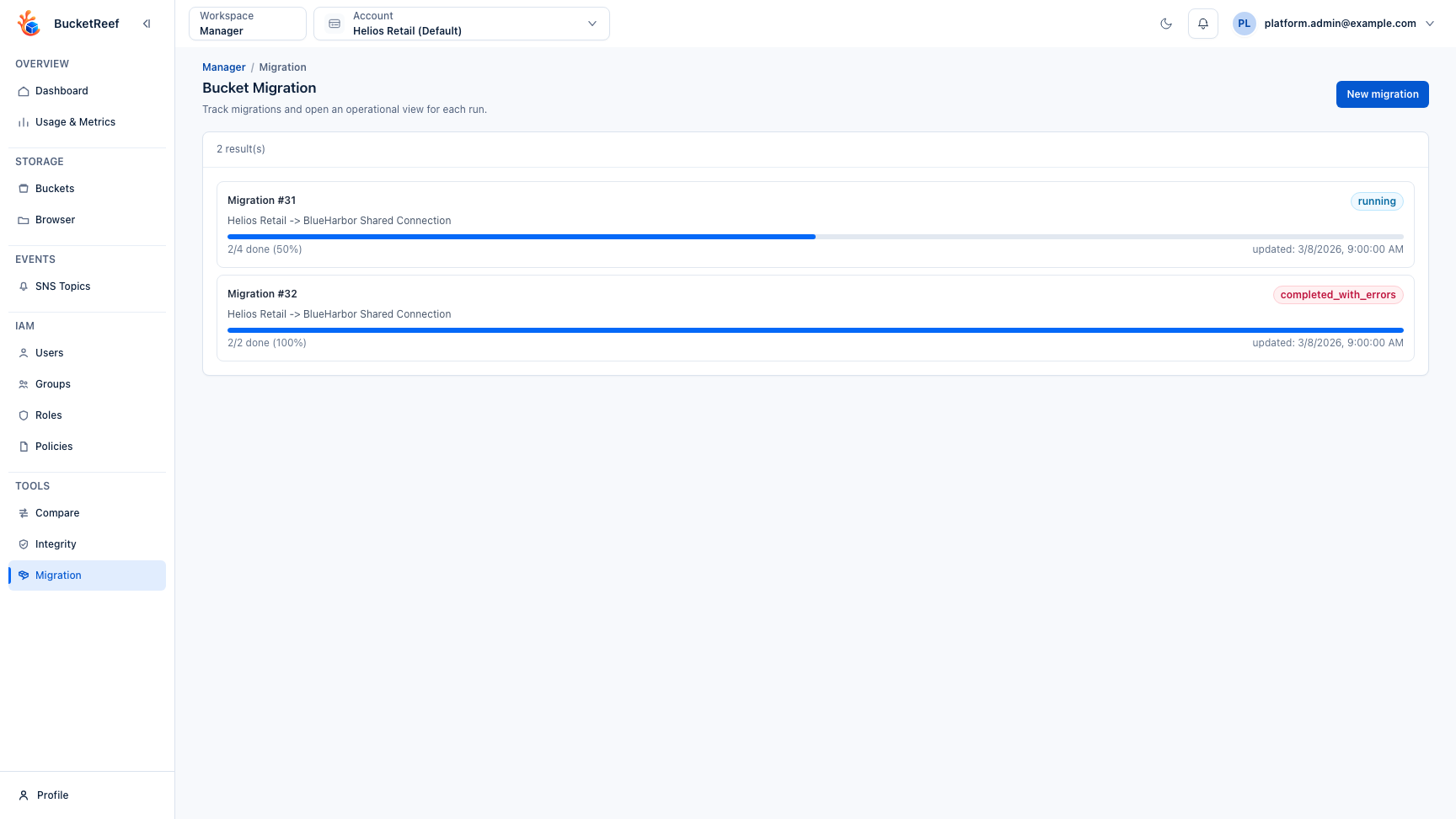
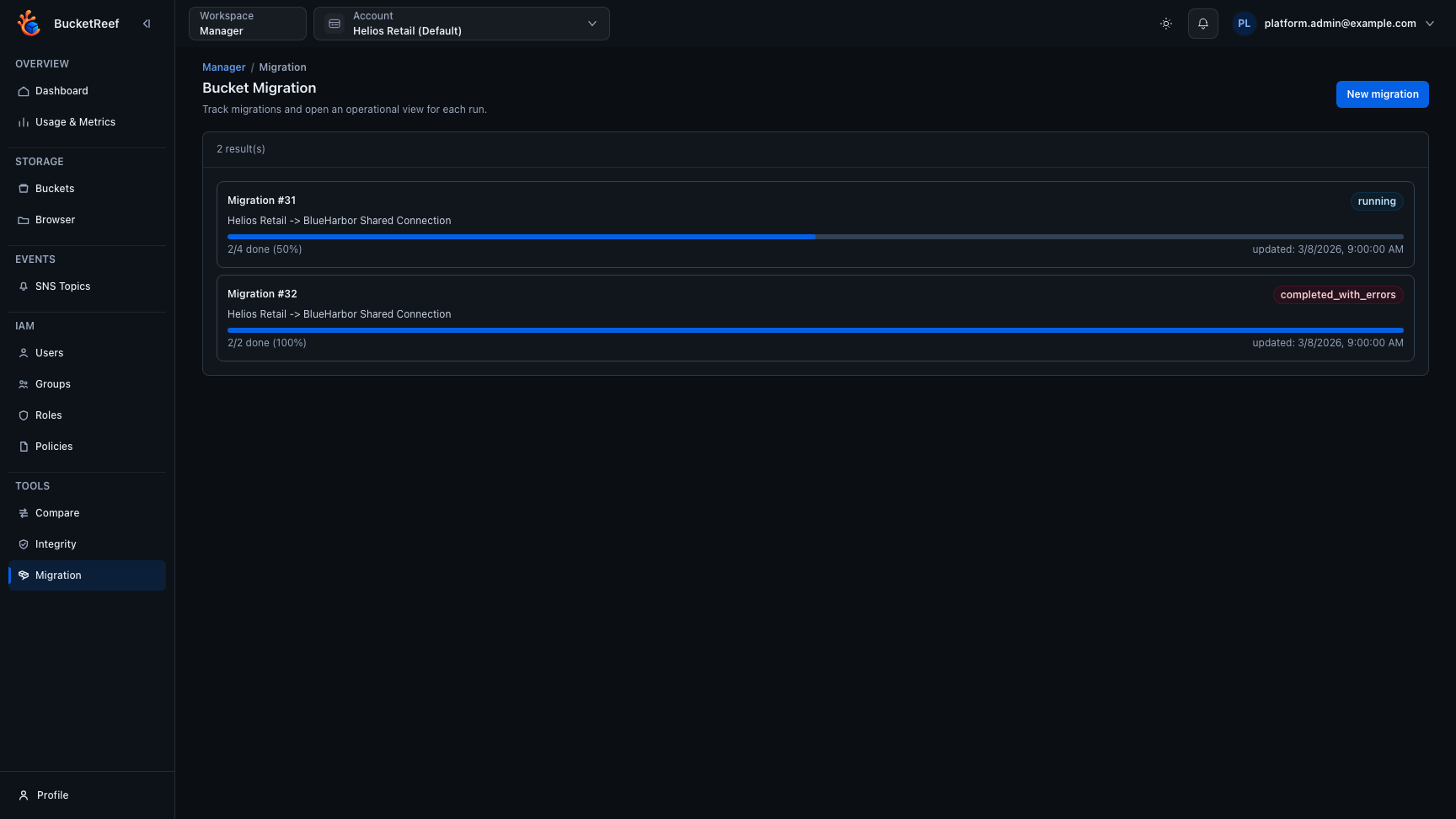
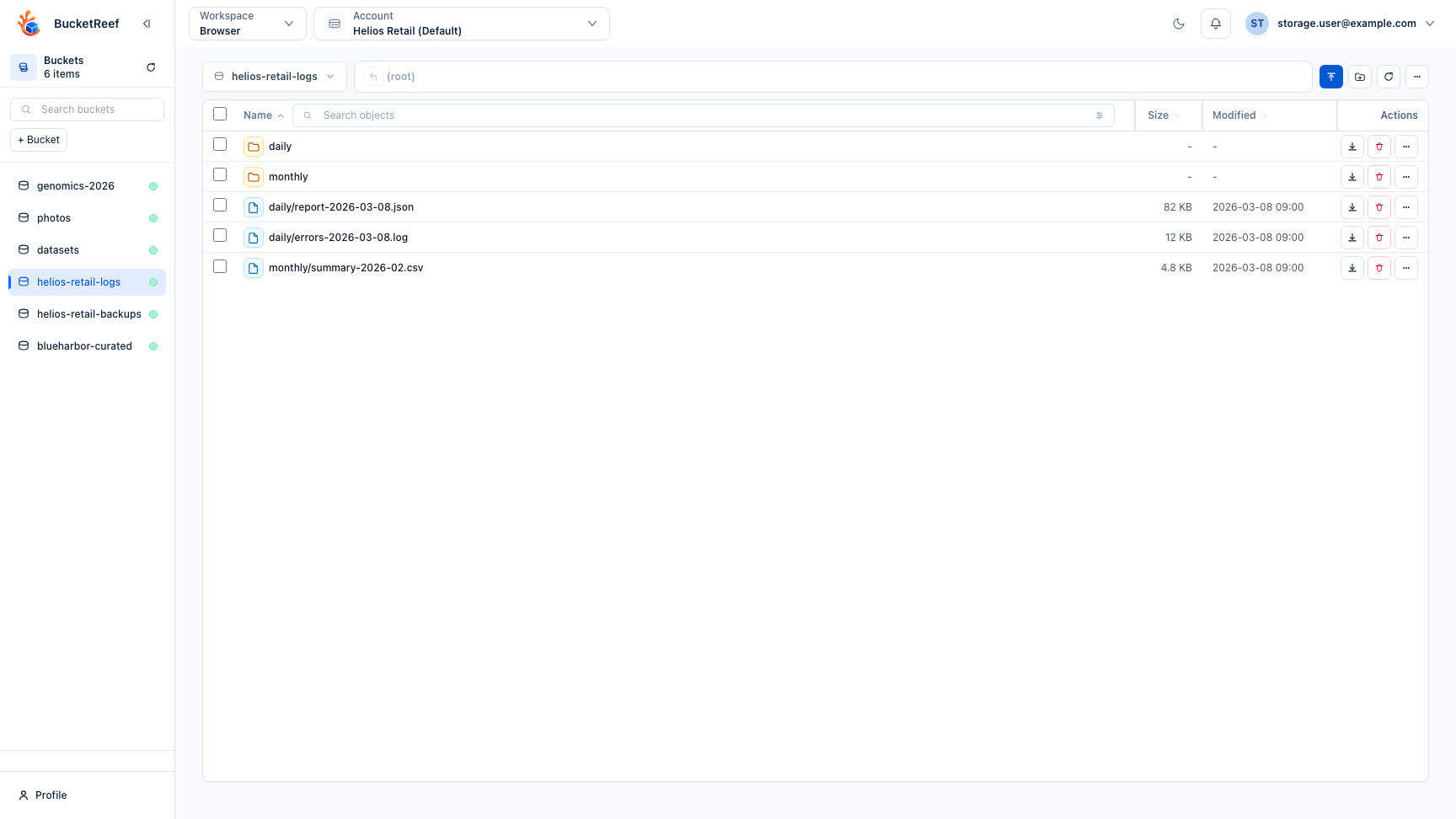
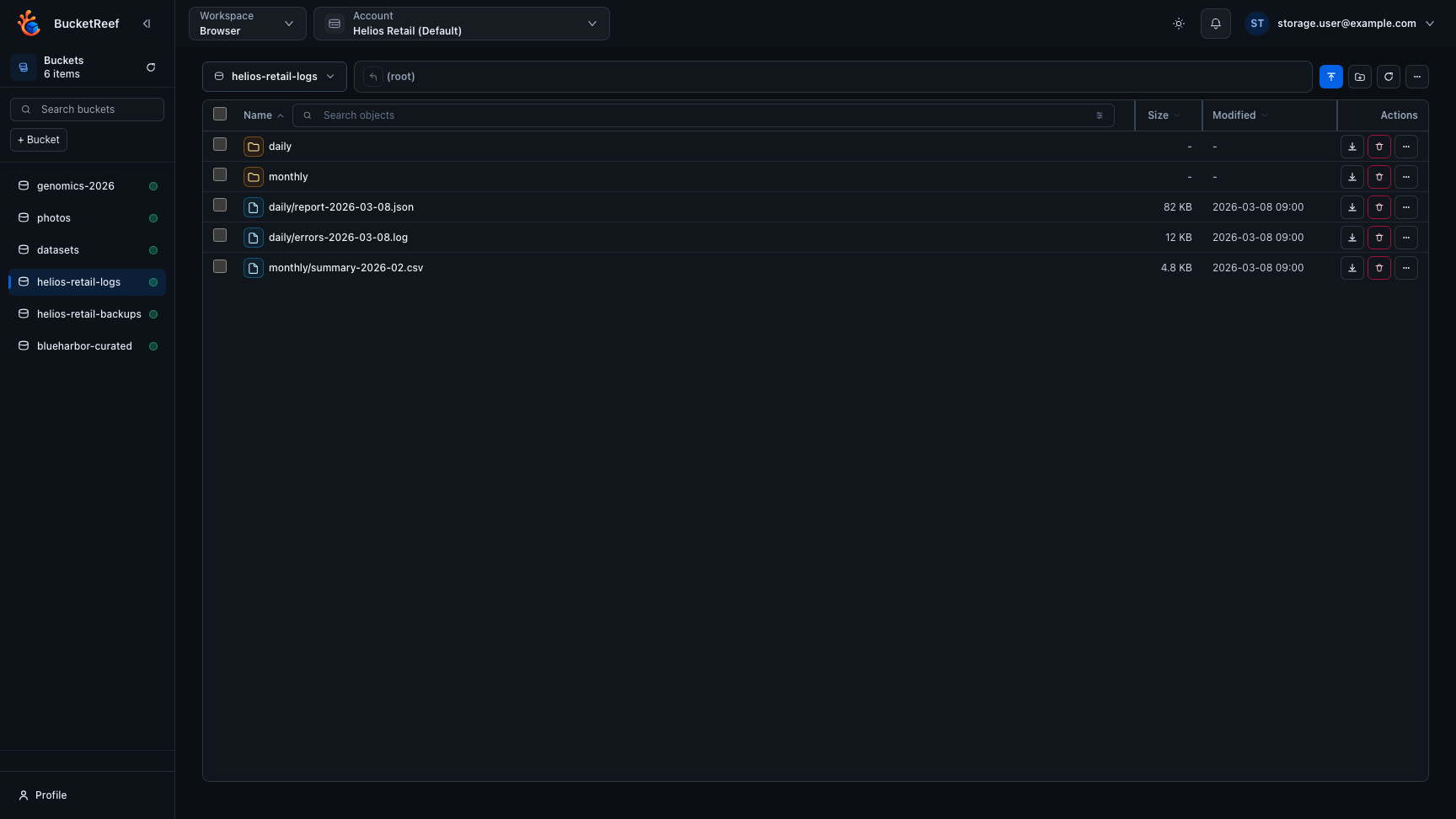
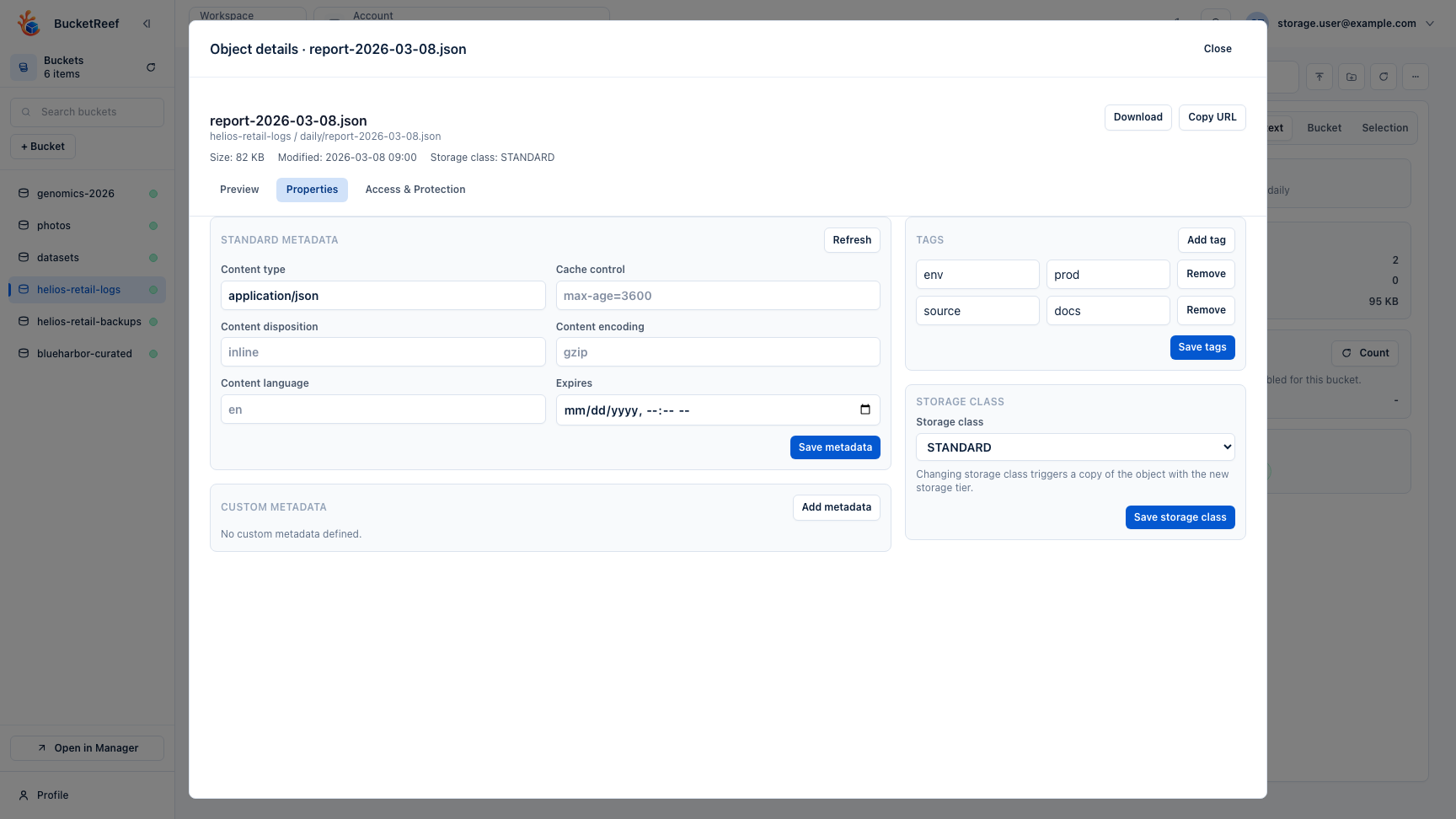
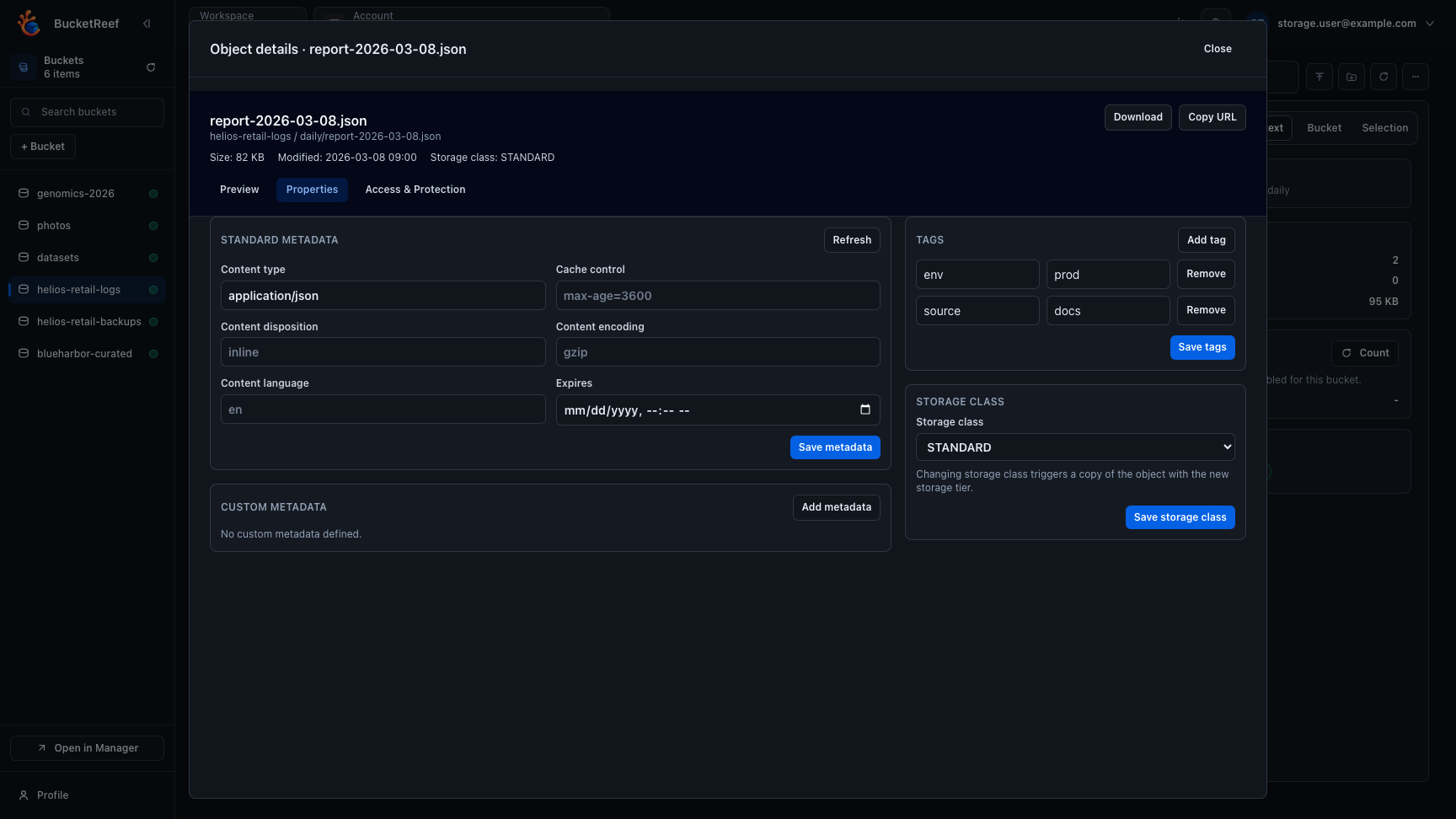
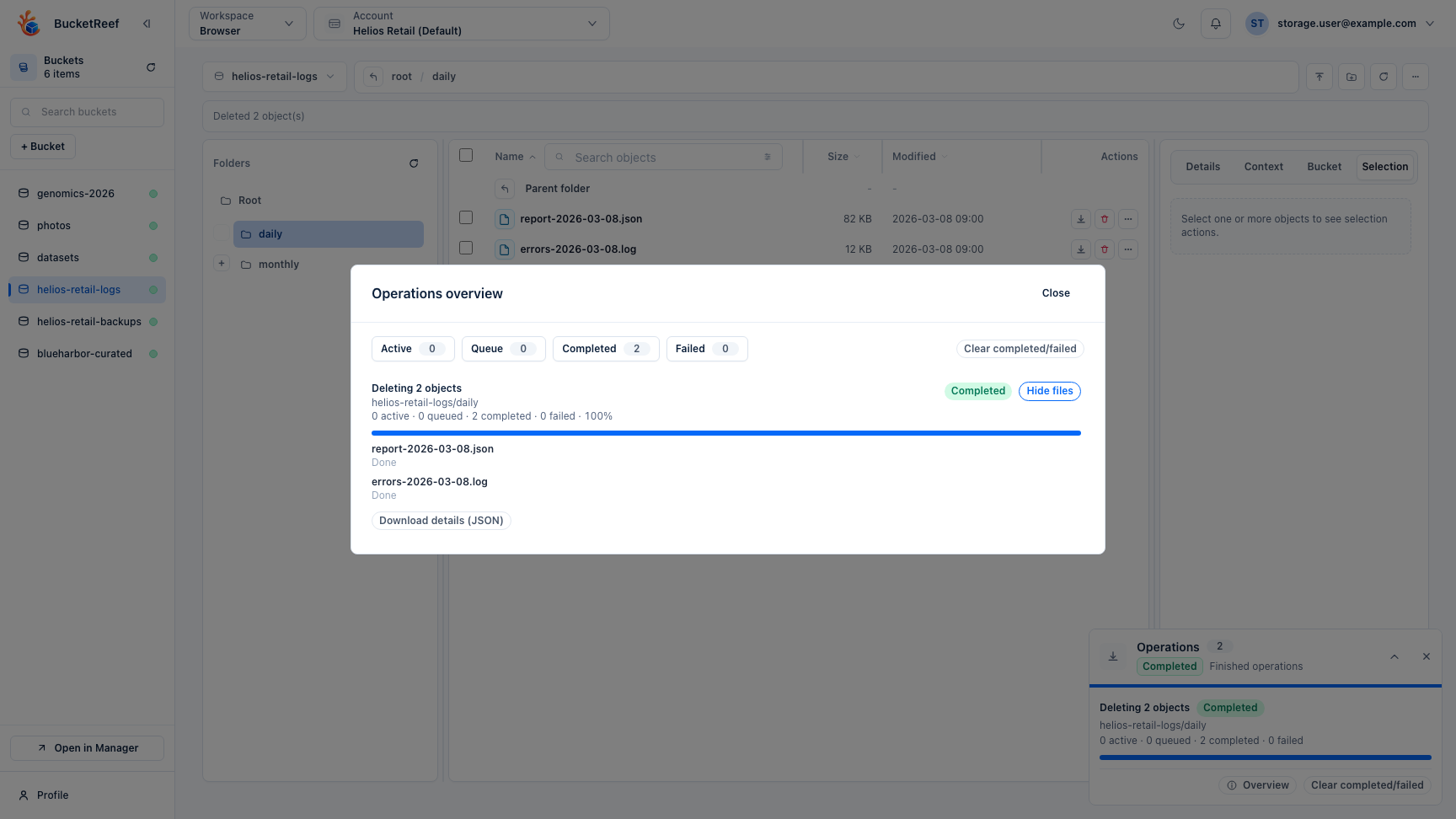
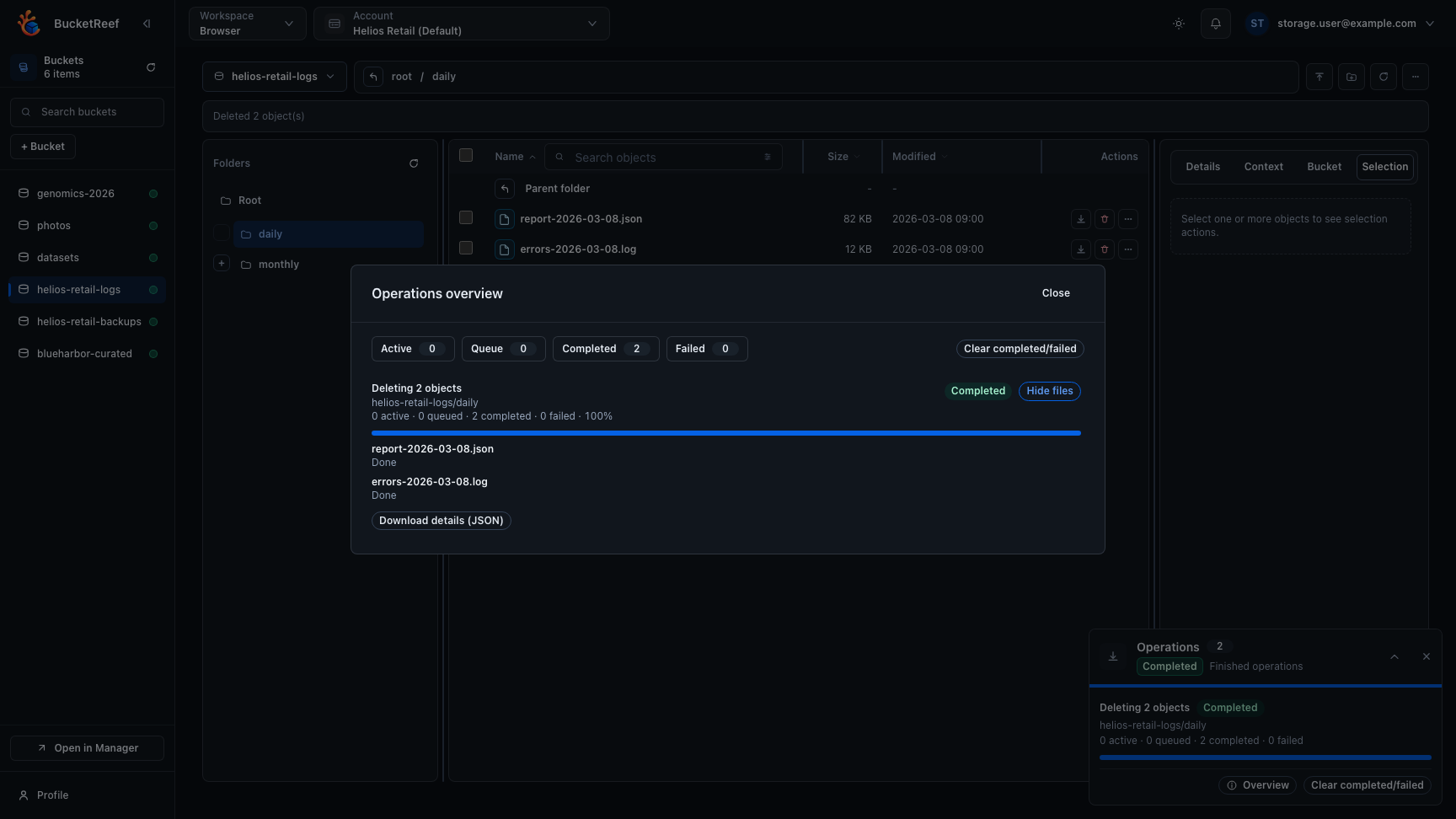
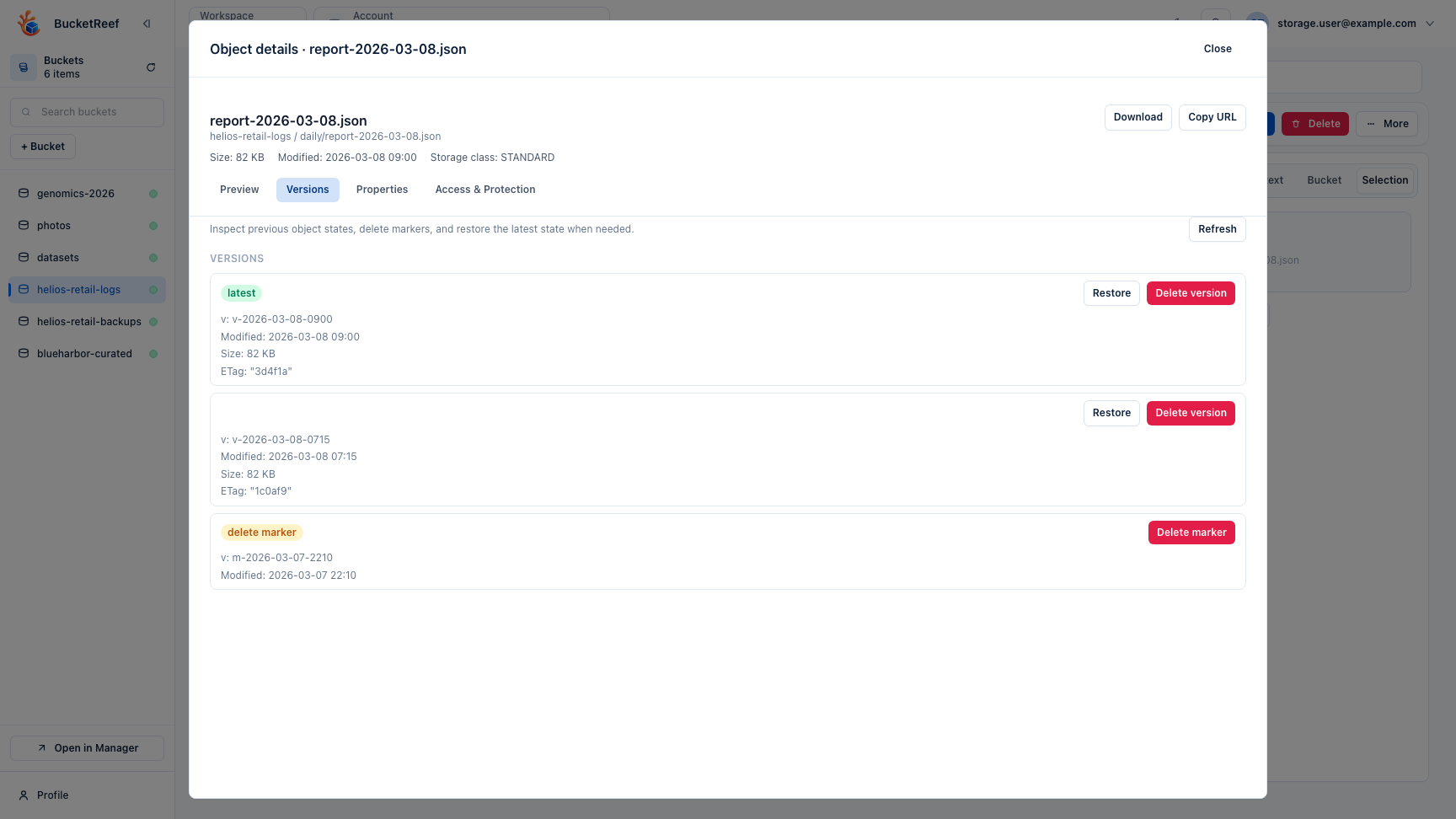
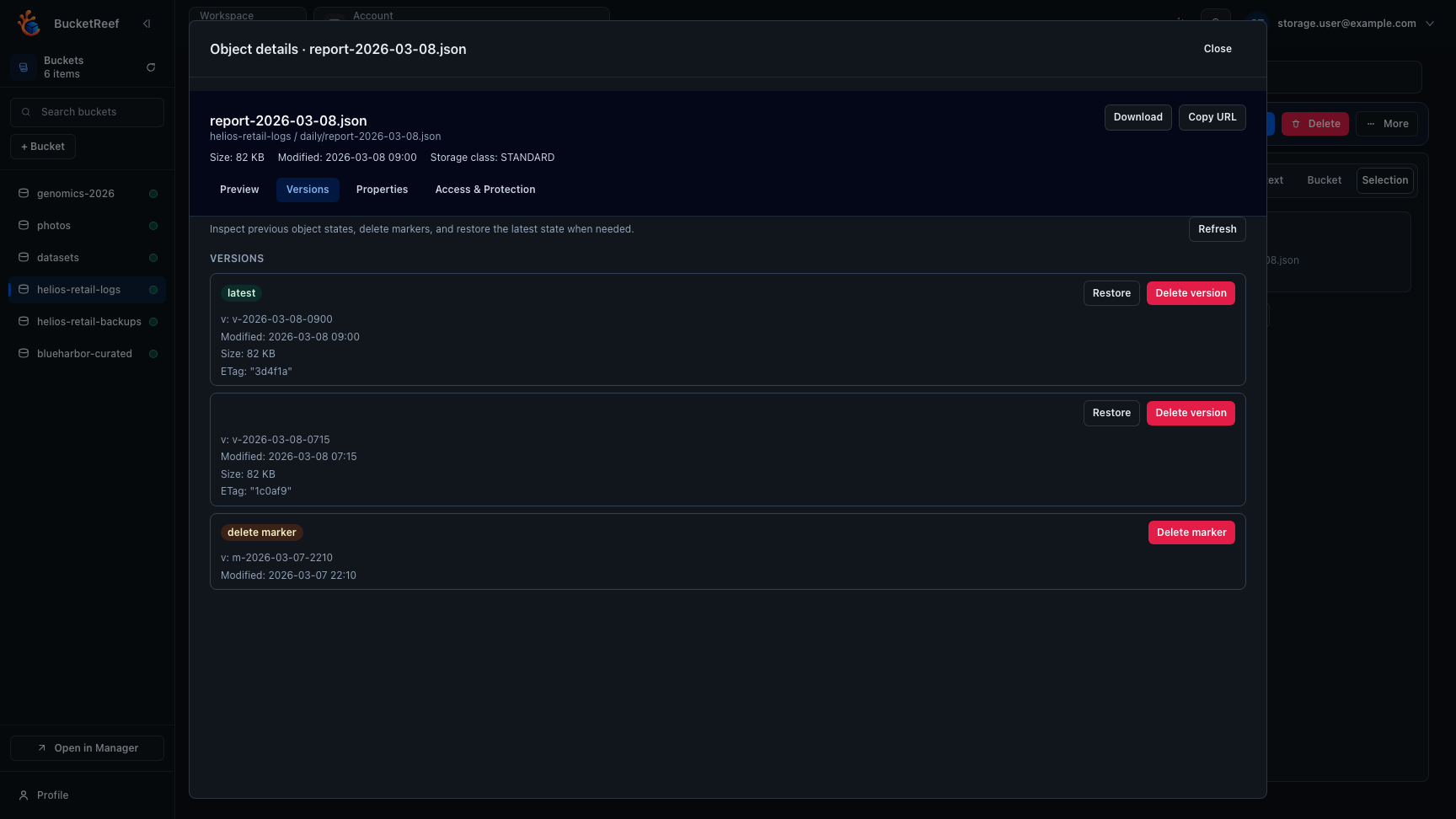
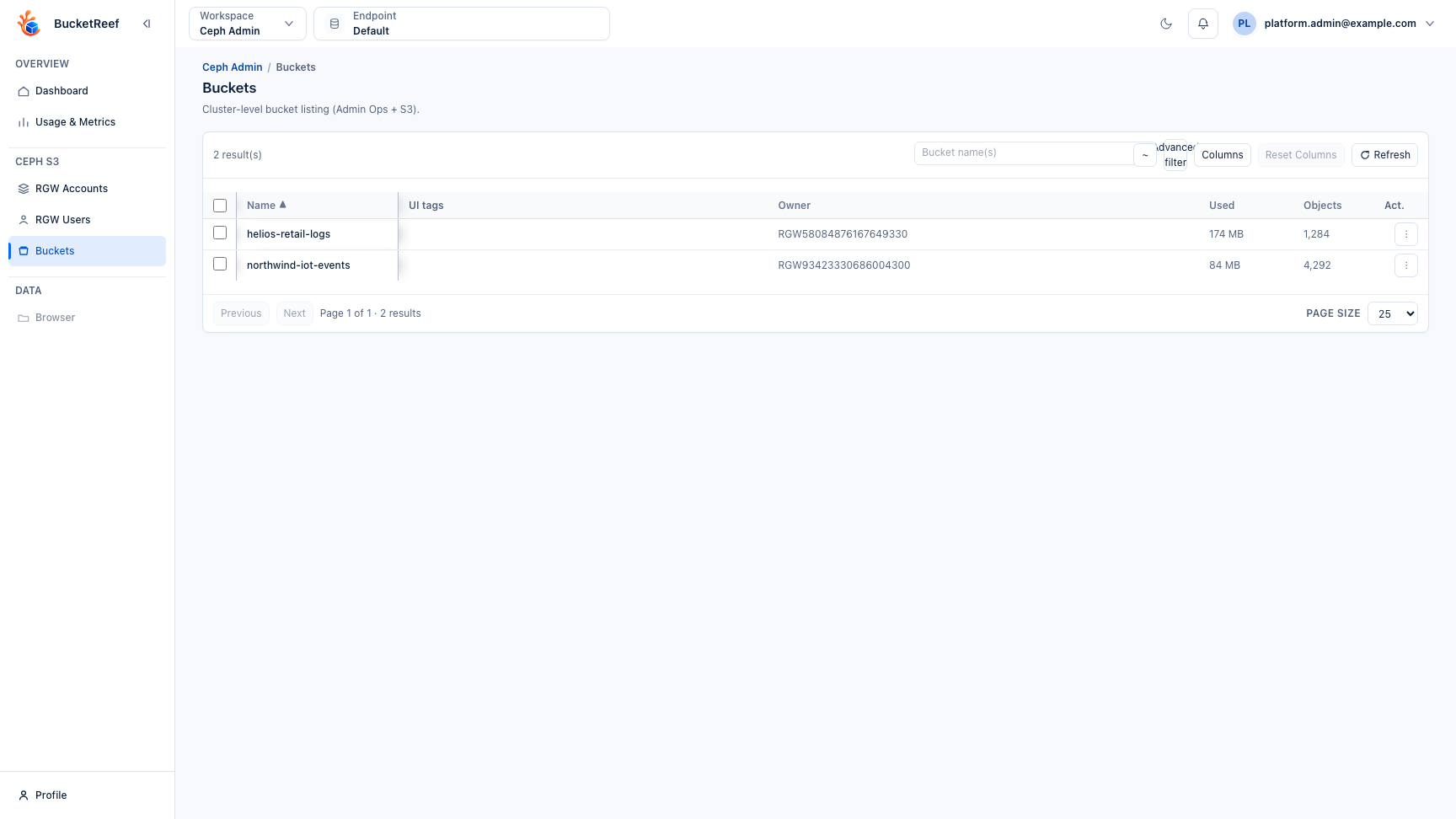
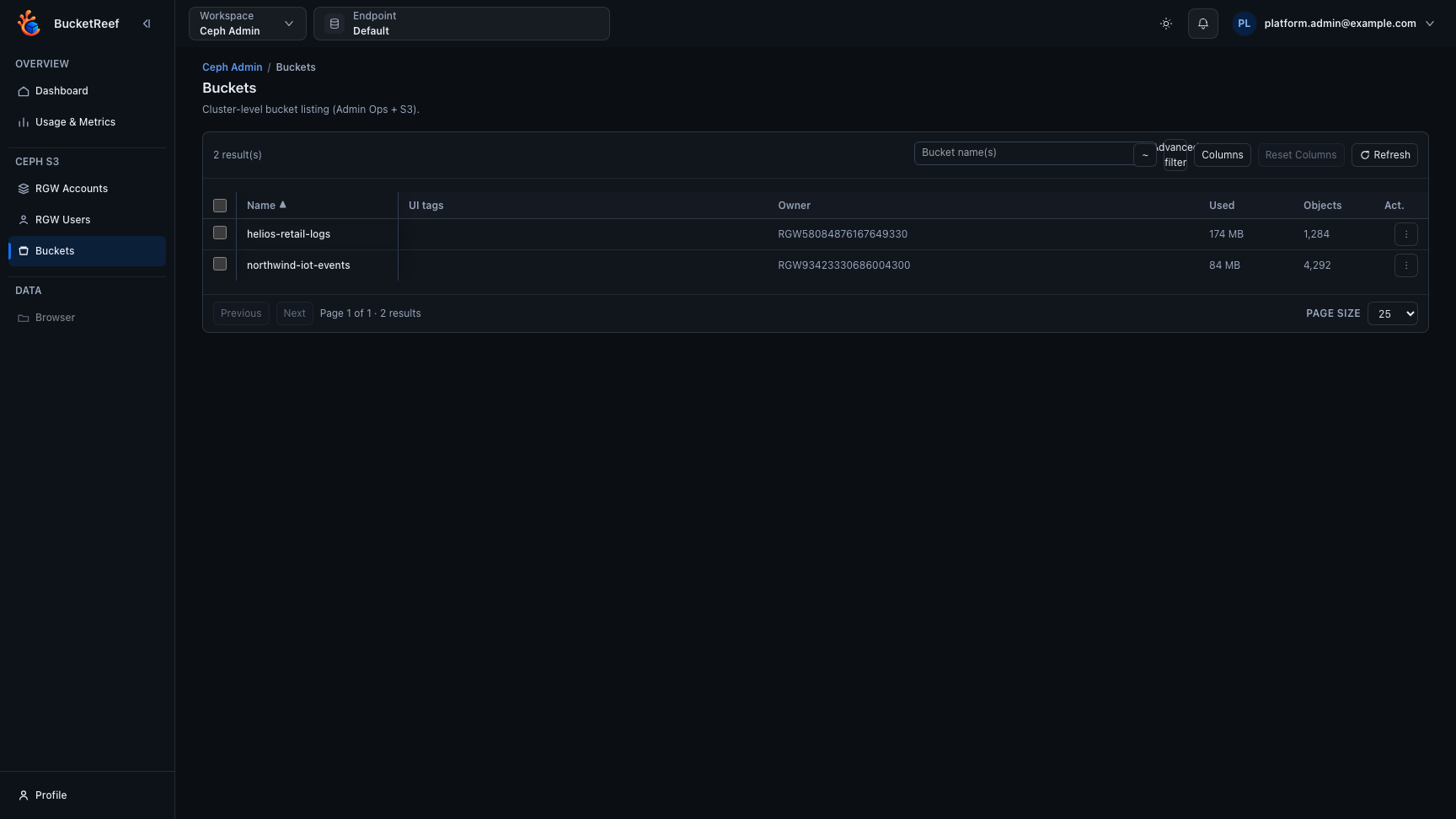
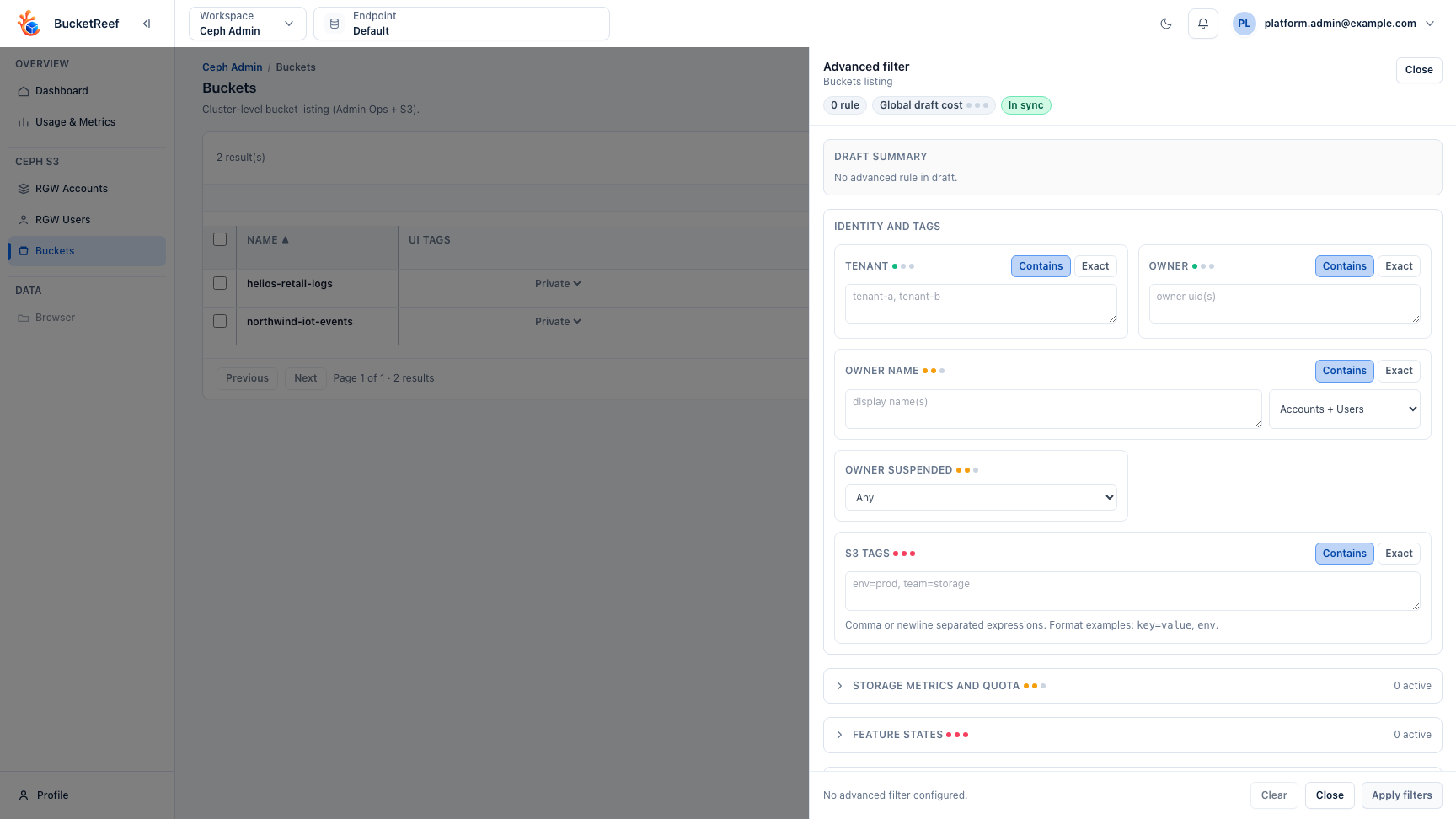
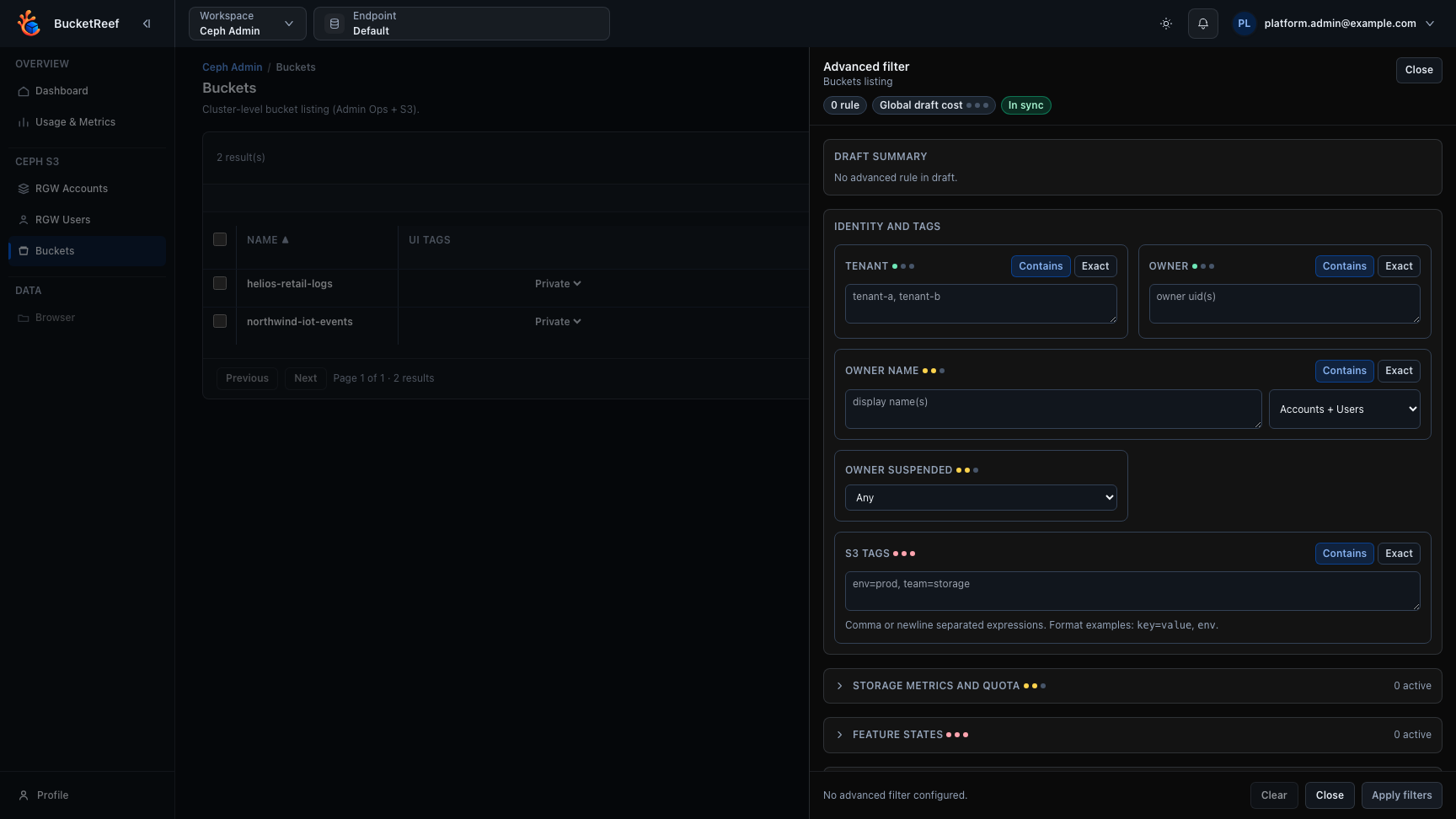
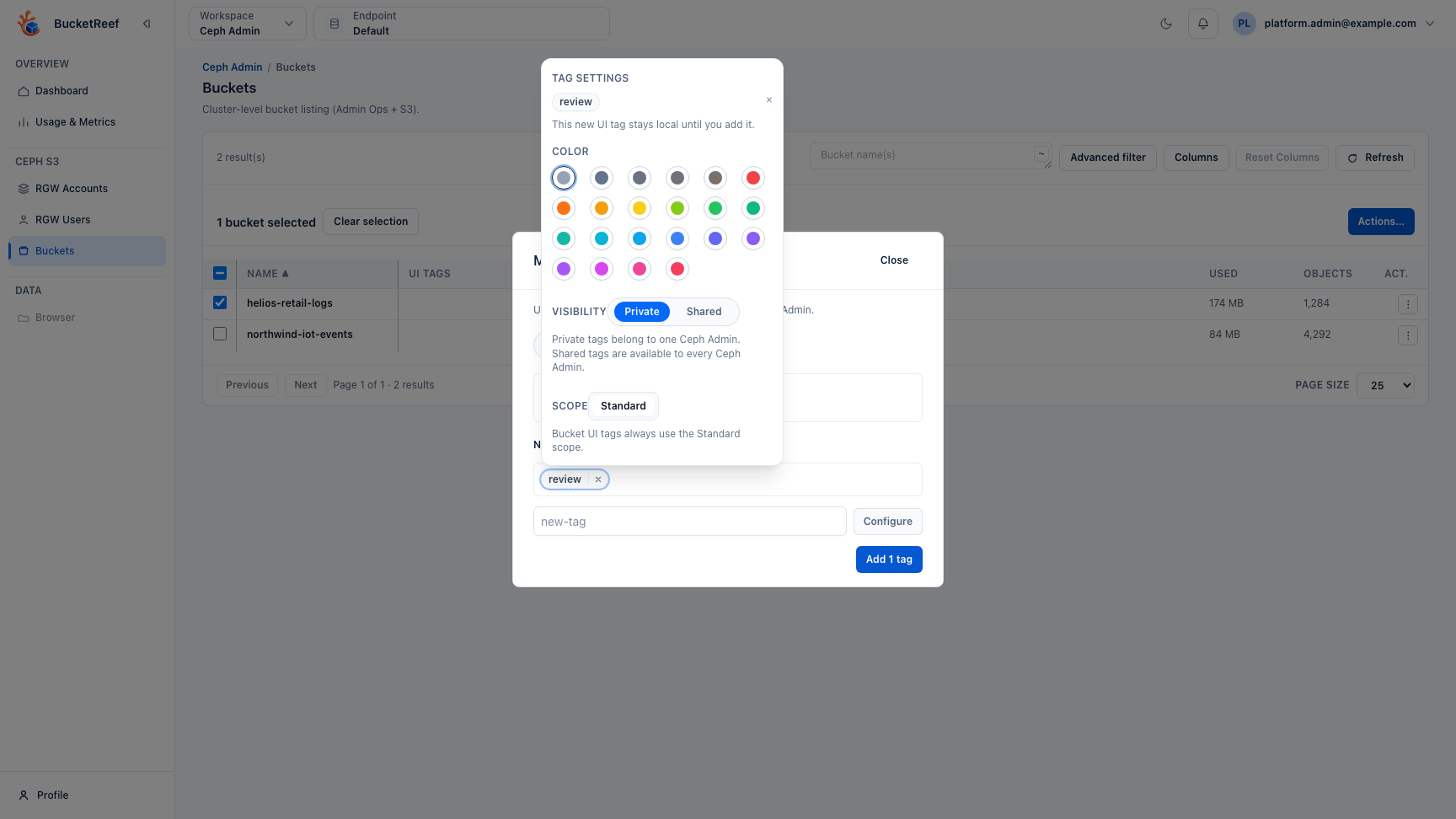
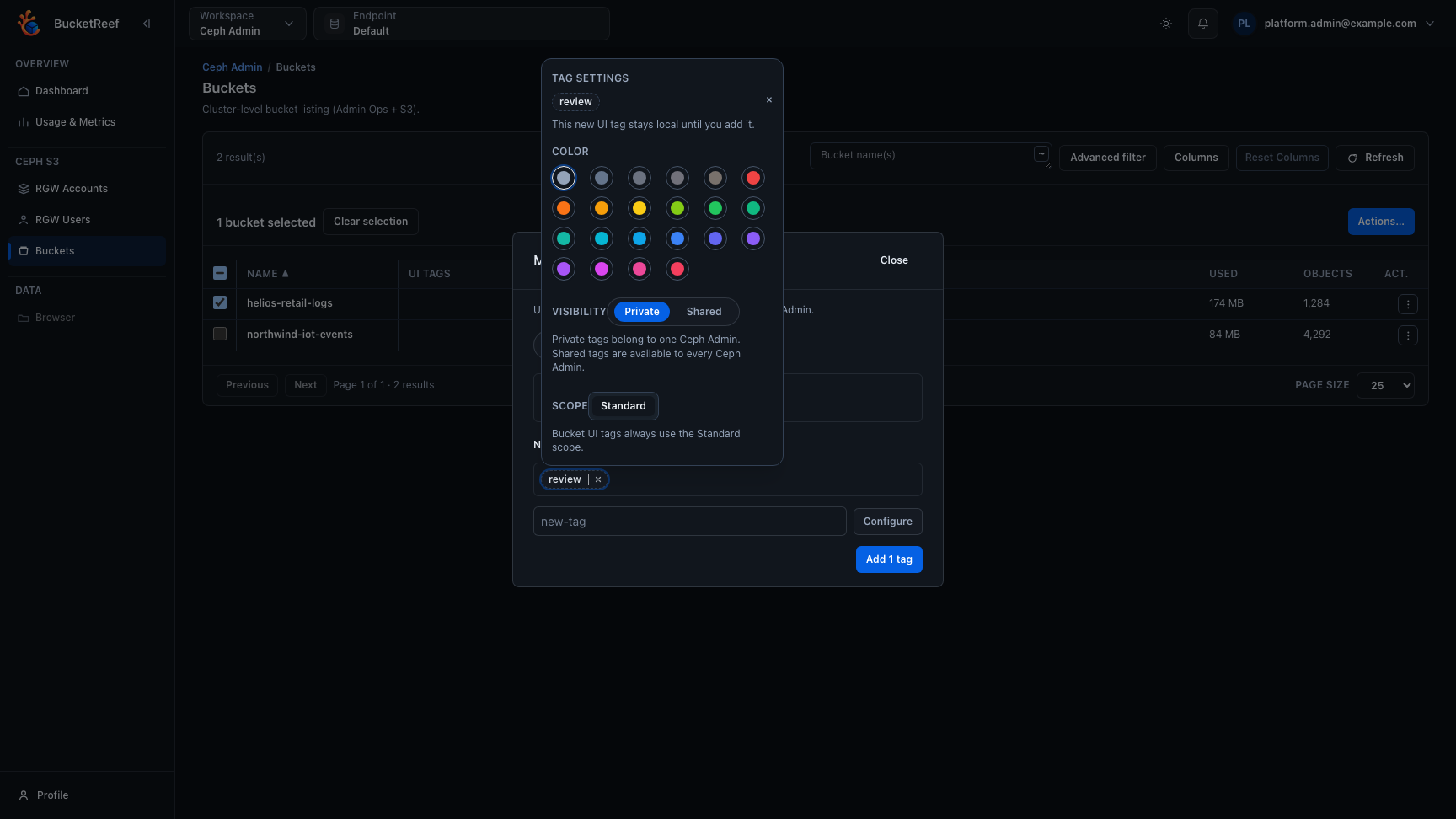
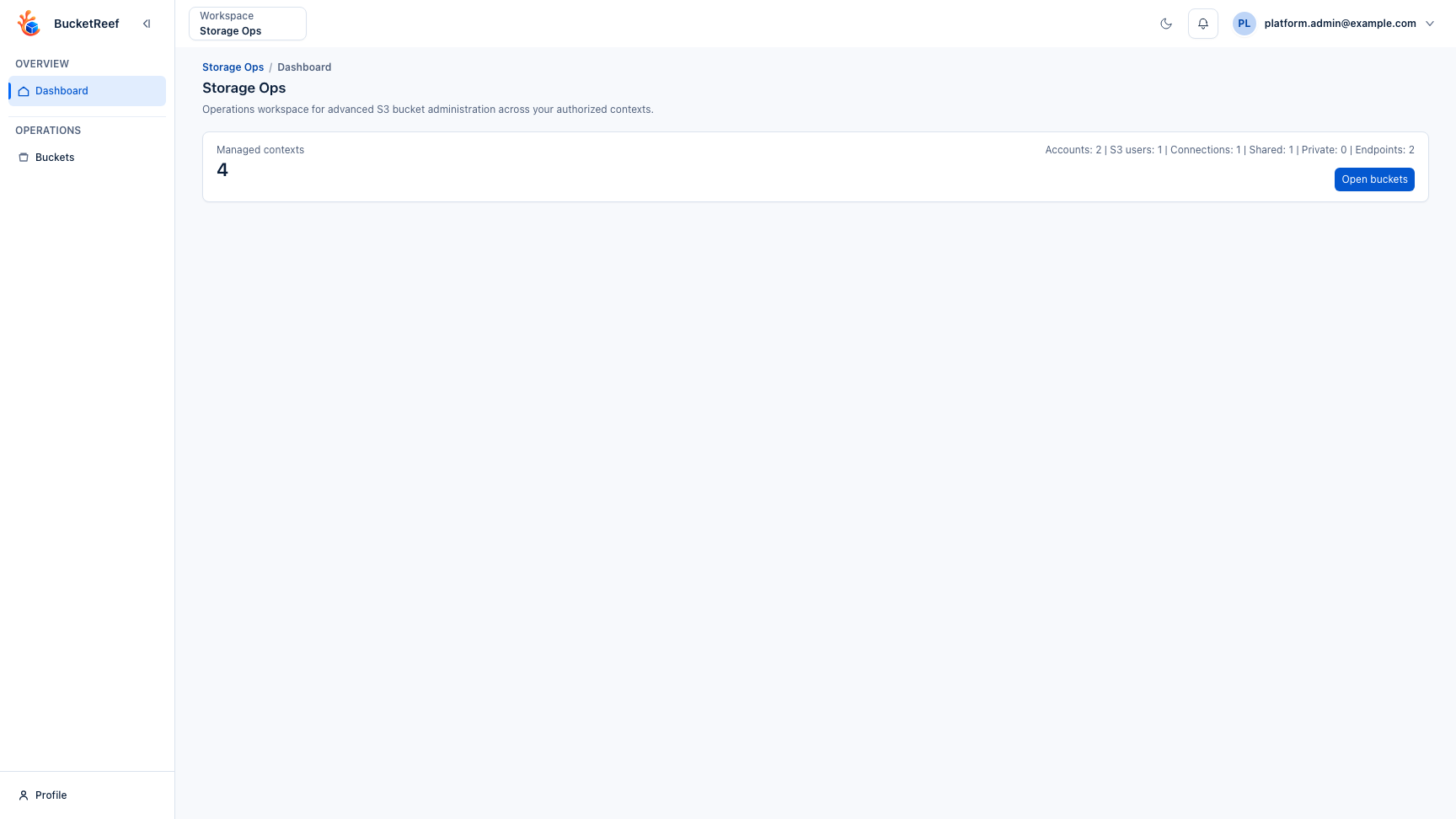
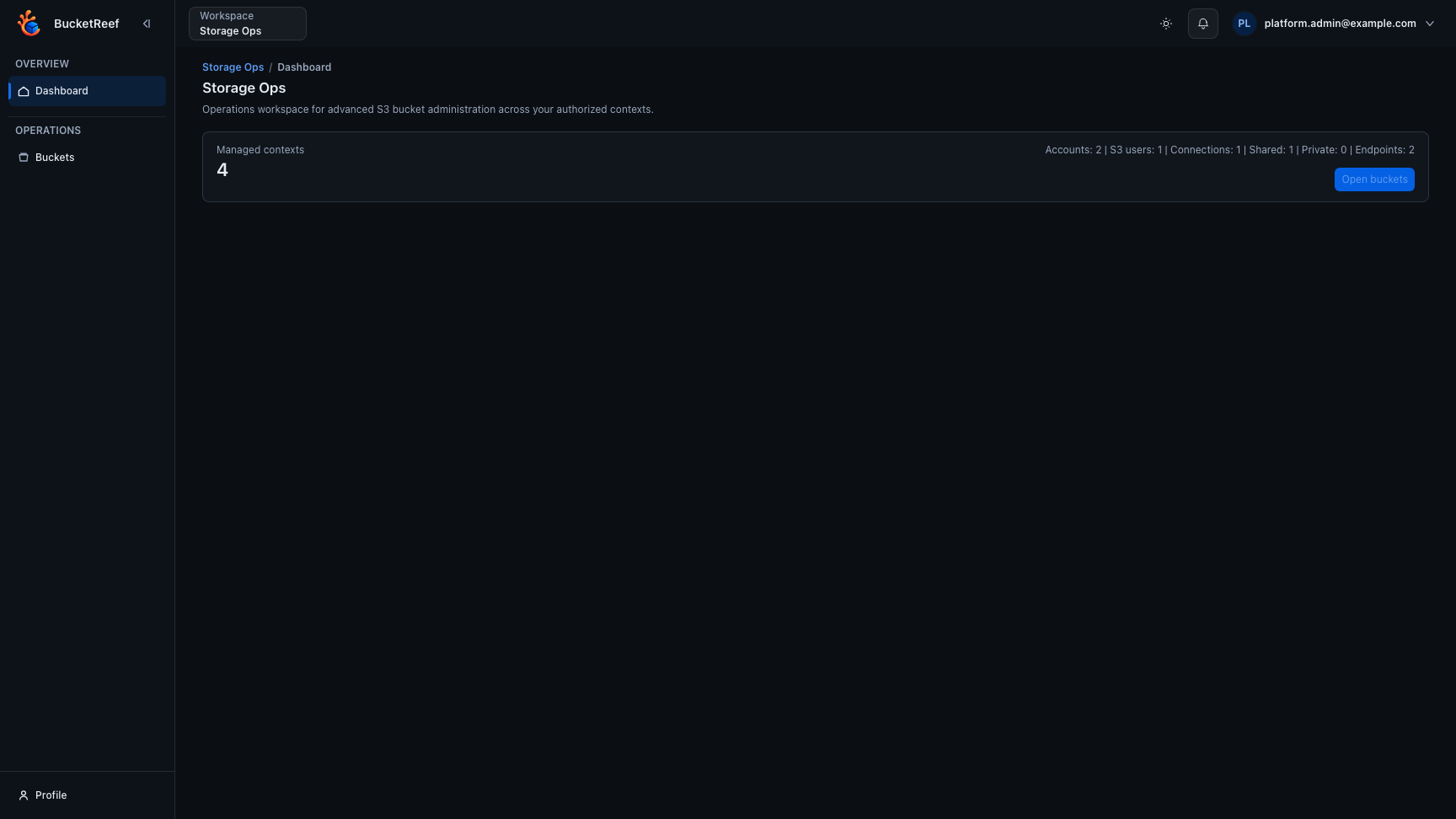
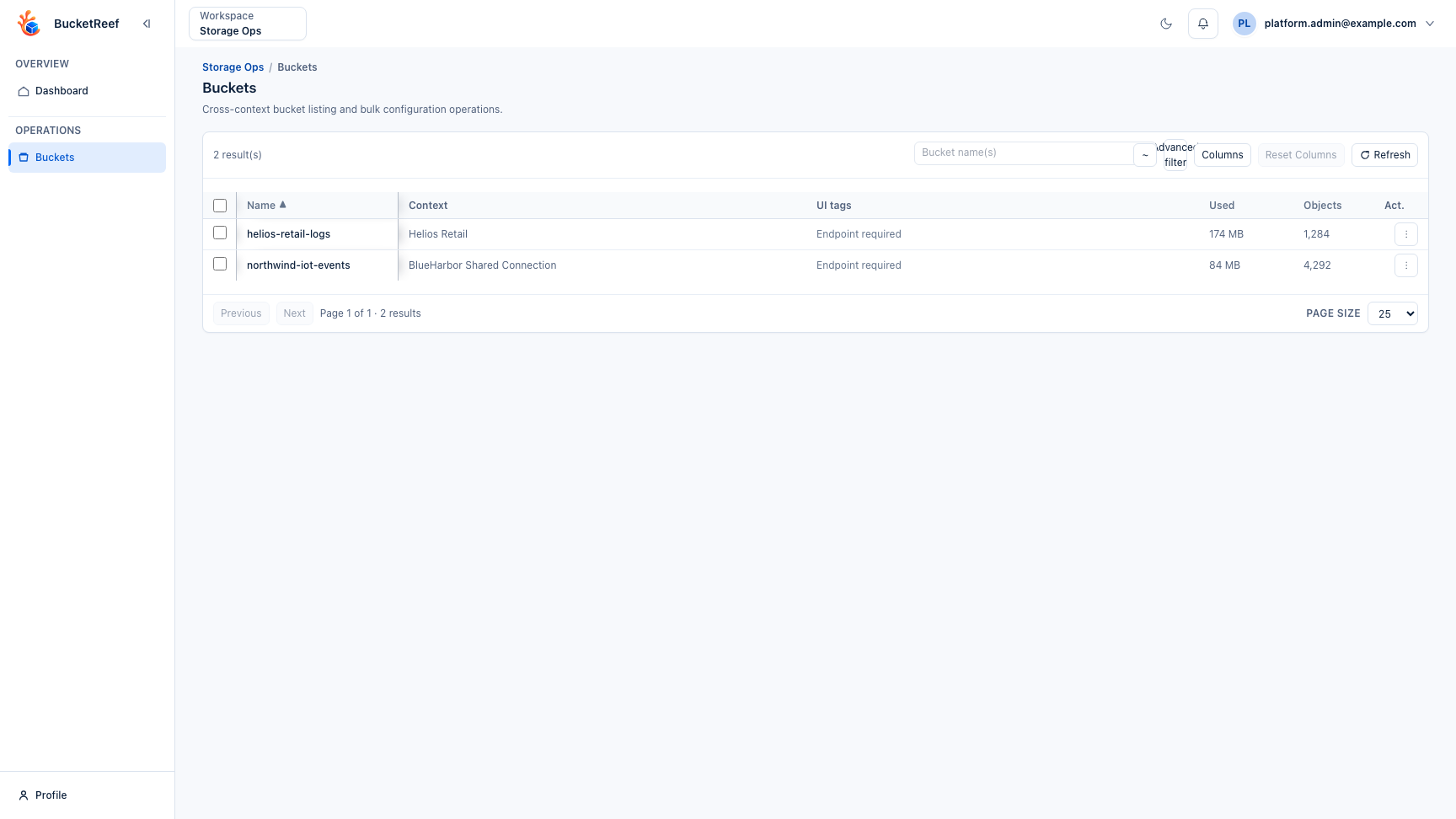
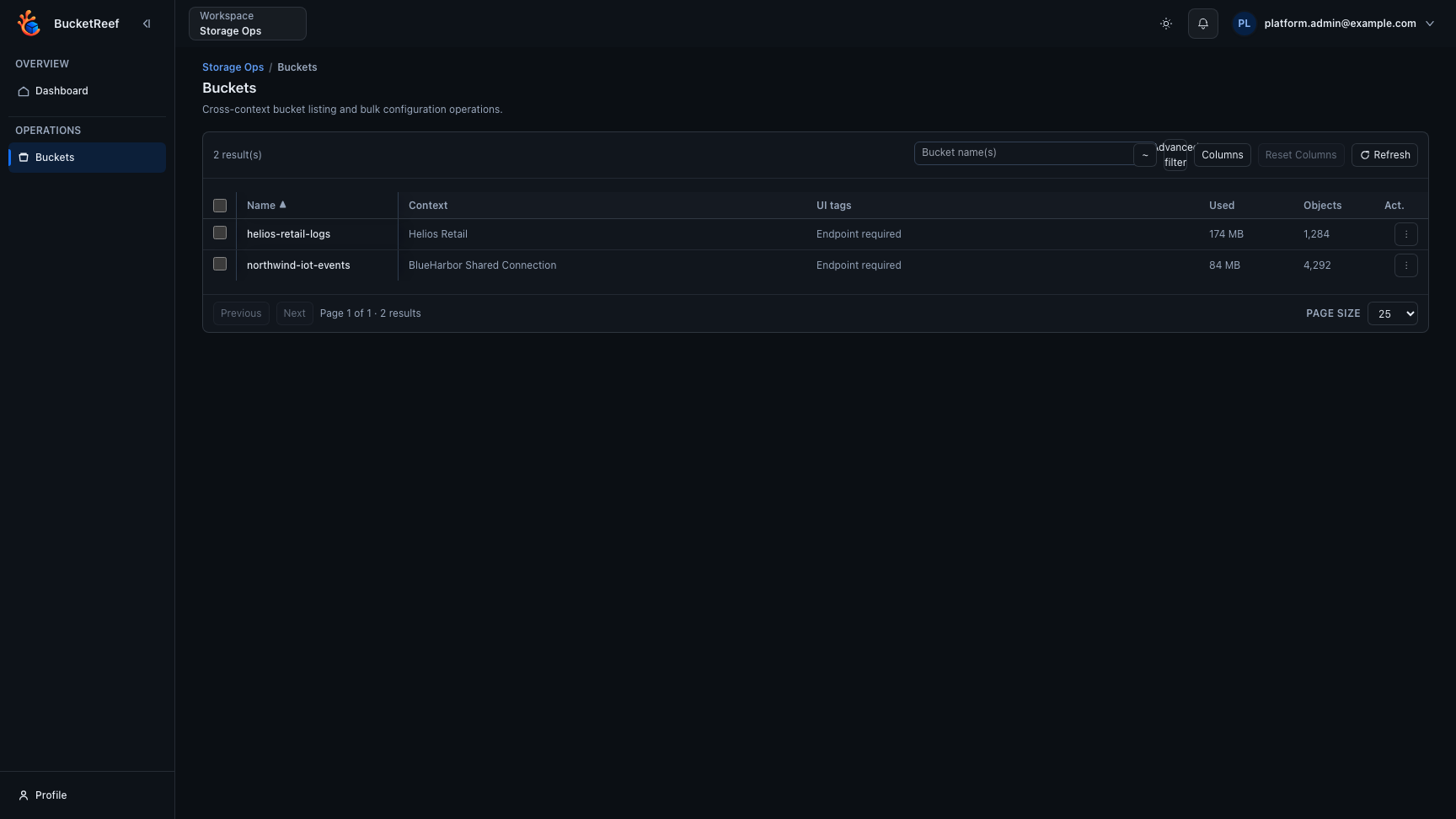
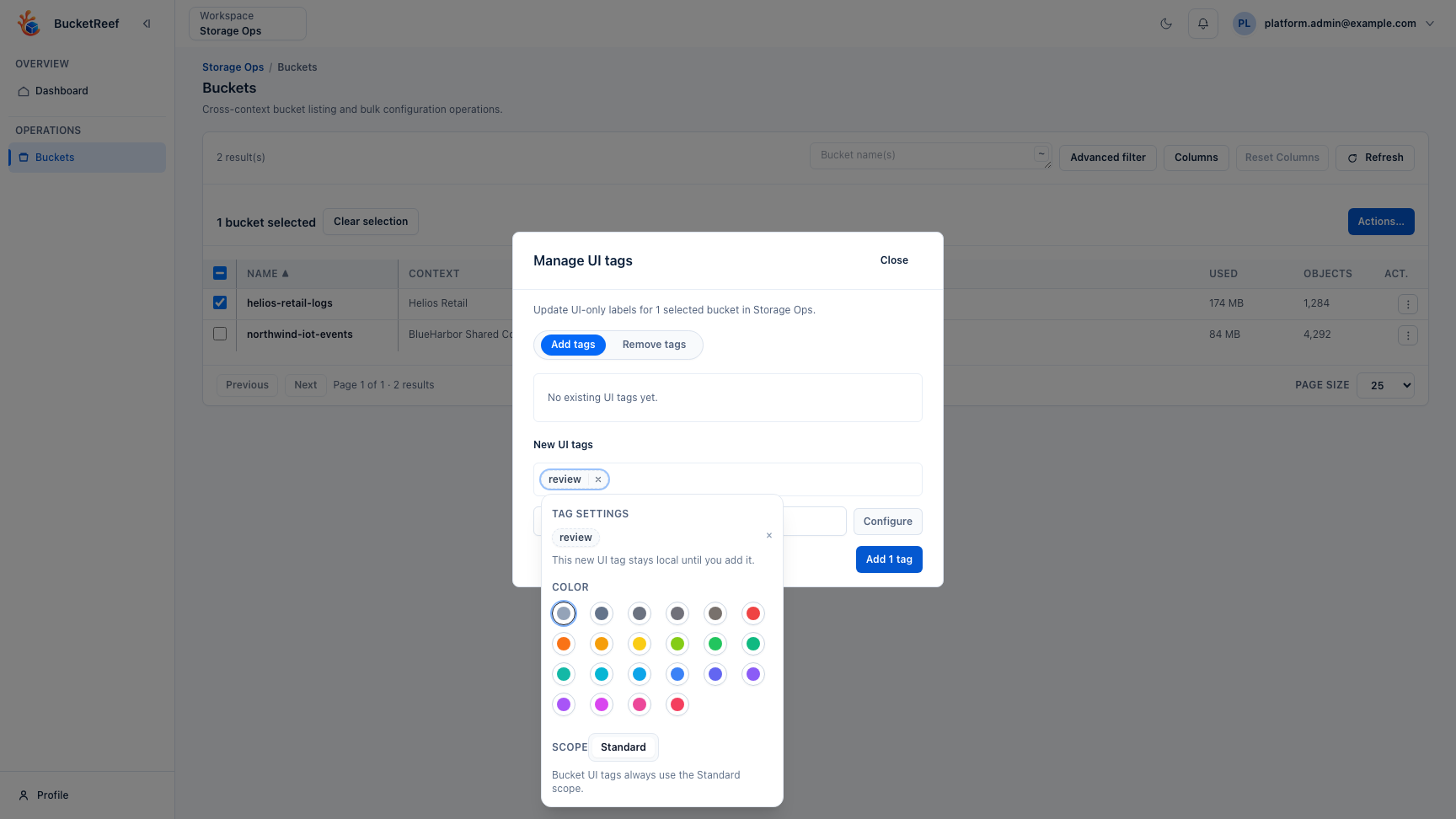
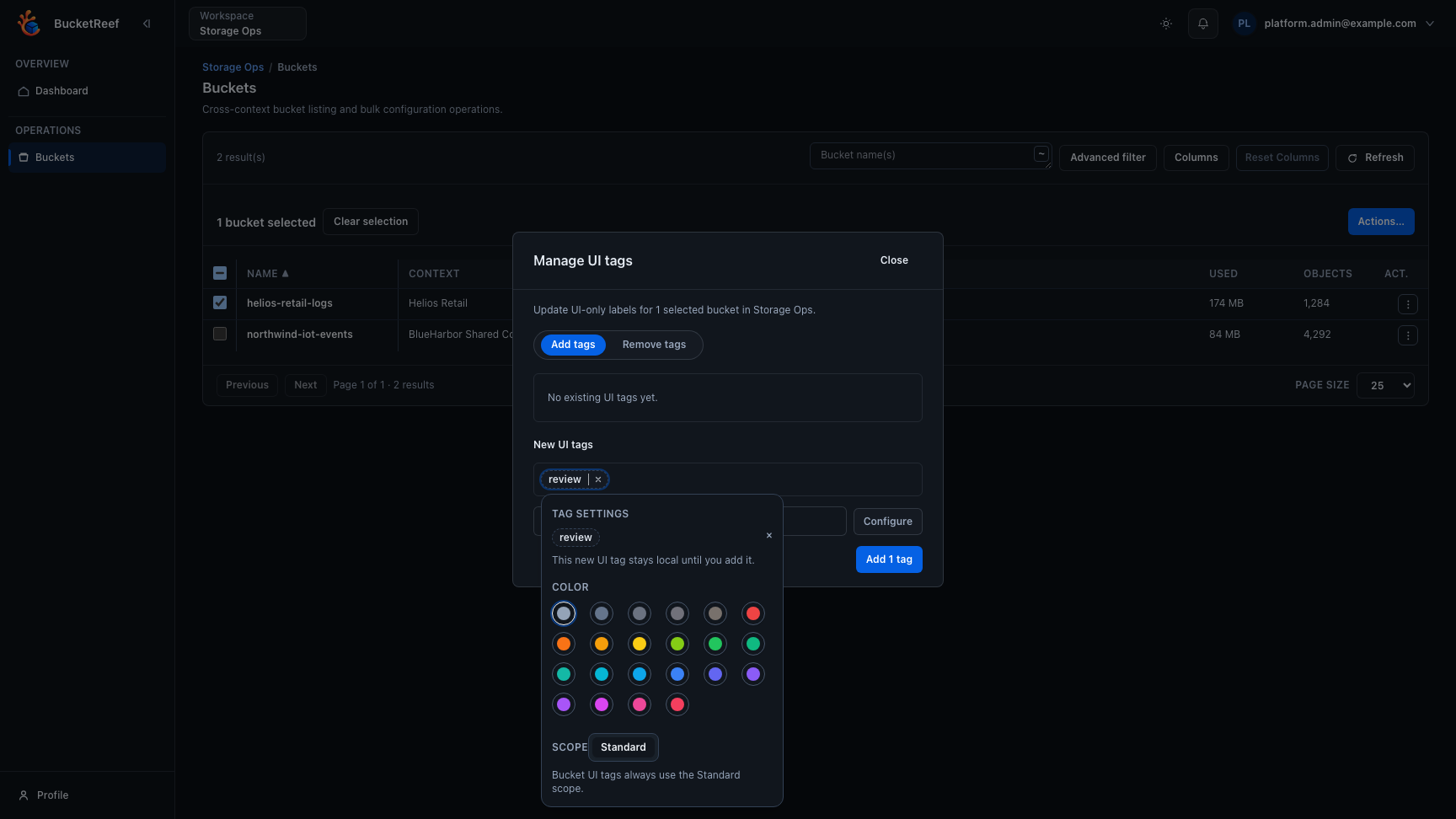
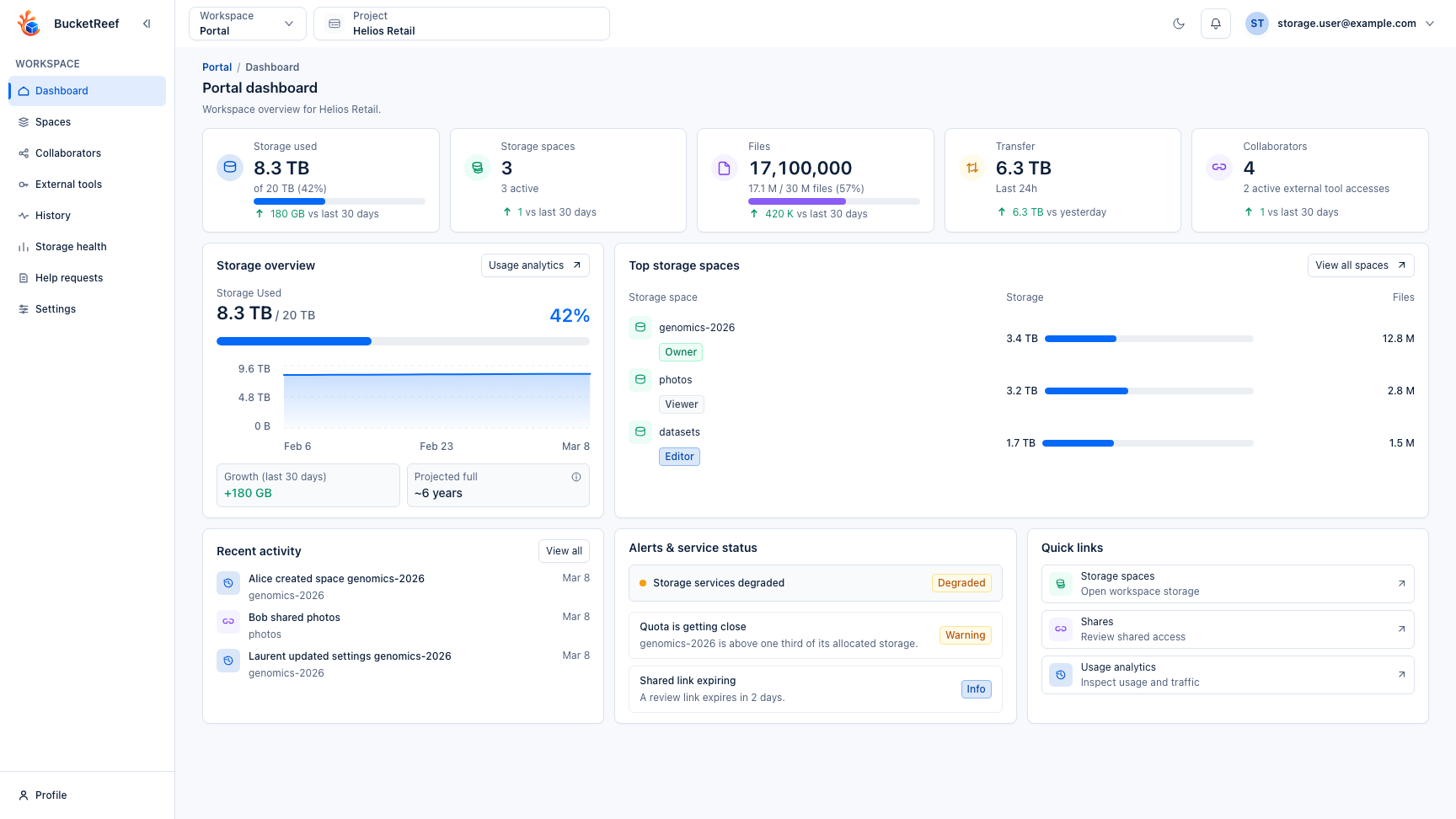
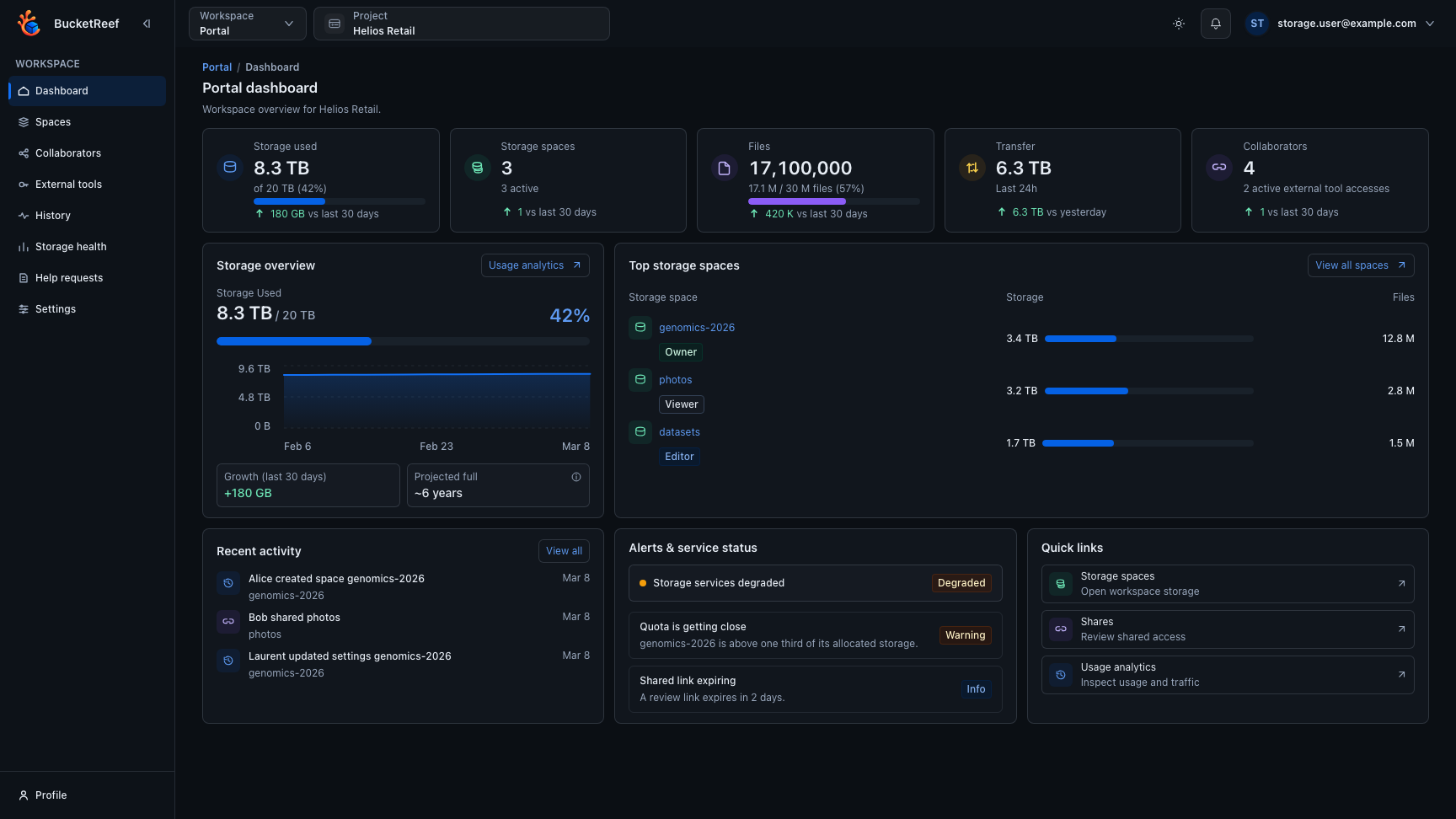
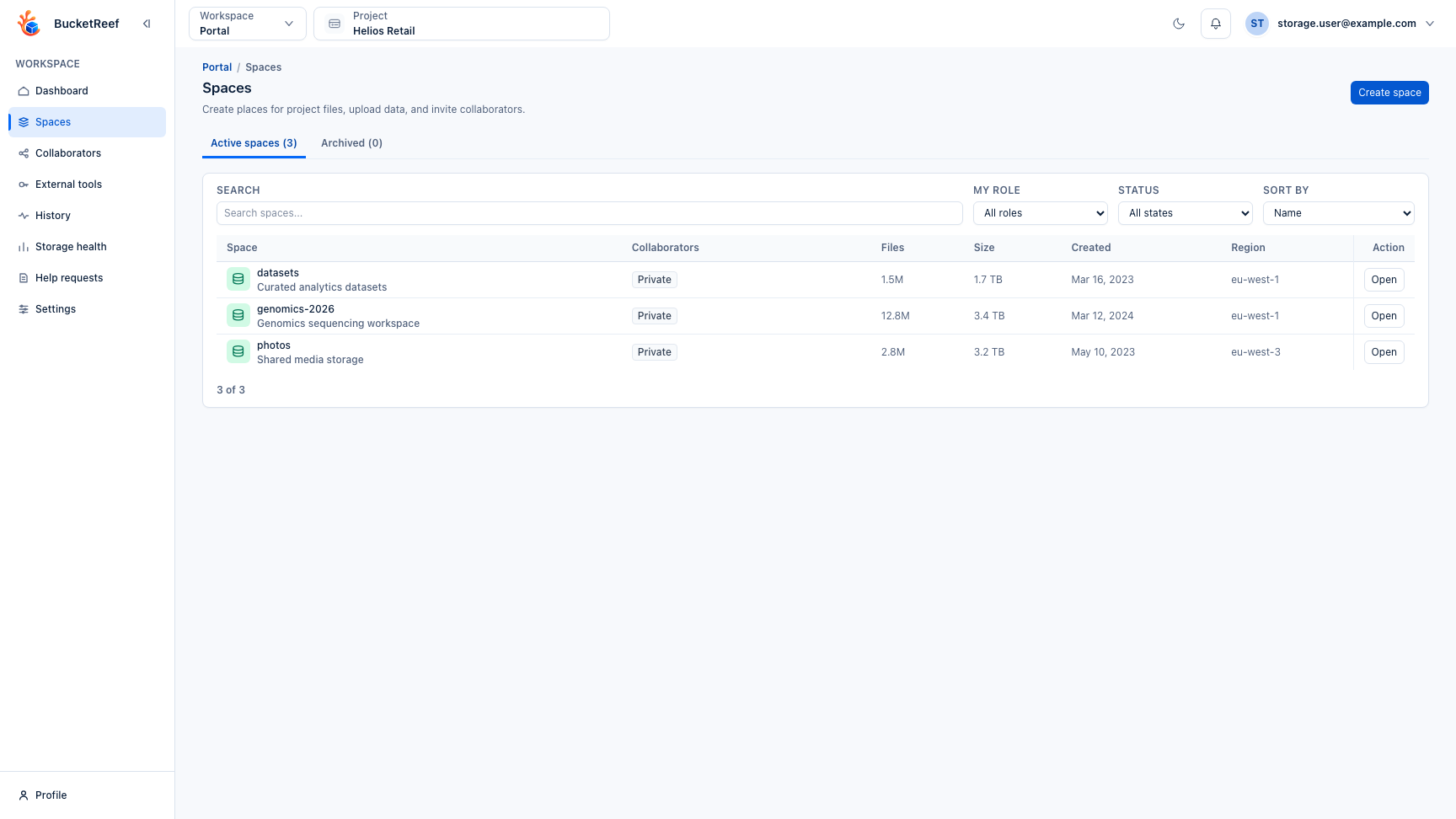
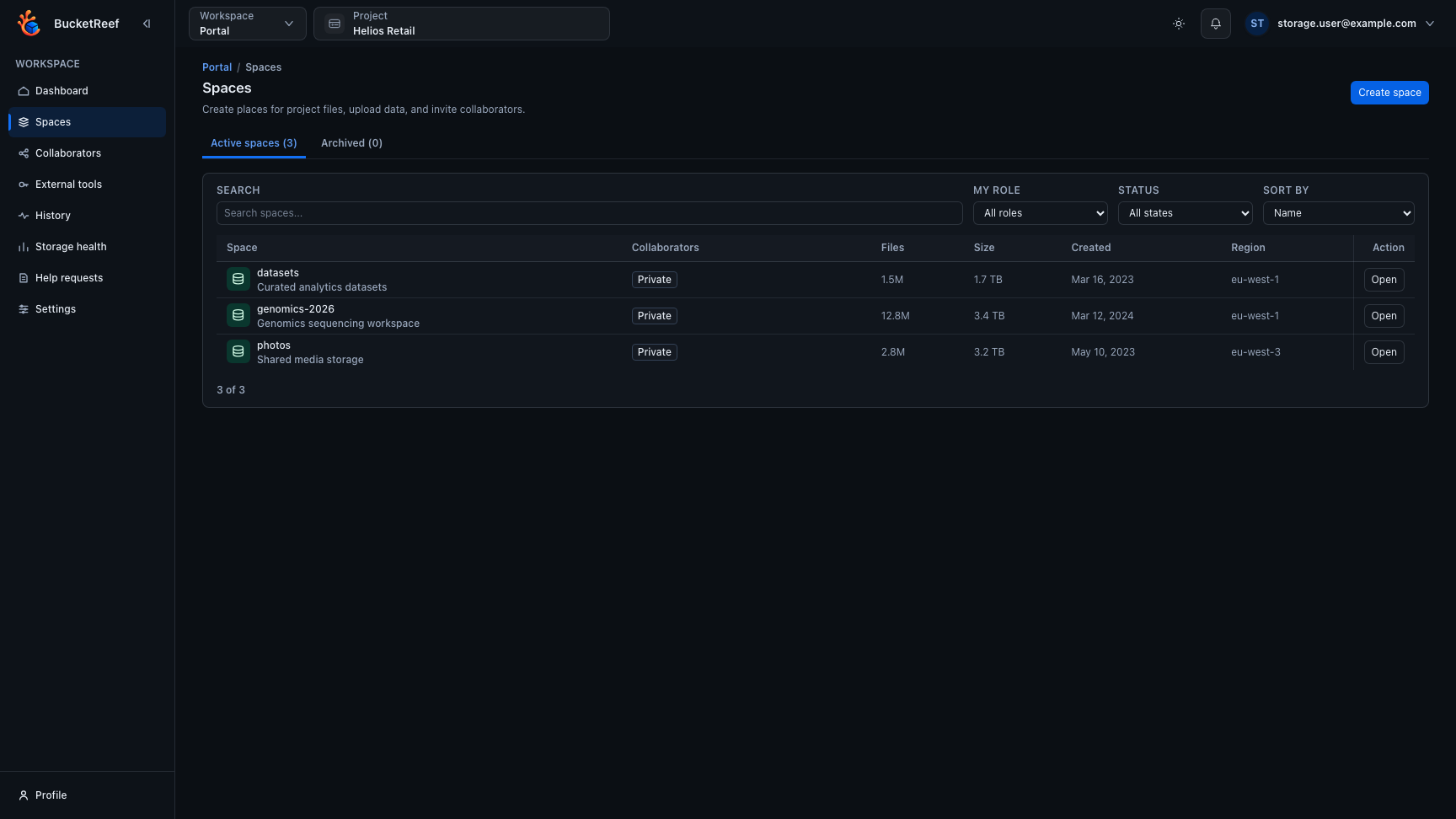
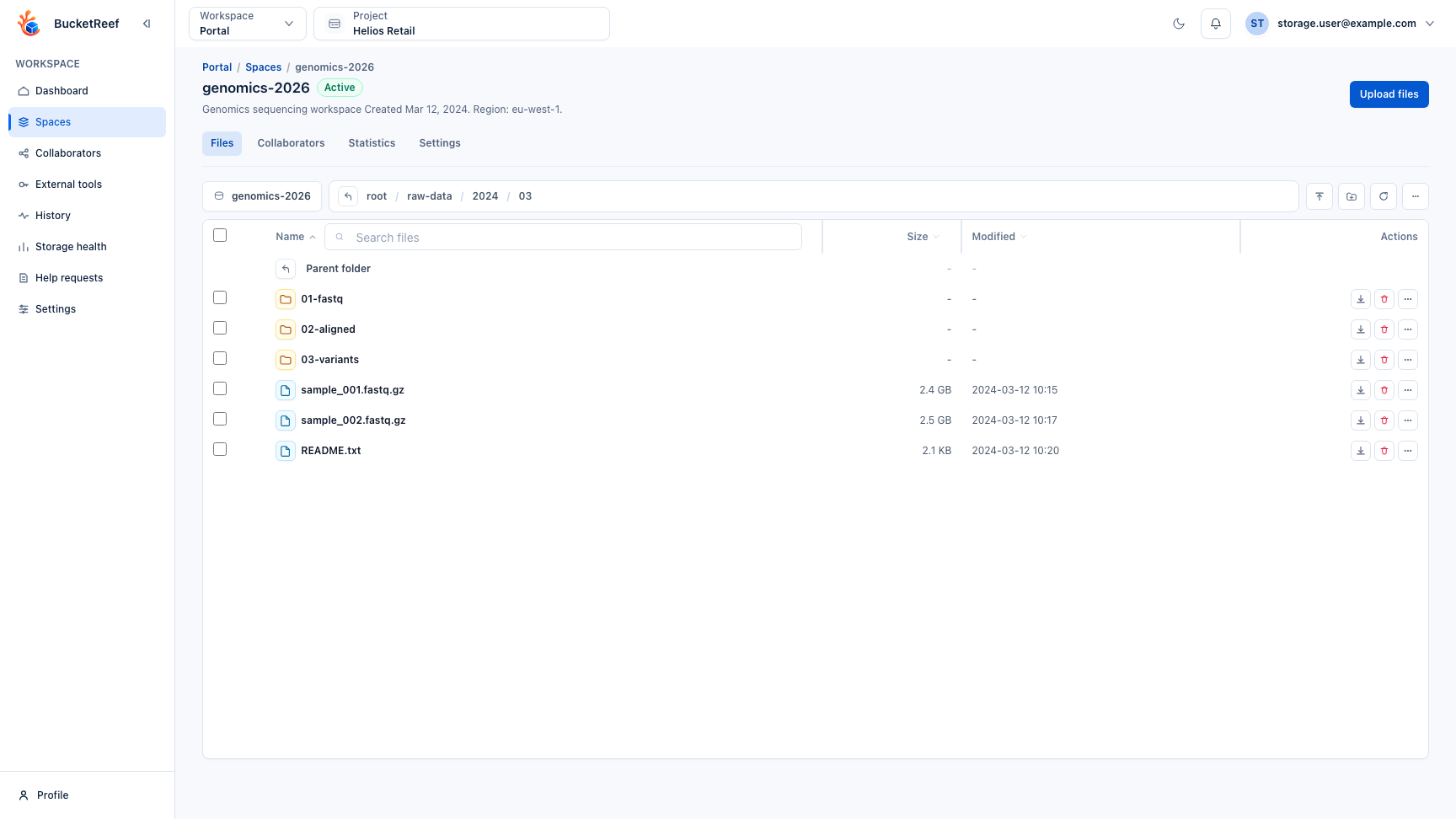
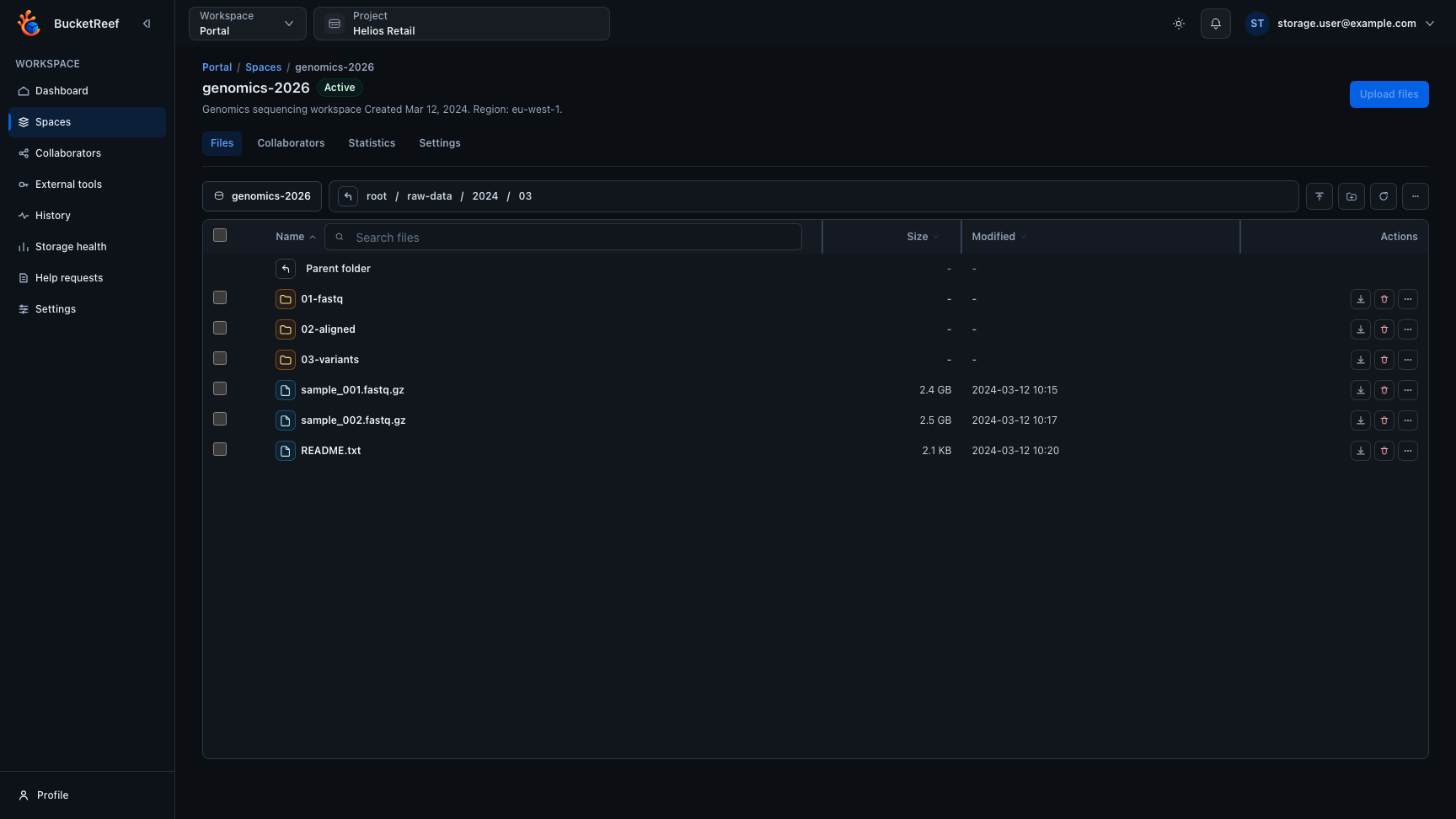
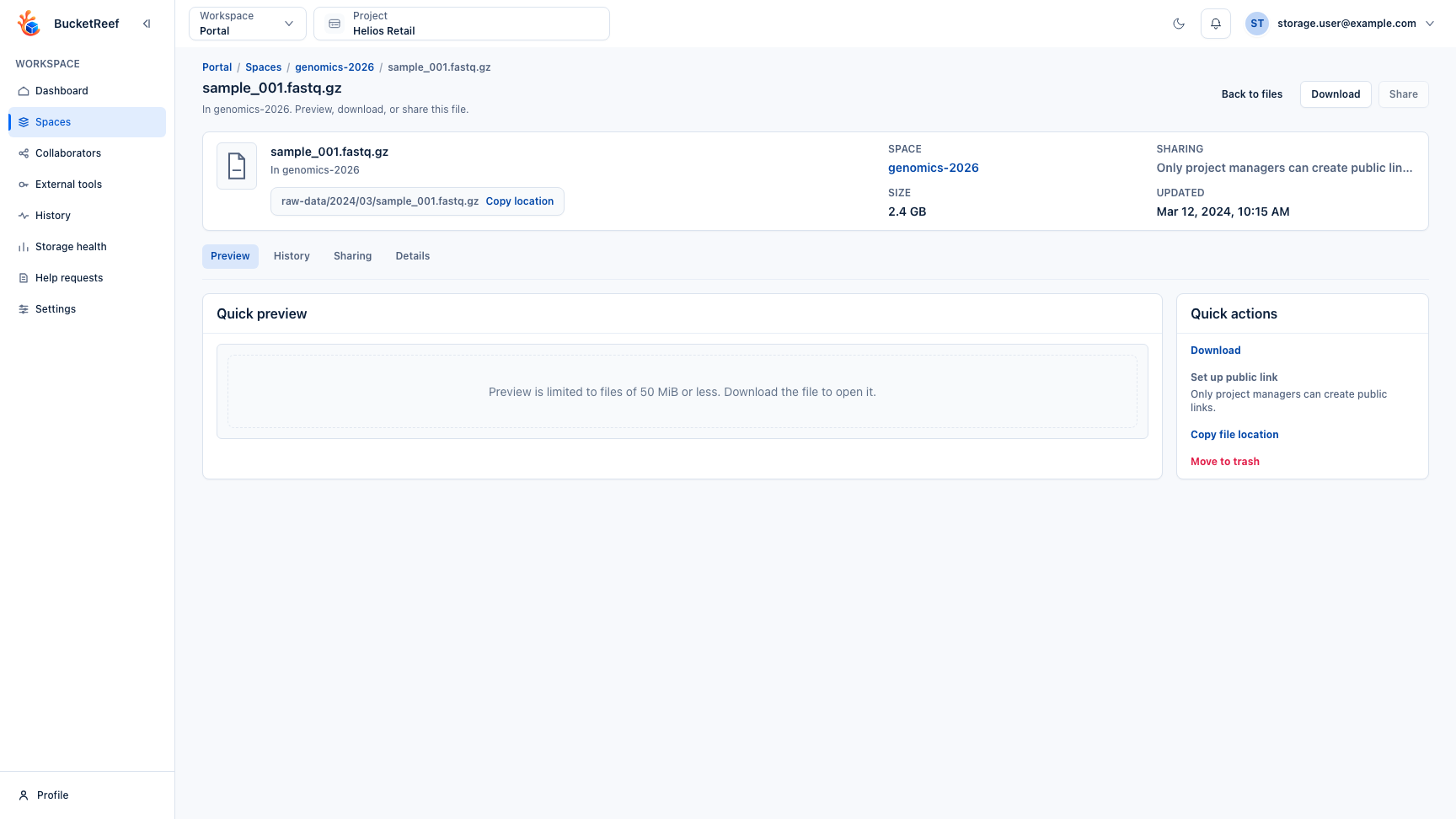
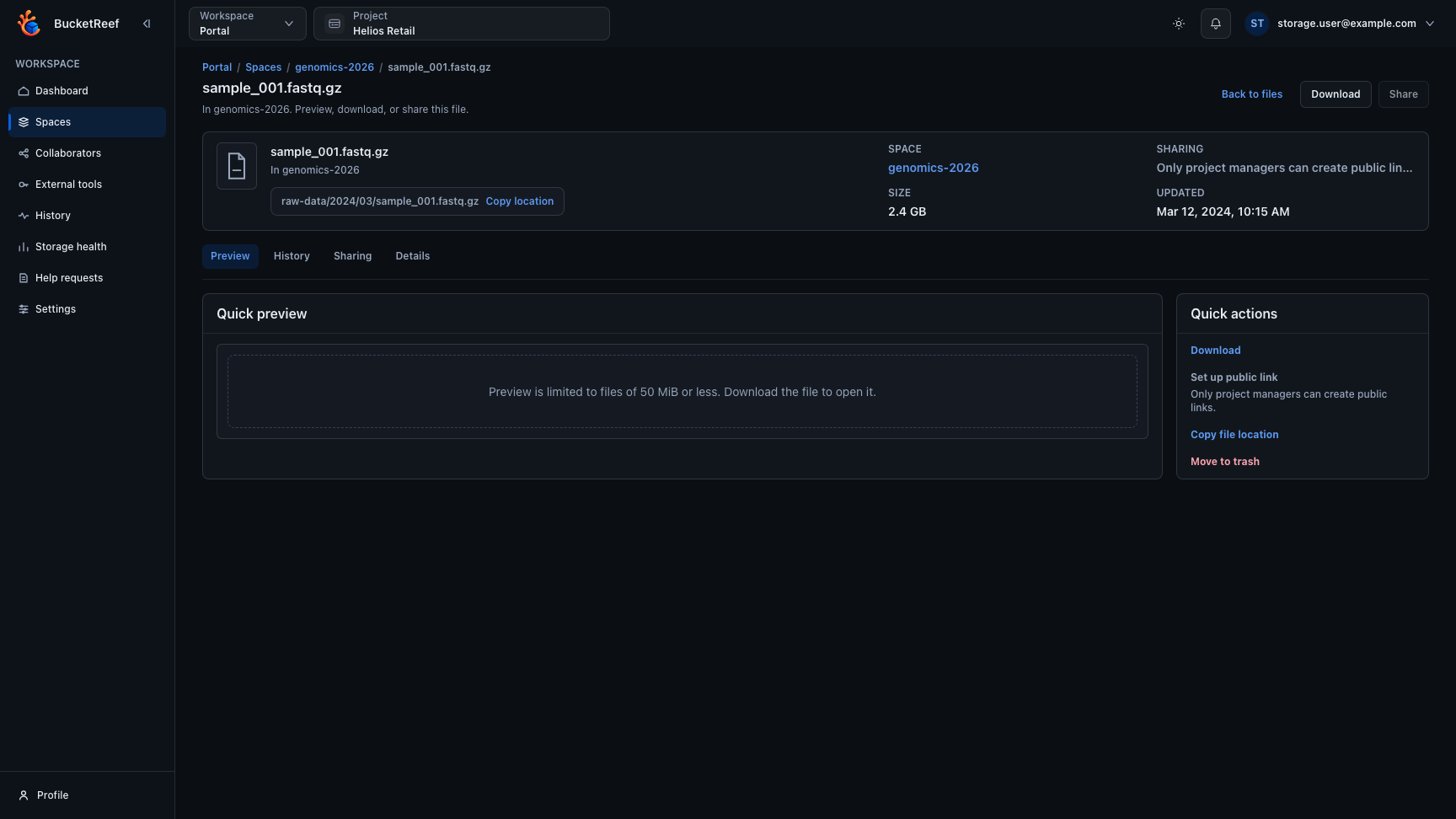
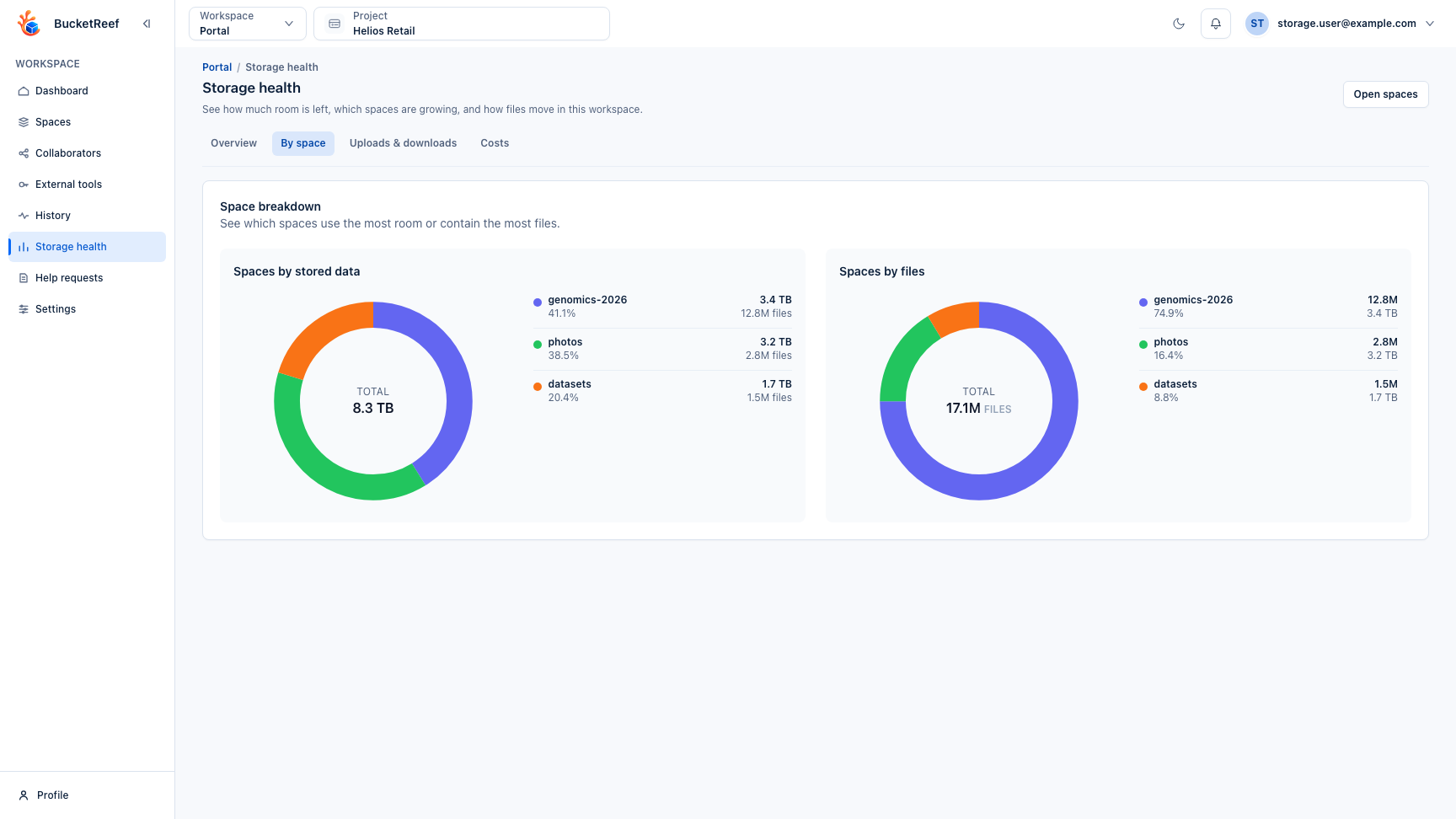
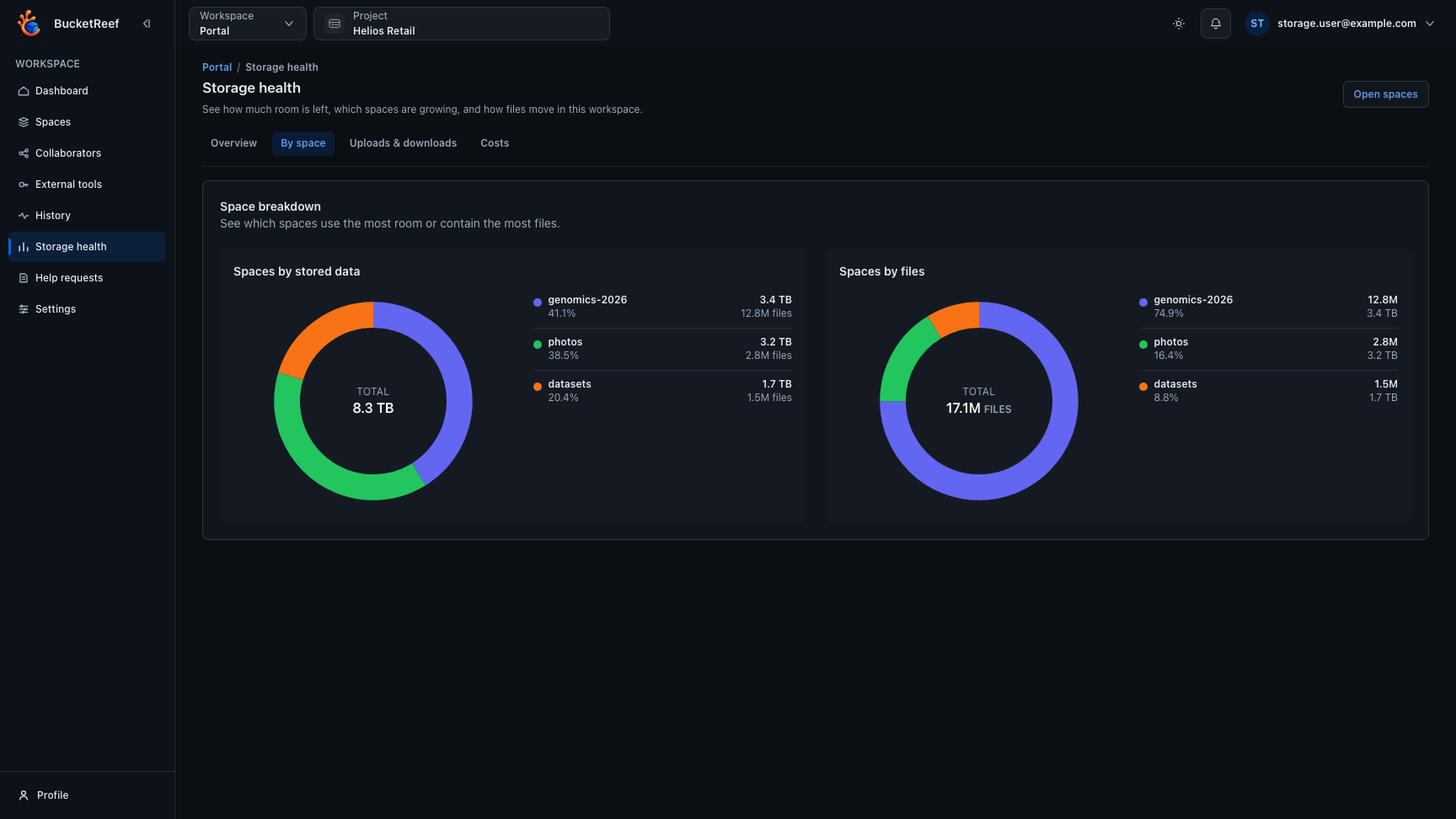
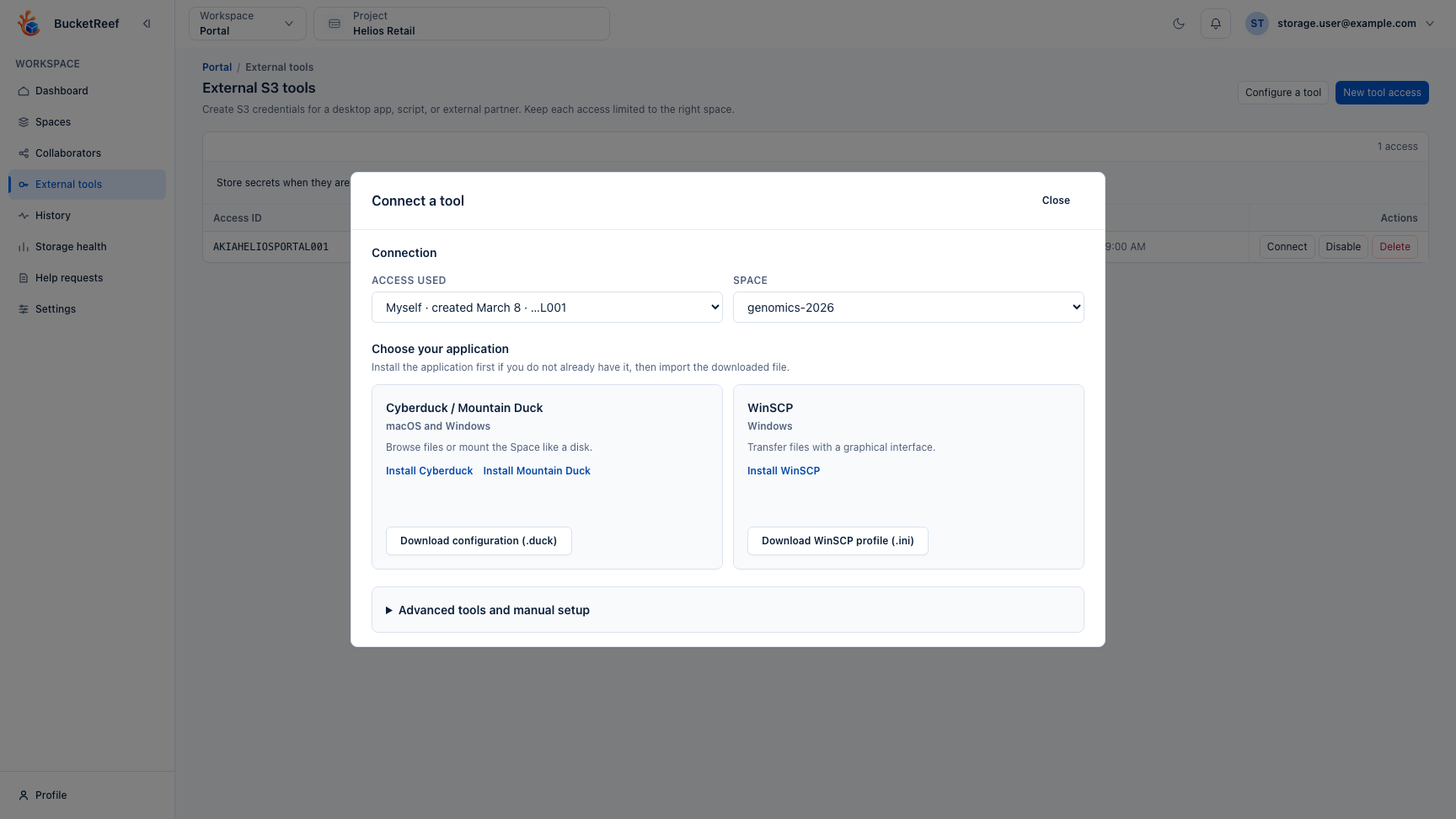
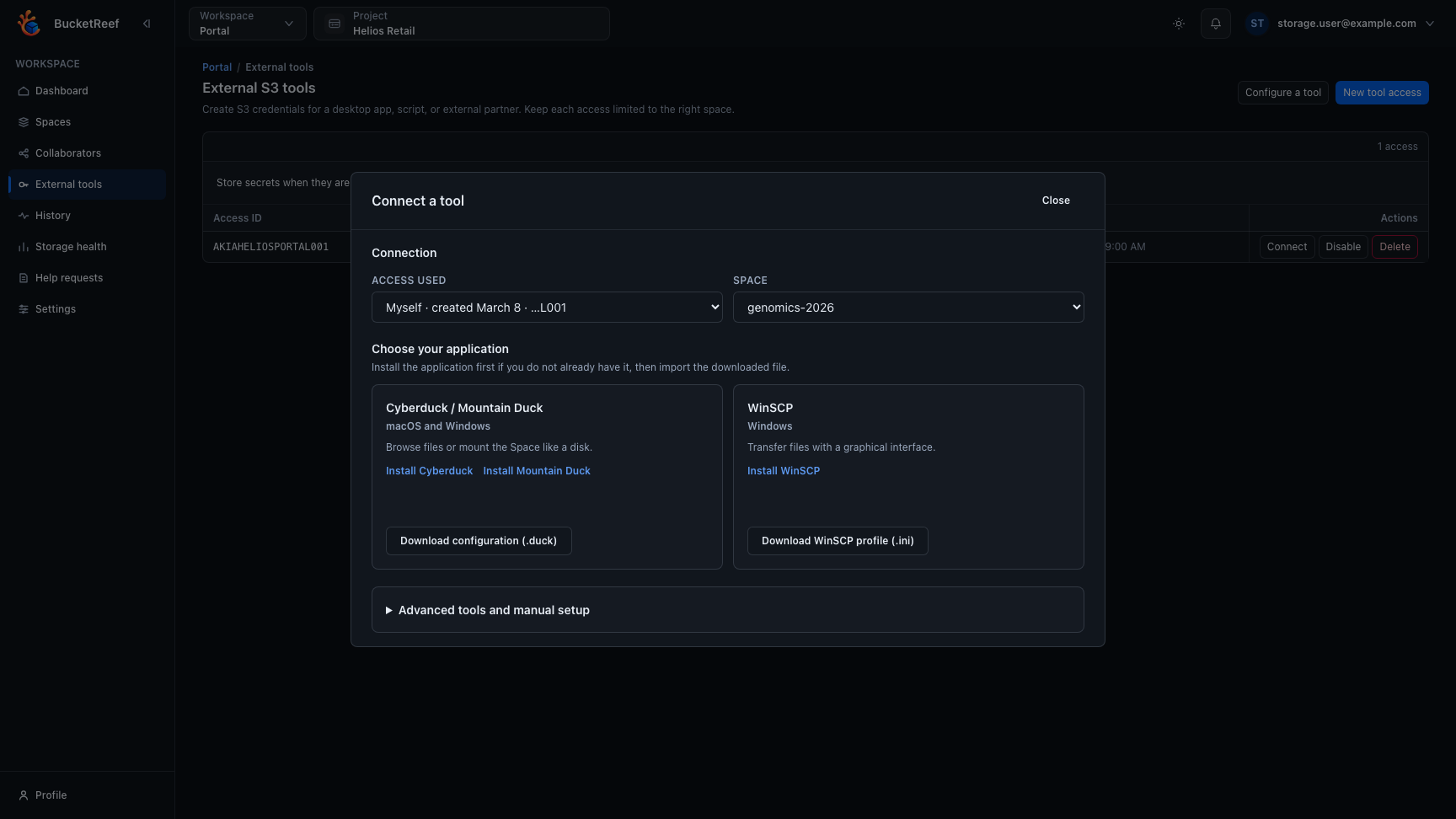
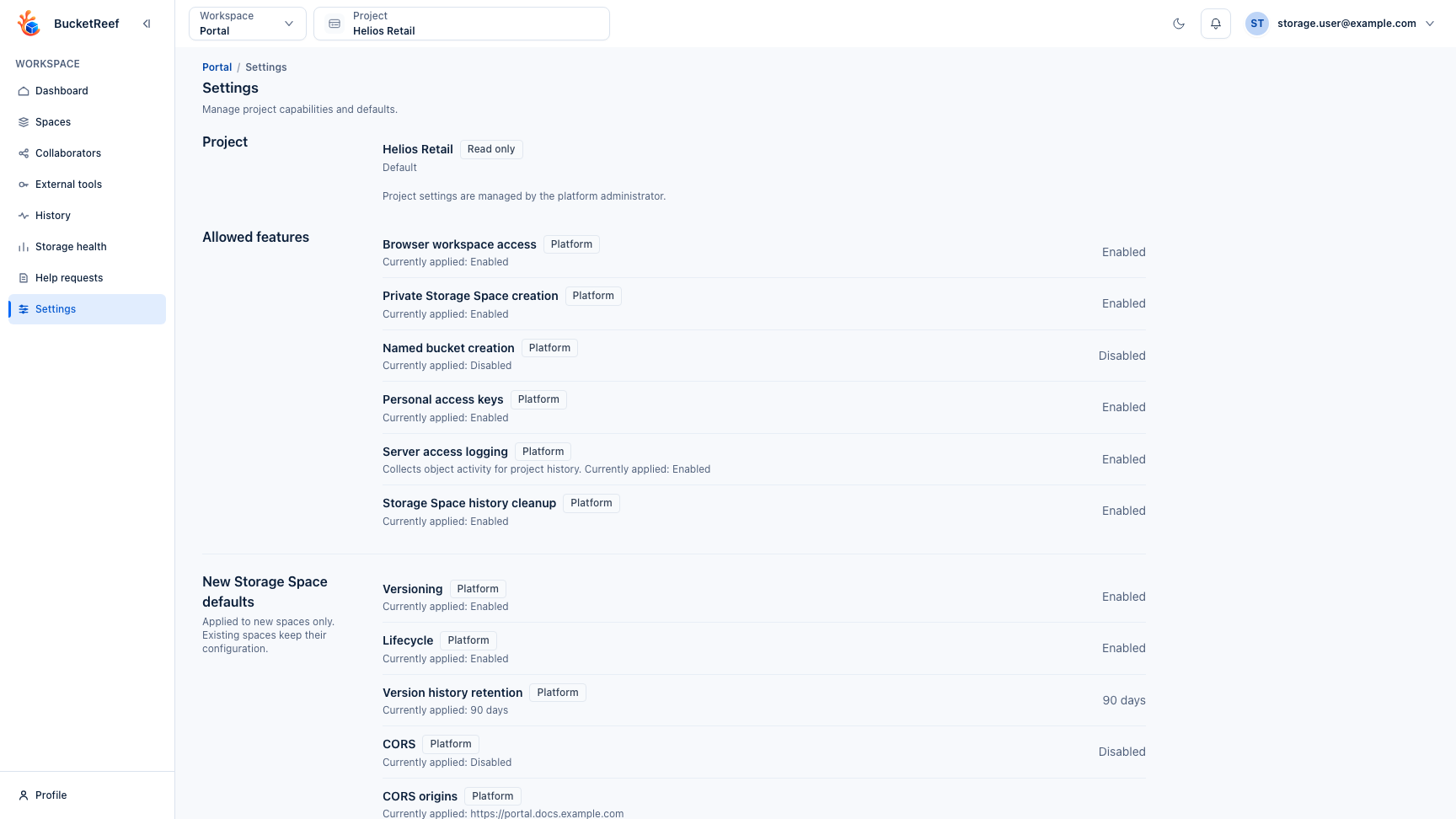
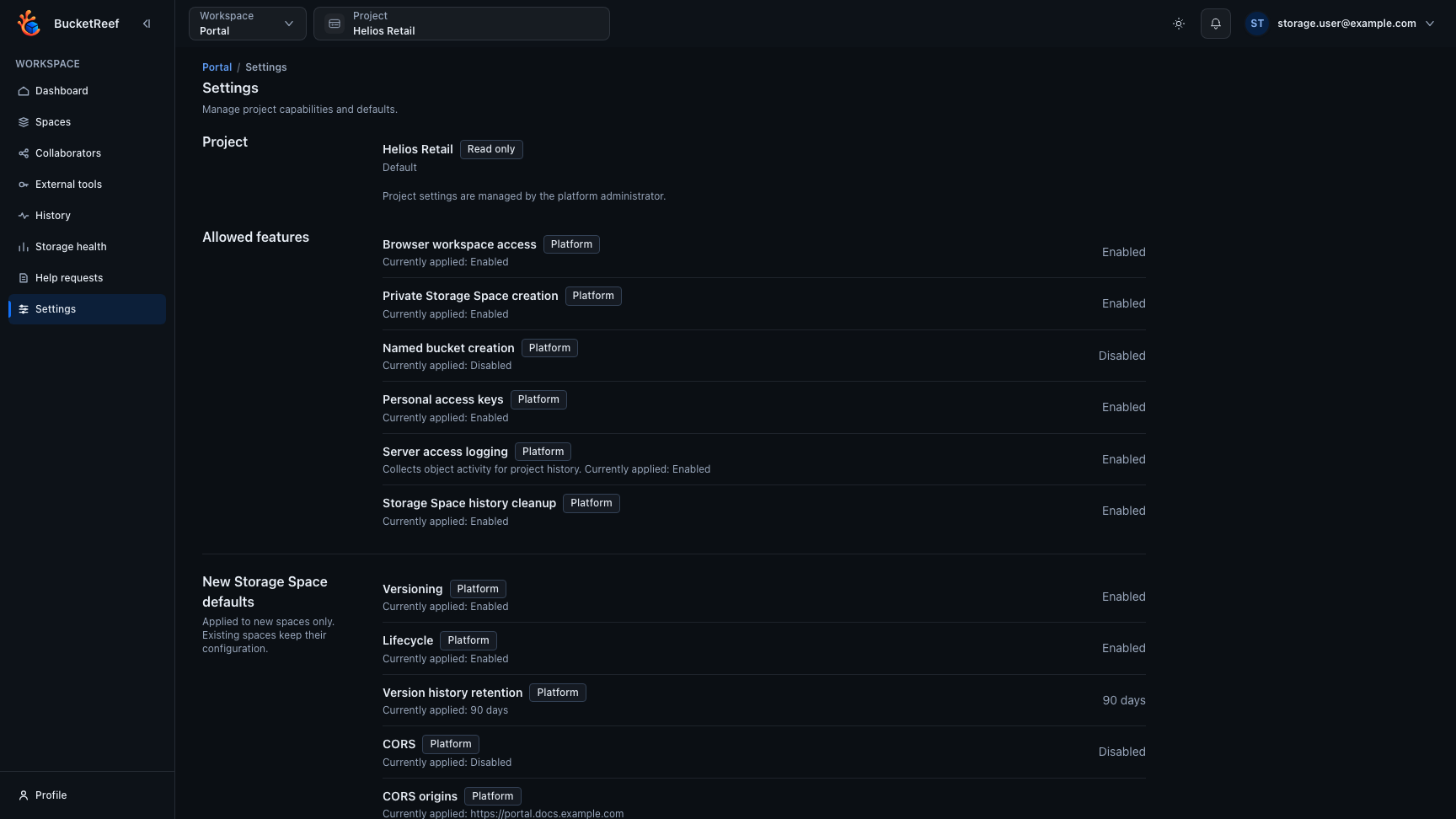
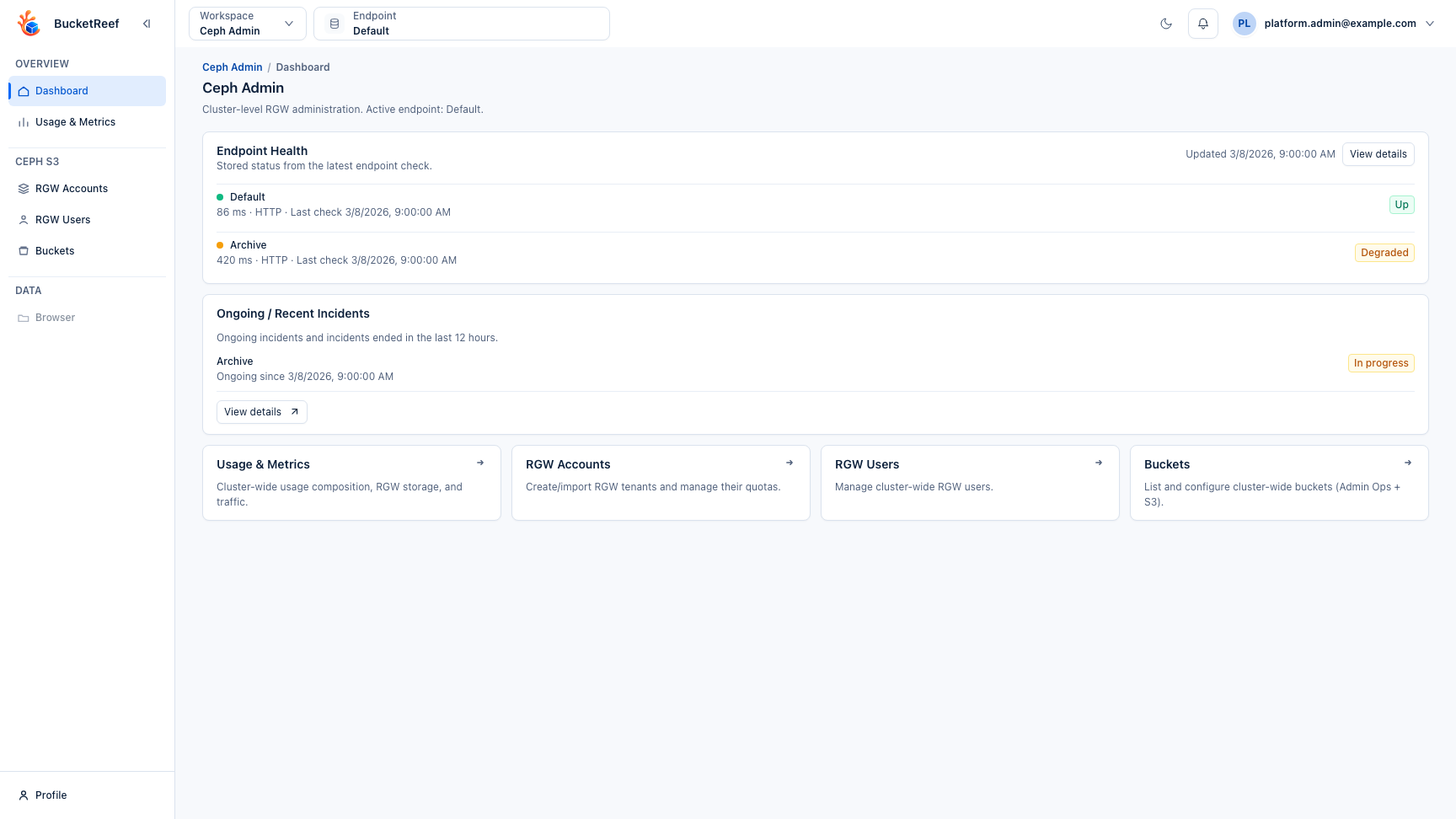
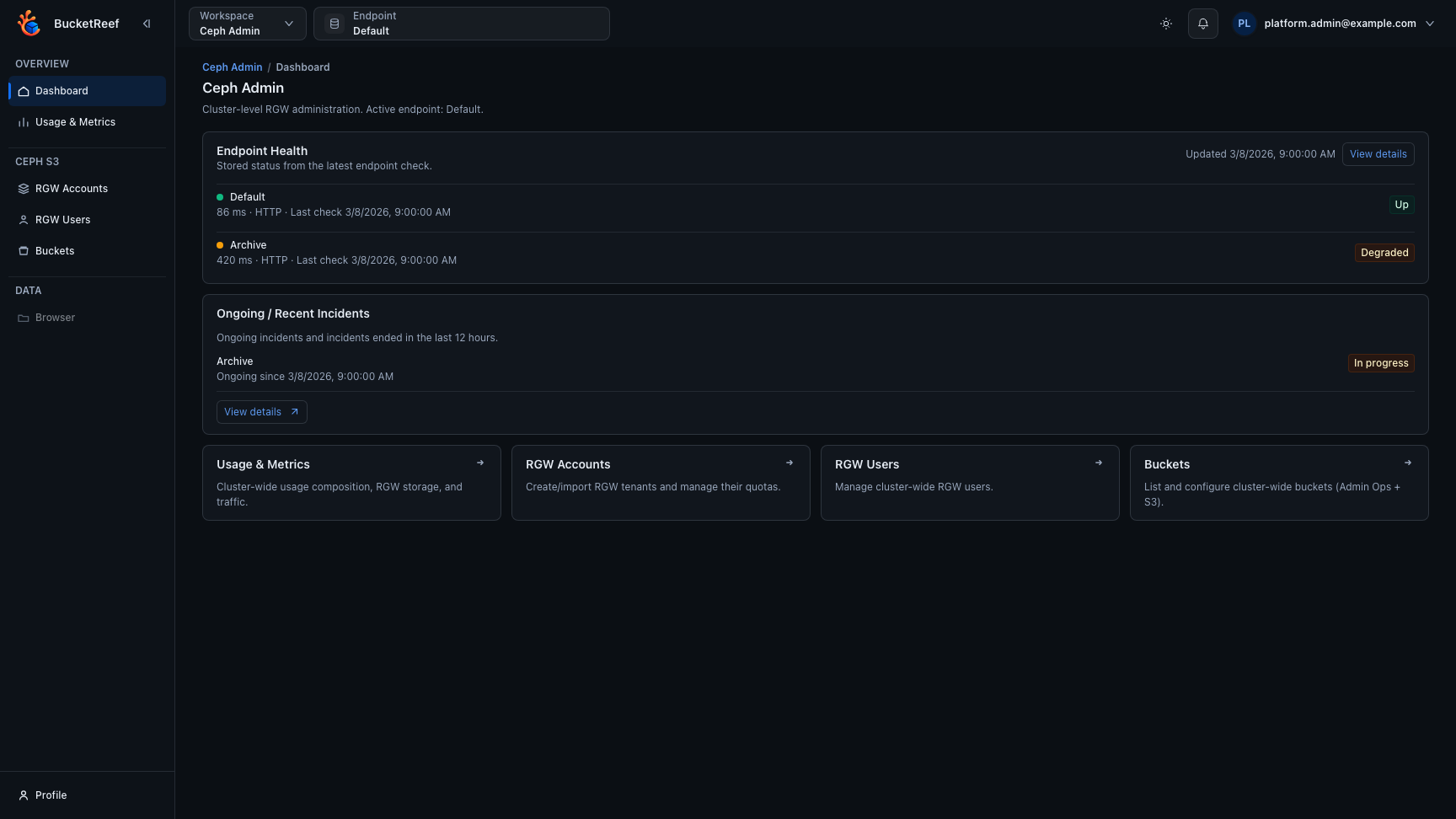
Table and listing controls share a compact visual style across workspaces:
normal-case column headings, consistent action buttons and status badges.
Search, filters and pagination keep their existing functions. On small screens,
responsive tables become readable rows of details and actions keep touch-sized
targets; wider operational tables retain internal scrolling.
This page groups representative UI captures by workspace.
Each carousel uses synthetic documentation data and focuses on the screens that matter most to day-to-day operators.
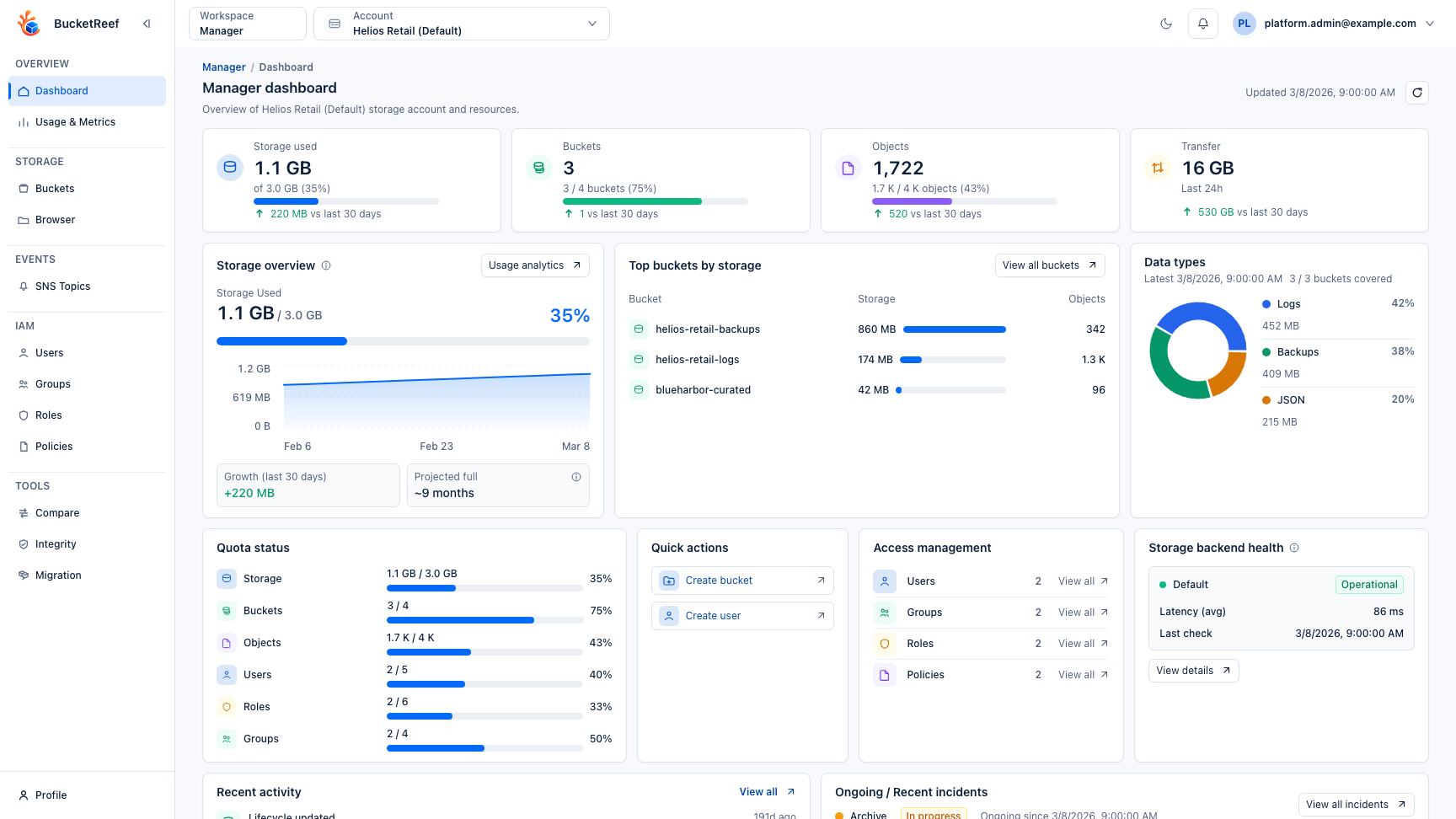
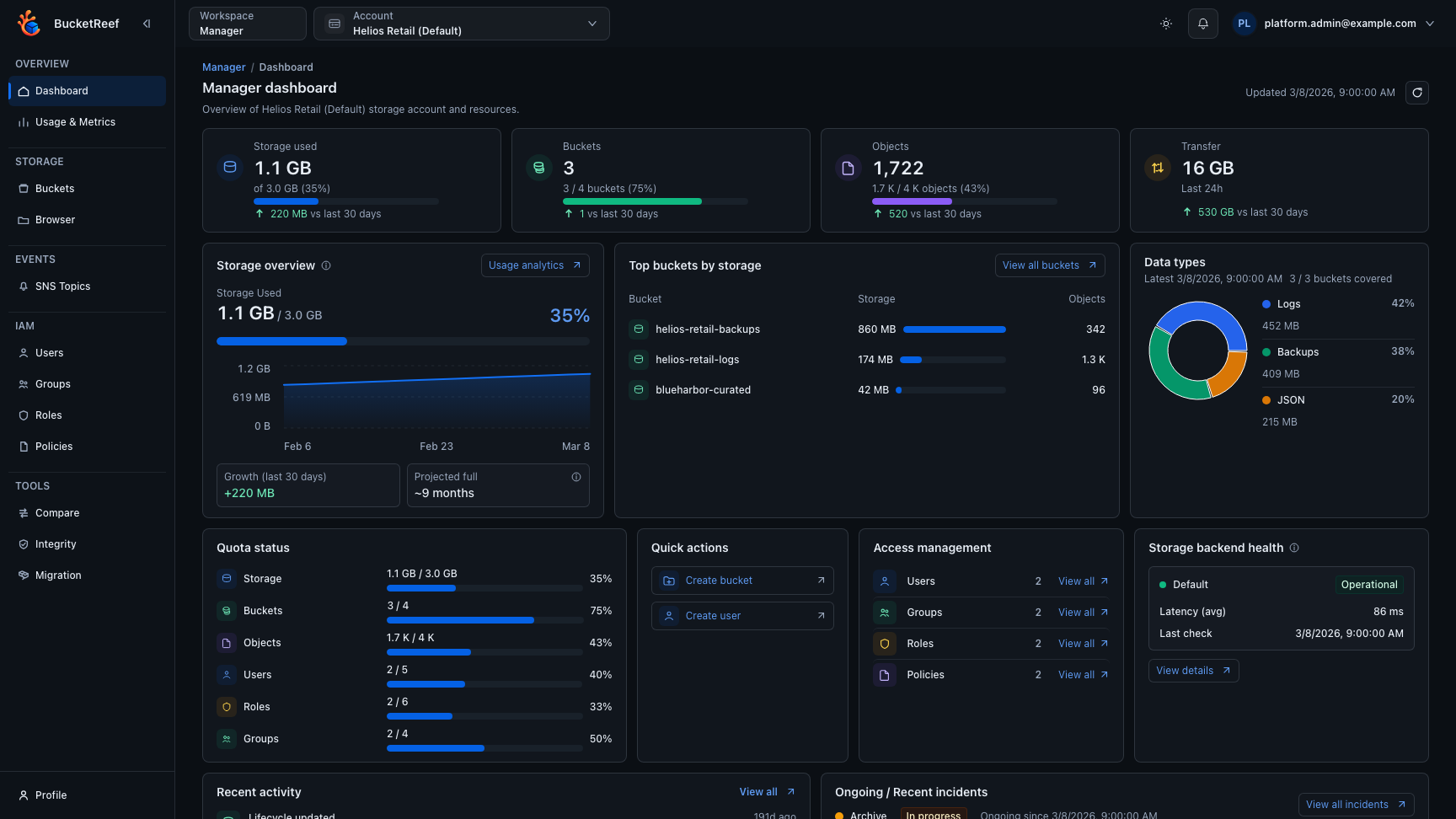
Overview. The Admin workspace groups platform navigation, governance entry points, and high-level health signals for daily operators.
UI Users. This page centralizes workspace roles, Manager tool access, Ceph Admin and Storage Ops access, and the main account associations for each user.
Storage endpoints. Endpoint cards surface provider capabilities, credential posture, and feature toggles before tenant resources are attached to them.
Endpoint Status. Global healthcheck views combine current latency, timeline trends, and incident history across storage backends.
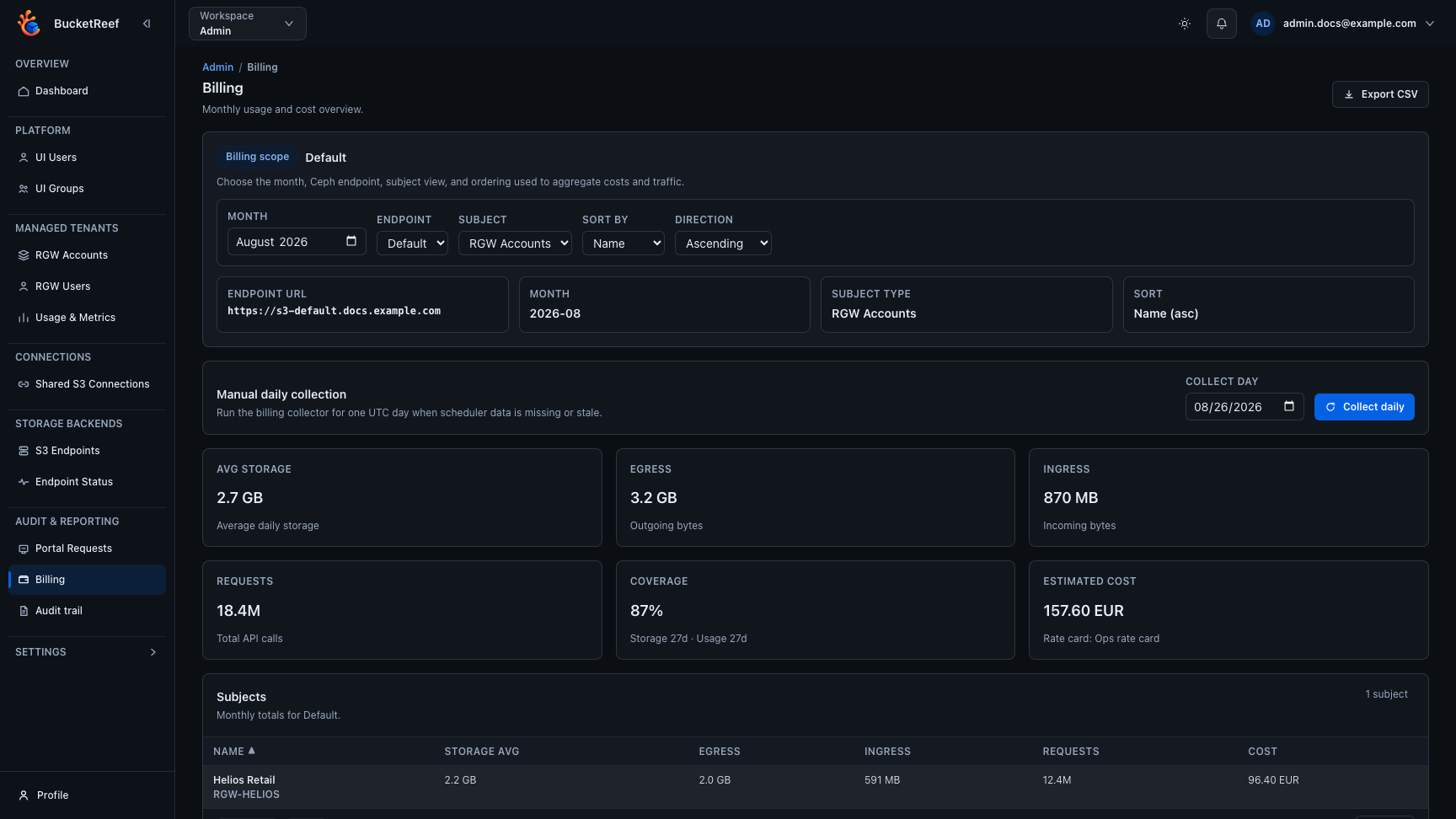
Billing. Billing analytics summarize monthly usage and estimated cost per account or user on billing-enabled Ceph endpoints.