Workspace: Manager
When to use
Use Manager for account-scoped administration aligned with S3/IAM semantics.
Dashboard
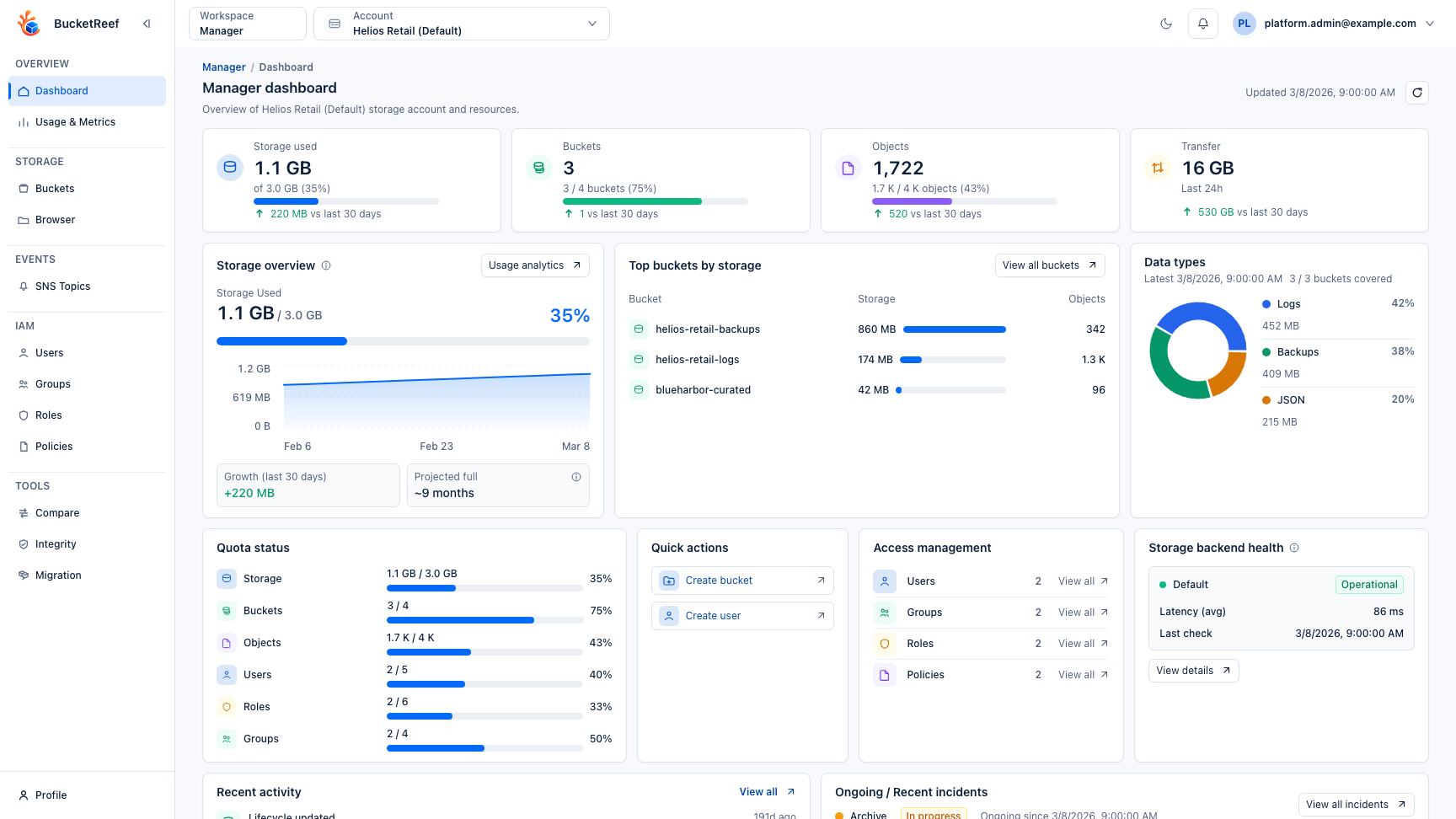
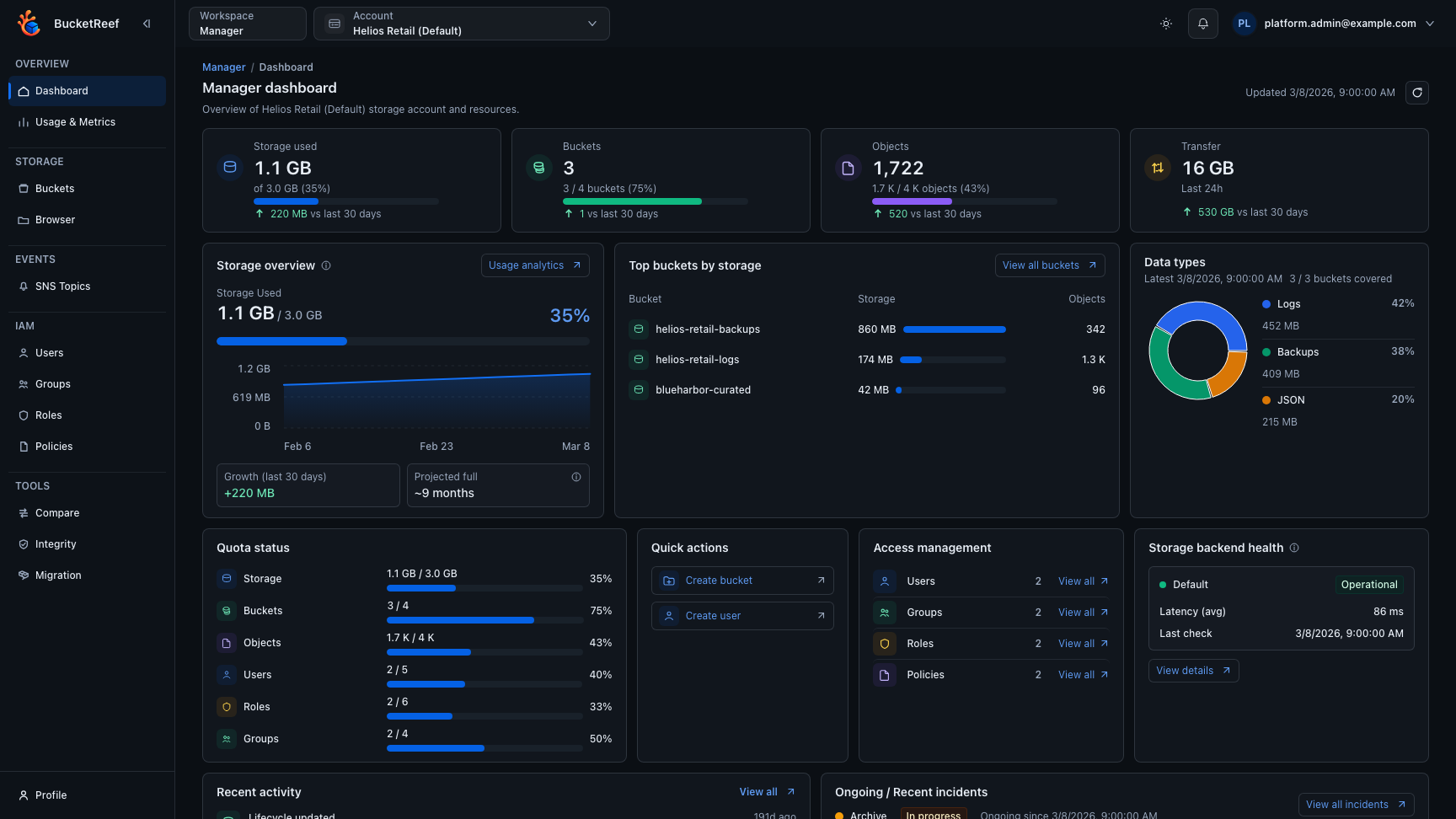
The dashboard keeps storage, buckets, objects and transfer indicators above the existing storage, quota, access, health and activity panels. Compact actions and wrapping names preserve the full information. Quick actions remain Create bucket and Create user.
Prerequisites
- Access to
/manager. - A valid execution context selected (
ctxor default context).
Steps
- Open
/managerand select the correct account/context. - The selected context is recorded in
?ctx=. When several tabs are open, each tab keeps the context shown in its own URL. - If you enabled Show selector tags from User profile, compact color-coded
Standardaccount and endpoint tags are shown directly in the selector.Administrativetags remain limited to management surfaces. - Use Usage & Metrics for tabbed account-level usage composition, storage analytics, usage history, and traffic analytics.
- Use Storage for buckets and manager browser (if enabled).
- Use IAM for users, groups, roles, and policies (if IAM capability is available).
- Use Events for SNS topics (if endpoint supports SNS).
- Use Tools for:
- Feature rules inventory (if authorized)
- Bucket Compare (if enabled)
- Bucket Integrity (if enabled)
- Bucket Purge (if enabled and authorized)
- Bucket Migration (if enabled and authorized)
- Use Ceph > Access keys for delegated RGW S3 User key lifecycle when the selected context is a managed S3 User and the feature is enabled.
Expected result
Tenant resources are managed in the right scope with explicit context control.
Limits / feature flags
Note
IAM pages depend on endpoint IAM capability. Tools depend on the Manager access configured directly on the UI user or inherited from UI groups. Bucket Compare, Bucket Integrity, Bucket Purge, Bucket Migration, and Ceph S3 User keys also depend on their matching global Manager settings. Bucket usage stats are available from Usage & Metrics and bucket details when the global bucket usage stats setting is enabled.
Related pages
- Feature: Buckets
- User profile
- How-to: Configure a bucket from Manager
- Feature: IAM
- Feature: Ceph access keys in Manager
- Feature: SNS topics
- Feature: Bucket compare
- Feature: Bucket integrity check
- Feature: Bucket purge
- Feature: Bucket usage stats
- Feature: Bucket migration
Visual example