Workspace: Ceph Admin
When to use
Use Ceph Admin for Ceph RGW cluster-level operations.
Dashboard
The dashboard remains focused on endpoint health, current or recent incidents when present, and the four links to metrics, RGW accounts, RGW users and buckets. Status timestamps wrap on small screens; they refer to stored checks, not a new probe.
See the dashboard preview.
Prerequisites
- Admin-like UI role.
can_access_ceph_adminentitlement.ceph_admin_enabledfeature and at least one compatible endpoint.
Steps
- Open
/ceph-admin. - Select the active endpoint in the top selector.
- If you enabled Show selector tags from User profile, compact color-coded
Standardendpoint tags are shown directly in the selector.Administrativetags remain limited to management surfaces. - Use pages:
- Accounts: RGW account operations.
- Users: RGW user operations.
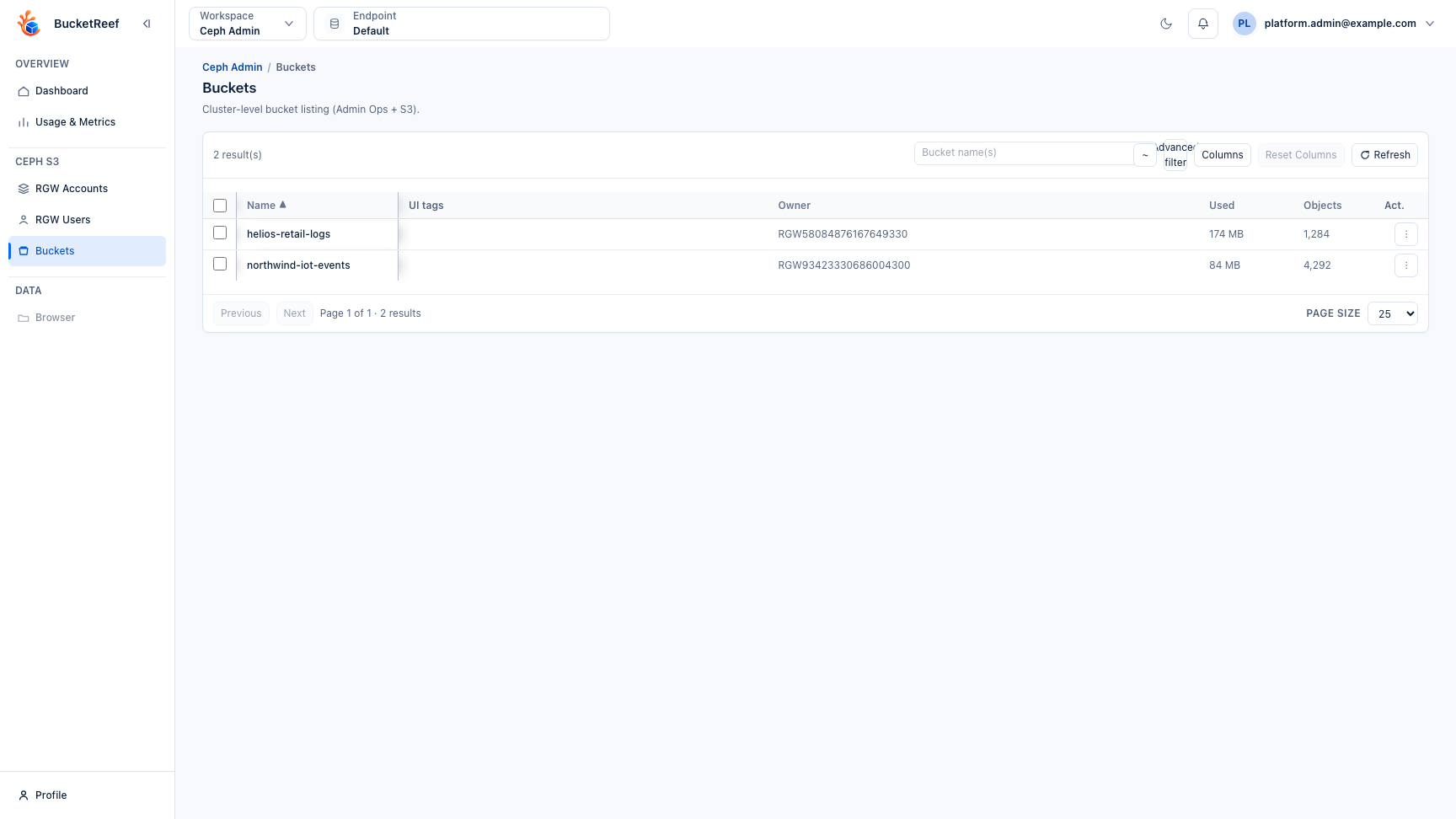
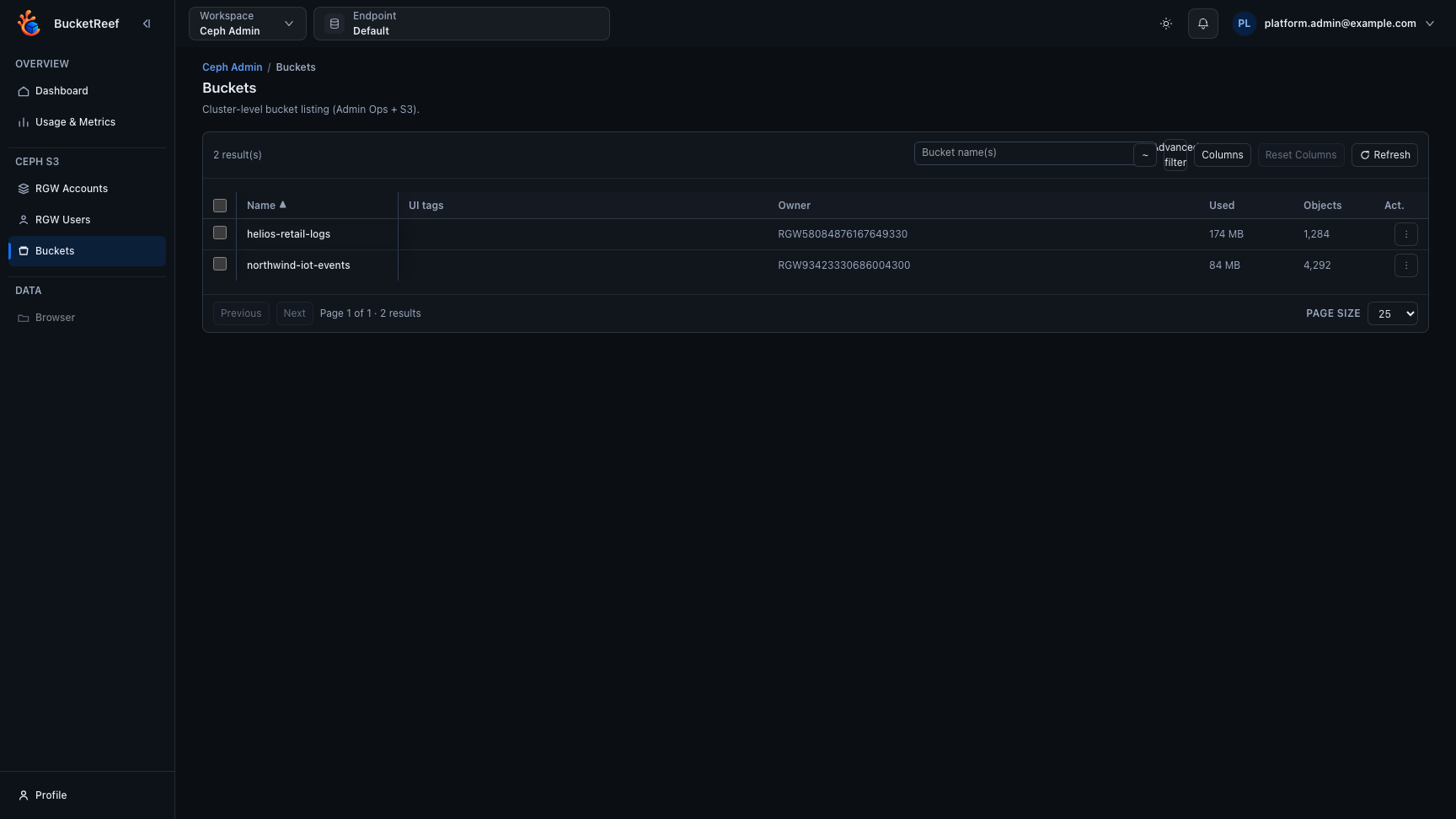
- Buckets: cluster-level bucket inventory and configuration. Bucket quota and usage columns can be enabled as single-line atomic columns for easier reading and cleaner CSV exports.
- Usage & Metrics: tabbed cluster-level usage composition, endpoint storage metrics, and traffic metrics.
- Browser: object navigation when enabled.
- In Buckets, long-running bulk actions show progress bars with completion and failure counters. Select one or more rows, then open Actions…. The menu separates local selection tools, S3 API operations, RGW Admin Ops, and destructive S3 operations. Bulk configuration actions include lifecycle rules and bucket notification configurations, with preview before apply. Selected buckets can also run usage-stat calculations, and each bucket detail page exposes the latest snapshot from the Usage stats tab.
- Bucket listings are cached for up to 30 minutes to reduce RGW load. Use Refresh in the bucket workbench to flush the cache and reload the current listing.
RGW Admin Ops actions
Bucket names open S3 API configuration. The row action menu separates navigation, S3 API, RGW Admin Ops, and destructive RGW operations. Each Admin Ops operation shows the endpoint, target, impact, available options, required confirmation, and the result returned by RGW. The result stays open and includes the RGW HTTP status, the Ceph error code when present, and the JSON or text response body.
Bucket configuration opens on /ceph-admin/buckets/<bucket>?ep=<endpoint>. Use
Back to buckets, the Buckets breadcrumb, or the browser Back button to
return to the originating list with its endpoint, filters, sort, page, selection,
scroll position, and focused bucket preserved.
Accounts
Use Delete account to remove an empty RGW Account. RGW Accounts require Ceph Squid or later. RGW rejects deletion while the Account still owns Users, Buckets, Roles, Groups, or other resources.
Confirmation:
Users
Use Delete user to remove an empty RGW User. Purge owned data is off by
default and passes purge-data to RGW when explicitly enabled. The RGW User
whose credentials provide the active Ceph Admin connection cannot delete
itself.
Confirmations:
Buckets
The bucket row menu provides these operations:
- Delete bucket removes an empty bucket. Purge objects and versions
passes
purge-objectsand permanently deletes the bucket and its contents. - Unlink bucket removes the current owner association while leaving the bucket data in place.
- Link bucket associates the bucket with a selected existing RGW User or
RGW Account. Link is not a
chownand does not rewrite object ACLs. - Check bucket index runs a read-only index check by default. Enabling Check object state requires Fix detected index issues.
bypass-gc is hidden under Advanced options, disabled until
purge-objects is enabled, and off by default. Use it only for exceptional
operator recovery: it bypasses normal RGW garbage collection handling.
Confirmations:
DELETE BUCKET <tenant/bucket>
PURGE AND DELETE BUCKET <tenant/bucket>
UNLINK BUCKET <tenant/bucket>
LINK BUCKET <tenant/bucket> TO <target_id>
FIX BUCKET INDEX <tenant/bucket>
A read-only index check uses the confirmation button without a typed phrase. For multi-selection diagnostics, use Actions… > RGW Admin Ops > Check bucket indexes…. The bulk workflow is read-only, supports at most 200 buckets, shows per-bucket results, and never enables index repair. Repairs remain unitary.
Expected result
You can run Ceph cluster-wide tasks without switching to account-scoped Manager workflows.
Limits / feature flags
Note
Workspace visibility requires both user entitlement and ceph_admin_enabled. Browser integration also depends on browser_ceph_admin_enabled.
Related pages
- Use cases for storage administrators
- User profile
- How-to: Use Advanced Filter in Ceph Admin
- How-to: Use UI tags in Ceph Admin
- Feature: Bucket usage stats
- Ops / Ceph RGW backend notes
Visual example