Feature: SNS Topics
When to use
Use this guide to manage SNS topic resources from Manager.
Prerequisites
- Access to
/manager/topics. - Endpoint SNS capability enabled.
Before you start
Confirm that the selected endpoint supports SNS. Topics and bucket notification bindings are endpoint-specific and should be reviewed in the same Manager context.
Steps
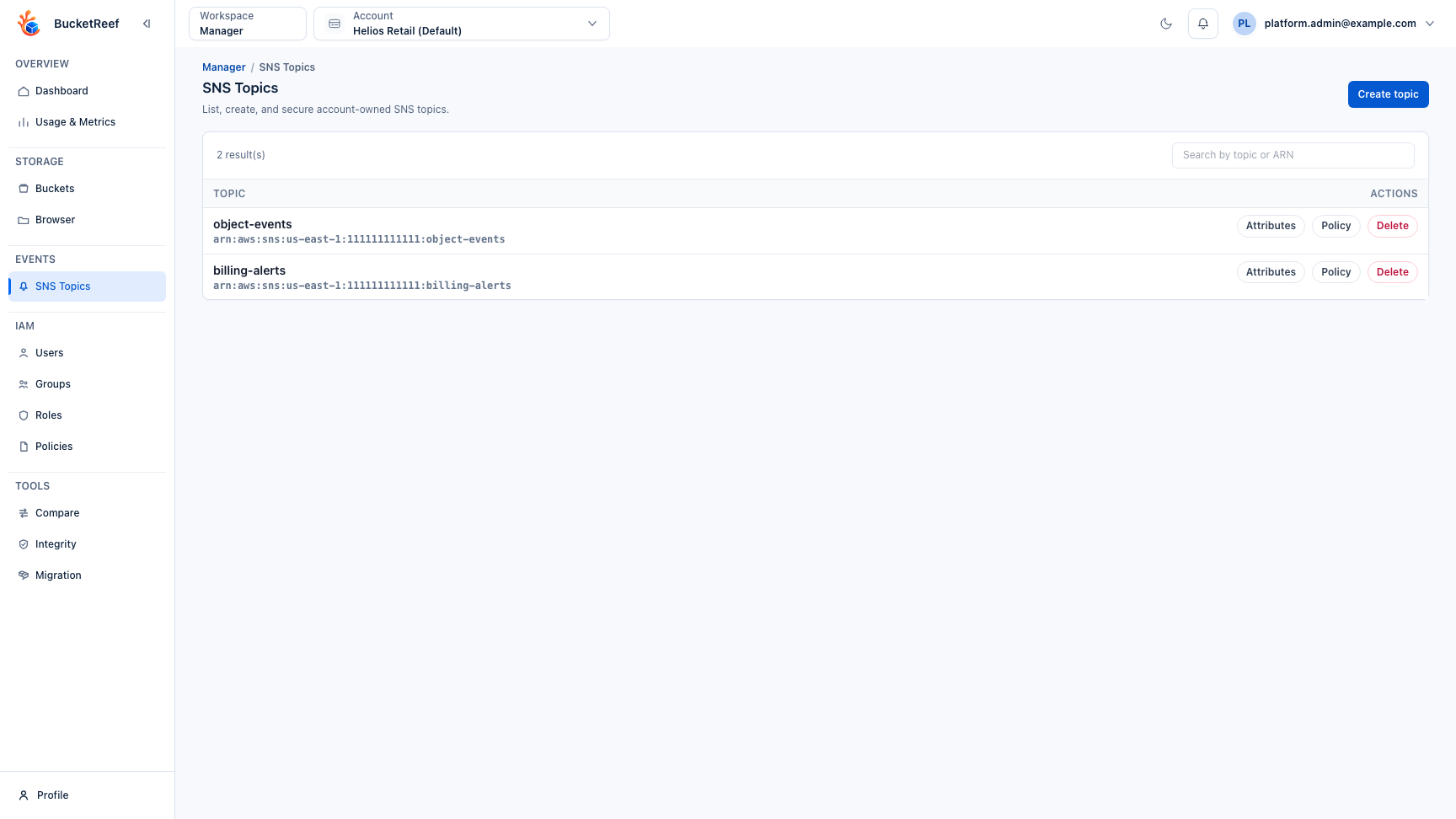
- Open Manager > SNS Topics.
- Create a topic.
- Inspect topic attributes.
- Edit or review topic policy.
- Delete unused topics.
Expected result
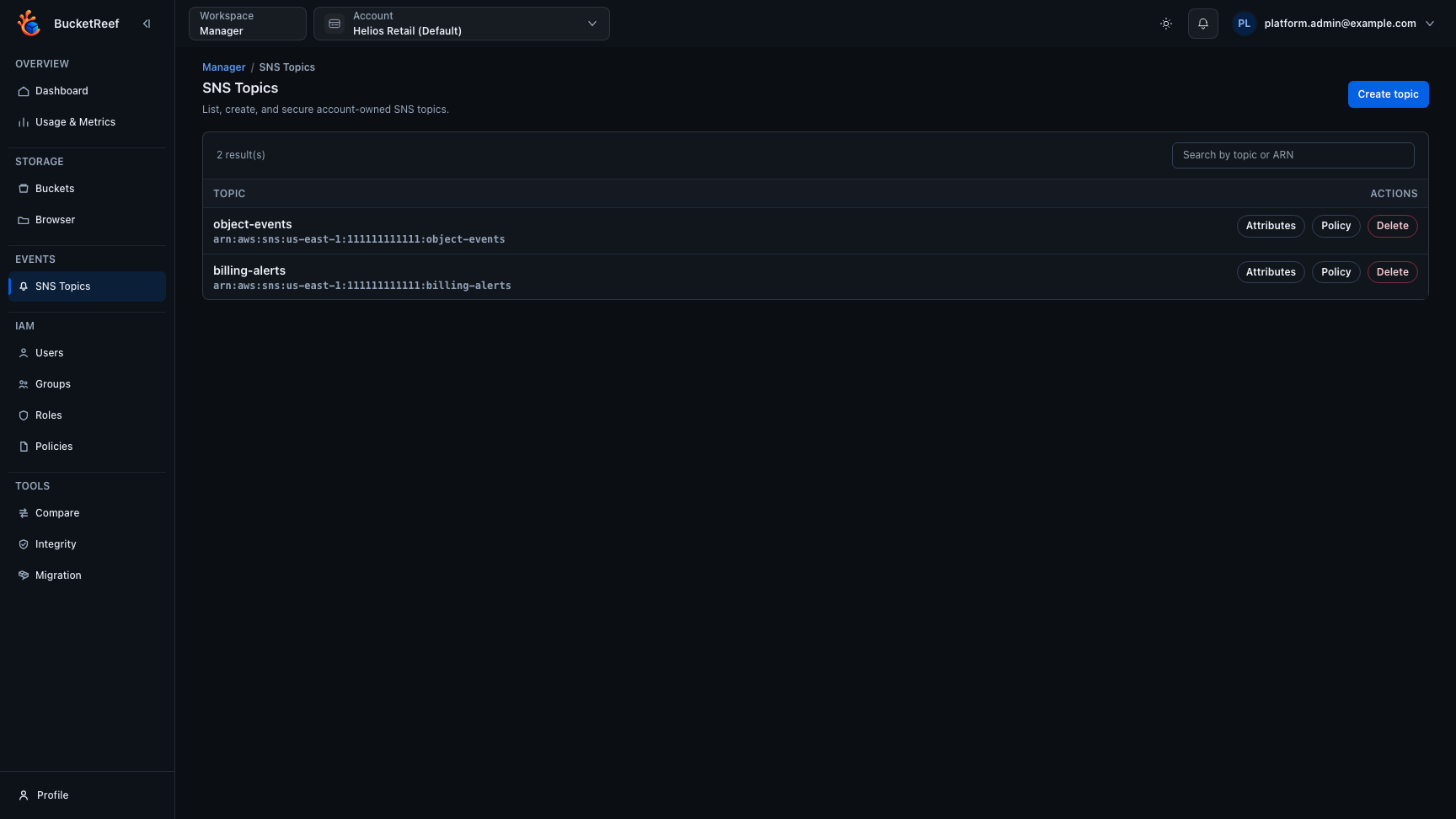
SNS topics are managed within the selected manager context. For Ceph RGW endpoints, duplicate raw topic entries that share the same topic ARN are folded into one topic row.
You are done when
The topic list, attributes, and policy match the intended event workflow.
If you do not see this action
Check endpoint capability sns, Manager access, and whether bucket notification configuration is supported for the target context.
Limits / feature flags
Note
SNS menu is shown only when endpoint capability sns is enabled.
Related pages
Visual example