Feature: Usage History in Admin
Use this page when you need to verify stored usage snapshots from Admin.
When to use
Use Admin > Usage History when users report stale quota, missing Portal usage, unexpected billing inputs, or inconsistent capacity charts.
Prerequisites
- Admin access.
usage_history_enabledis enabled.- The scheduler container or Kubernetes
usageHistoryCronJobis configured withINTERNAL_CRON_TOKEN.
Steps
- Open Admin > Usage History.
- Check the newest snapshot timestamp for accounts and S3 users.
- Compare the snapshot scope with the user report: endpoint, account, bucket, or Portal Storage Space.
- If the page is stale, ask Ops to check the usage-history job, backend logs, and token configuration.
- If the page is current but the user view differs, check the selected workspace/context and Portal grants.
Expected result
You know whether the issue is collection freshness, endpoint capability, account scope, or user-facing visibility.
You are done when
Your report includes the latest snapshot timestamp, affected endpoint/account, expected metric, and whether the collection job succeeded.
If you do not see this action
Check the Admin role, usage_history_enabled, endpoint capability, and whether the deployment includes the usage-history scheduler/CronJob.
Limits / feature flags
Note
Usage history is collected operational data. It can explain Portal, Manager, and Admin metrics, but it does not change quotas or permissions.
Related pages
- Feature: Admin Usage and Metrics
- Portal: Storage Health
- Ops / Quota monitoring and history
- Ops / Observability
Visual example
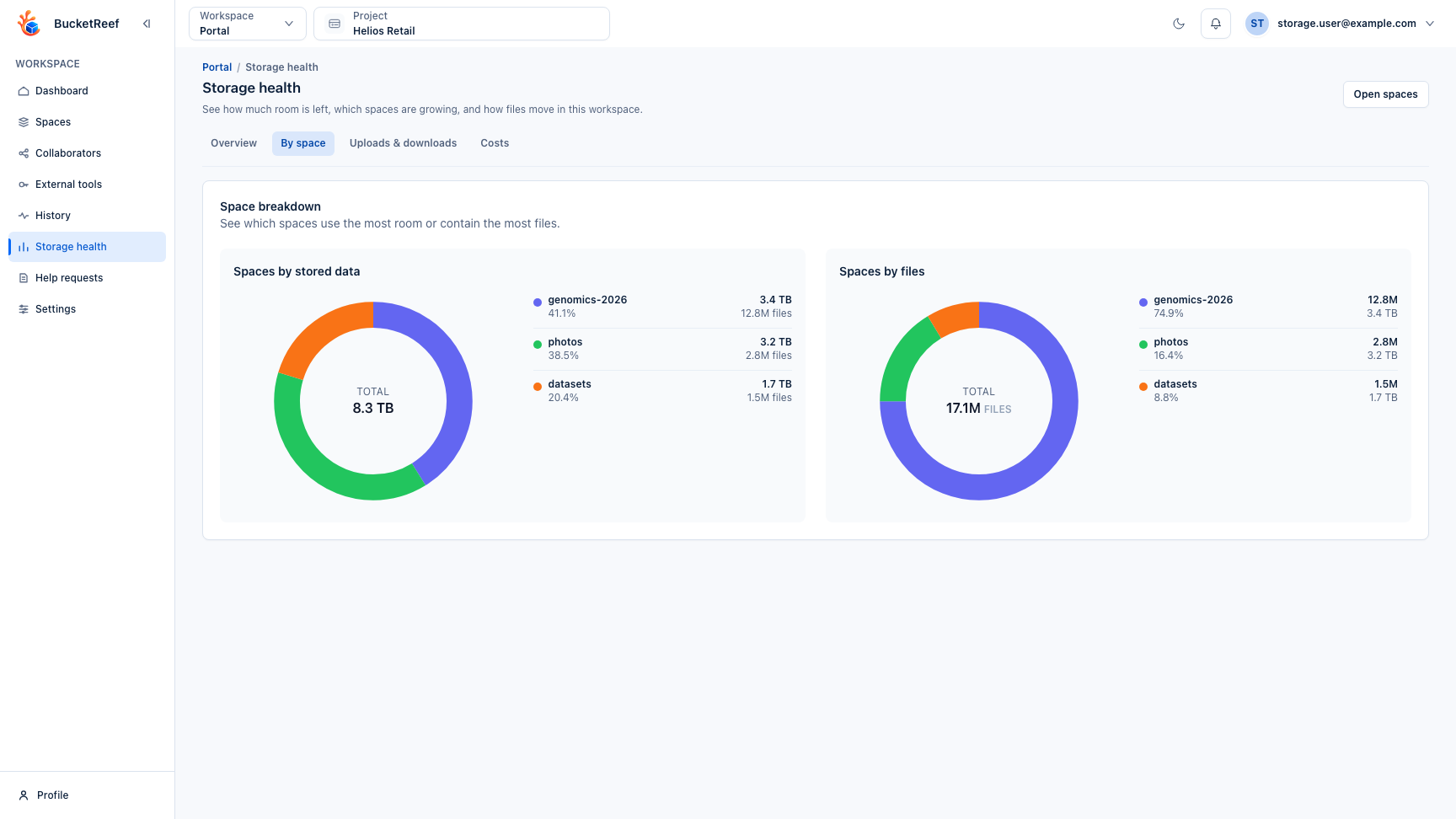
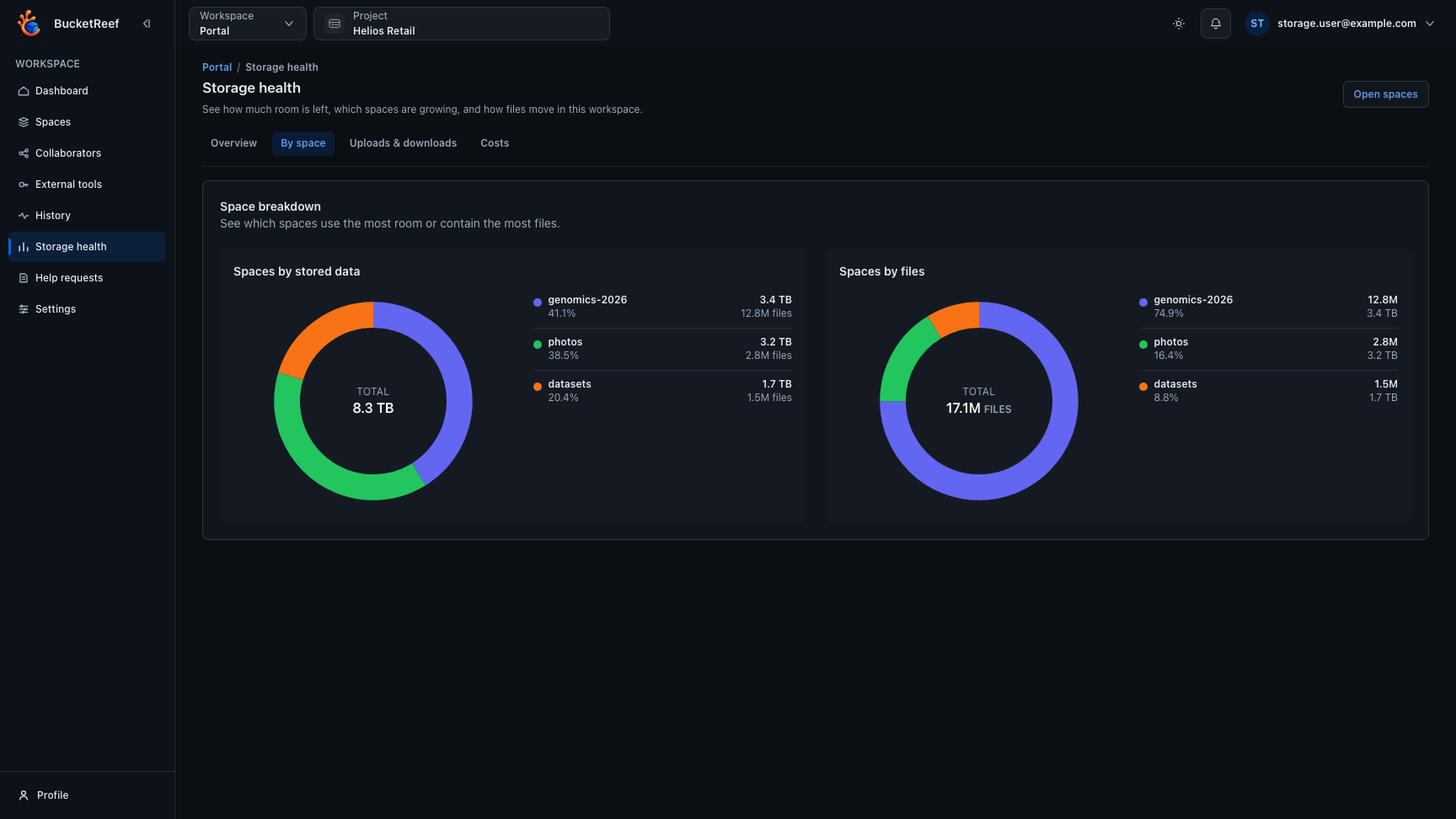
This page reuses the Portal storage-health screenshot because it shows the end-user side of the same usage-history data family.