Use Cases for Storage Users
When to use
Use this page when your main goal is object access, limited bucket actions, or delegated tenant workflows.
Prerequisites
- Role with user access (
ui_useror delegated equivalent). - At least one available execution context (account, connection, or allowed S3 user path).
Steps
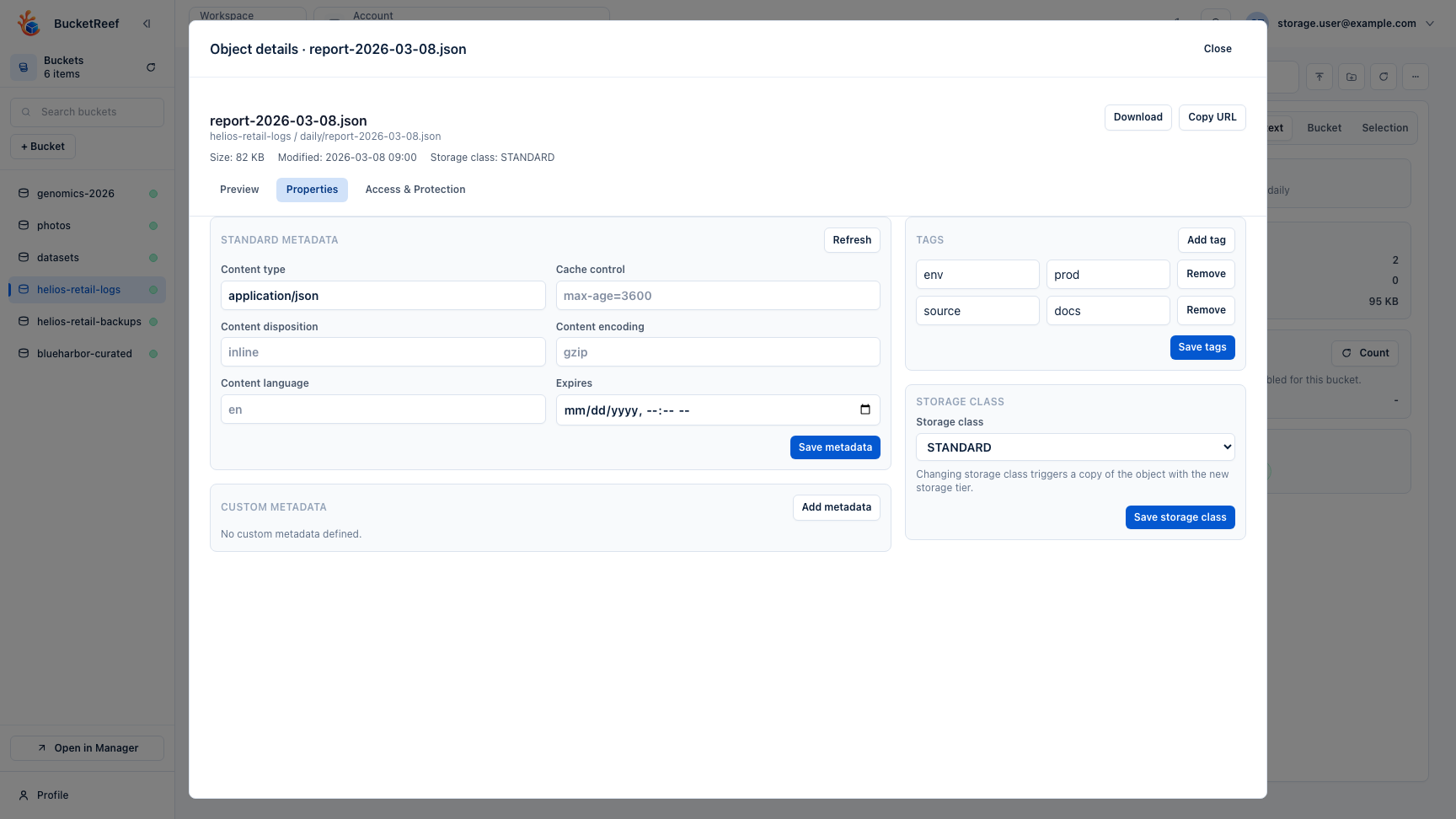
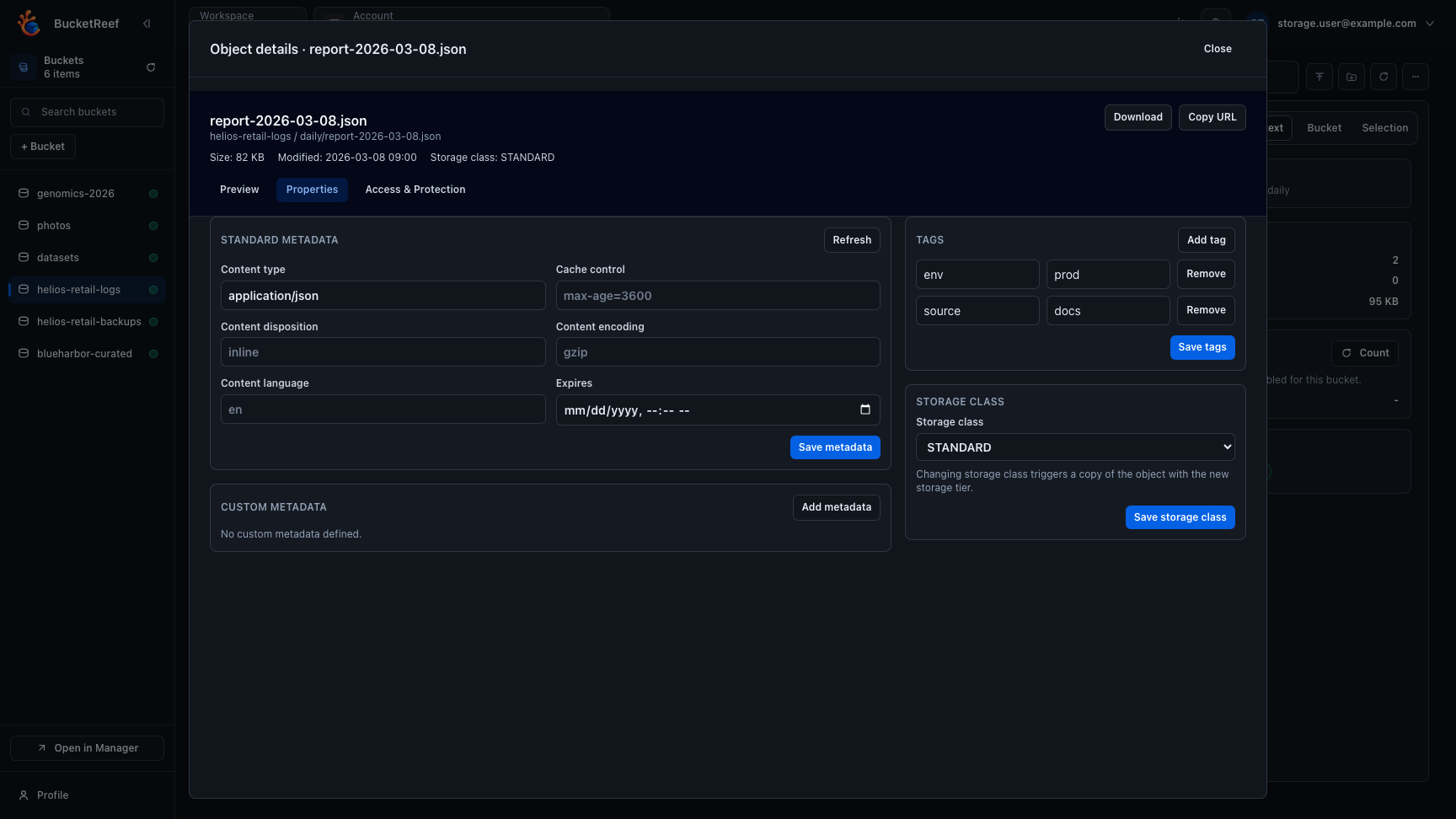
- For object work, open Browser:
- Browse buckets and prefixes.
- Keep folders visible on
/browserwhen the tree helps; object details open on demand without shrinking the list. - Upload, download, preview, delete, restore versions.
- For guided account self-service, open Portal:
- Select the assigned RGW account.
- Use the dashboard for Storage Spaces, shares, governance activity, usage, alerts, and preferences.
- For advanced bucket and identity operations with delegated rights, open Manager.
- If an action is unavailable, verify selected context and request additional permissions.
Expected result
You can complete daily storage tasks without navigating admin-only areas.
Limits / feature flags
Note
Access depends on role, account links, connection permissions, explicit
Portal account roles, and flags like browser_root_enabled,
manager_enabled, and portal_enabled.
Related pages
Visual example