How-to: Configure a bucket from Manager
When to use
Use this guide when you need to adjust bucket behavior from the Manager workspace (versioning, lifecycle, policy, CORS, quotas, and access controls).
Prerequisites
- Access to
/manager/buckets. - A selected execution context (account/connection).
- Permissions to update bucket settings.
Before you start
Open the bucket from the account or connection that should own the configuration change. Do not rely on bucket name alone when multiple contexts may contain the same name.
Steps
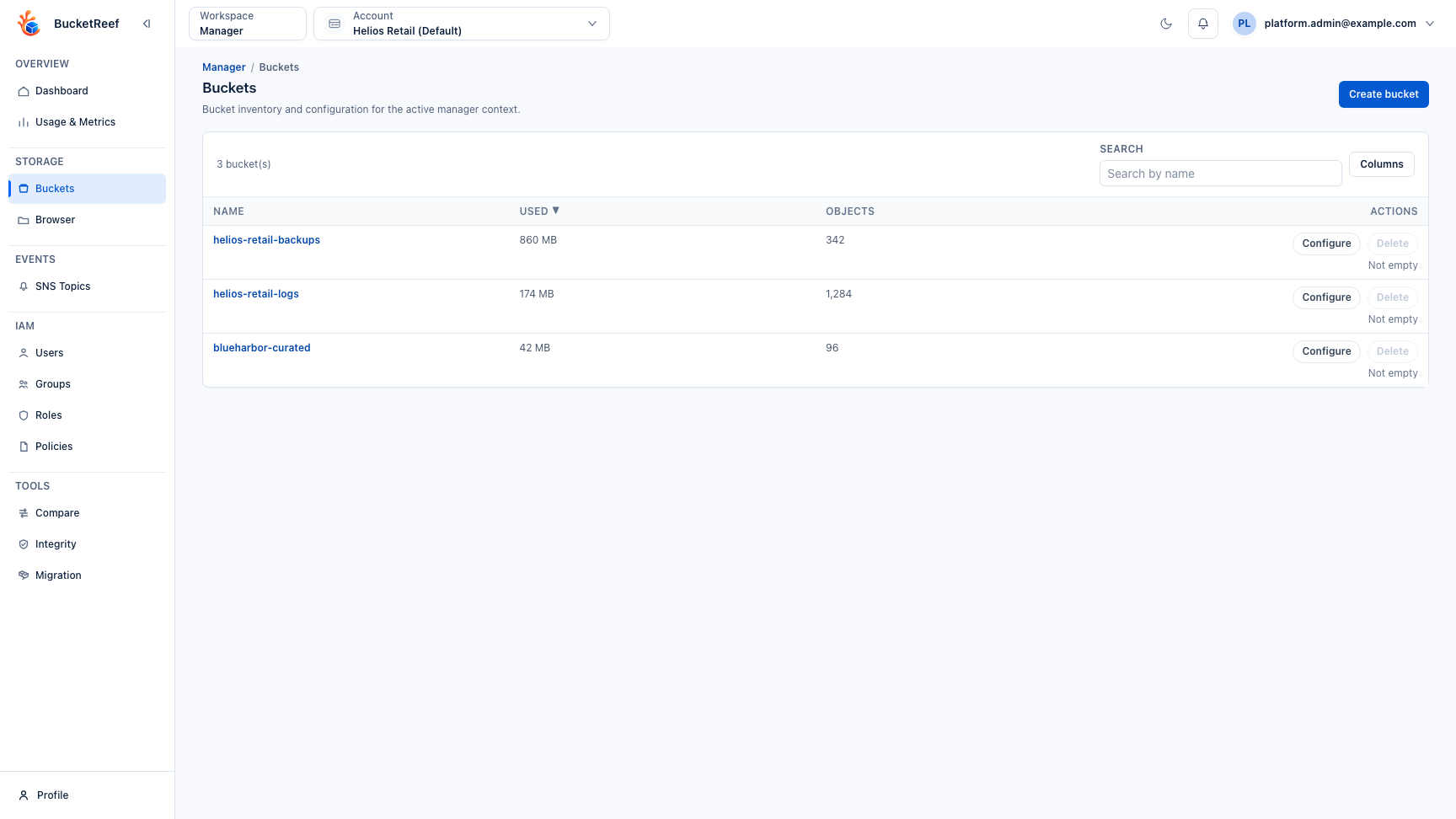
- Open Manager > Buckets (
/manager/buckets). - Locate the bucket to update.
- Click Configure on that bucket.
- In the bucket detail page, update the required sections:
- Properties (versioning, object lock, lifecycle, quota)
- Permissions (policy, ACL, public access block)
- Advanced (logging, notifications, replication, website)
- Save changes in each section.
- Use Refresh and the bucket summary to verify the expected state.
Expected result
The target bucket reflects the new configuration and the updated status is visible in Manager.
You are done when
The relevant configuration section reports the expected state after refresh, and no warning or disabled control remains for the feature you changed.
If you do not see this action
Check the selected endpoint capability, your effective Manager access, and the global feature flag for the specific setting.
Limits / feature flags
Note
Available controls depend on backend capabilities and account-level permissions.
Notification status and configuration are shown when the selected endpoint
capability sns is enabled.
Replication is available only when the selected endpoint capability
replication is enabled.
Related pages
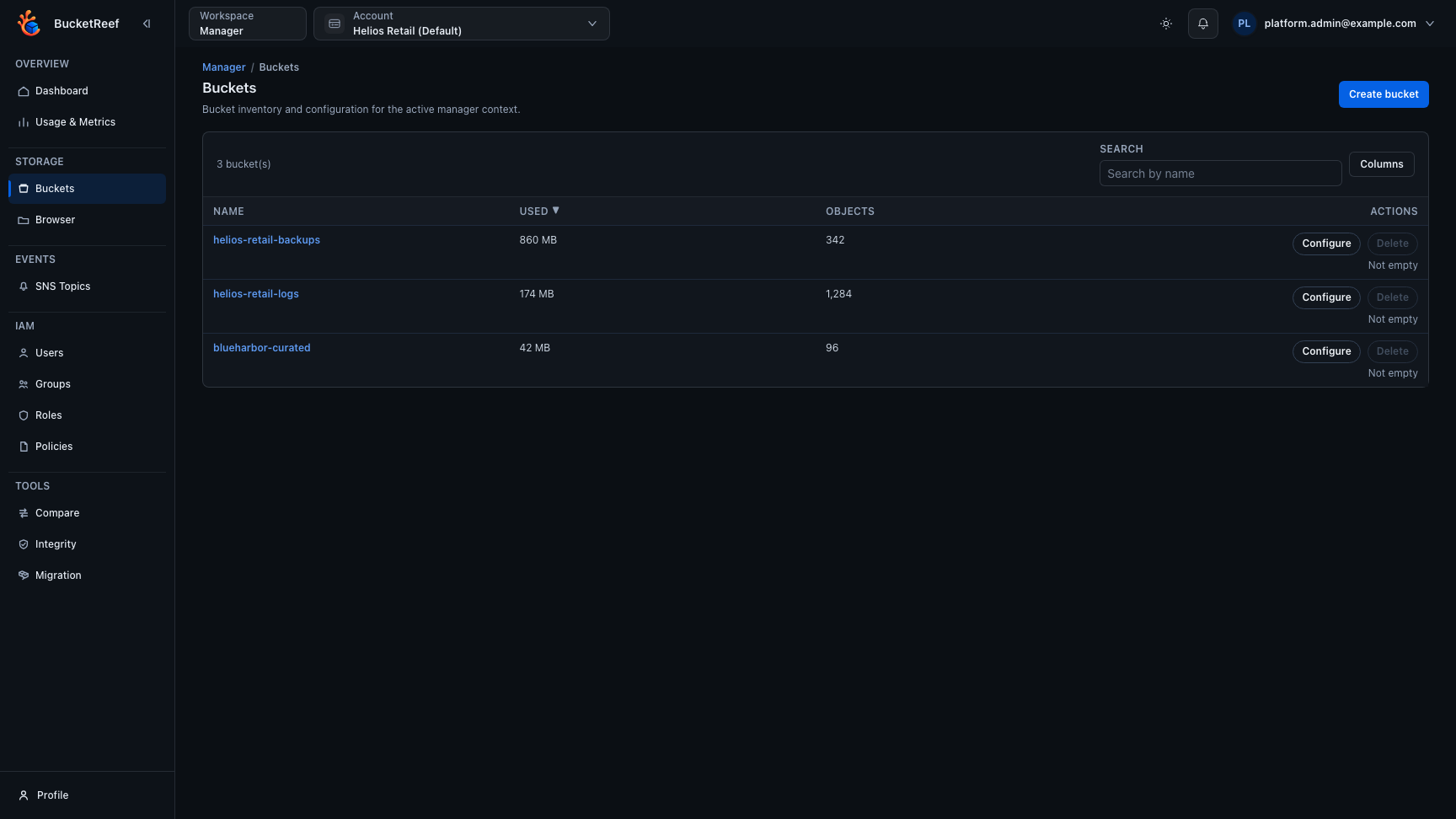
Visual example