Safe Destructive and Bulk Operations
Use this page before deleting, purging, migrating, or applying configuration to many buckets.
Before you start
- Confirm the workspace: Manager, Ceph Admin, or Storage Ops.
- Confirm the execution context or endpoint in the topbar.
- Confirm that the selected buckets are the intended targets.
- Confirm your Manager tool access or workspace entitlement.
- Read the confirmation modal before typing the phrase.
Operation guide
| Operation | Where | Main risk | Safety control |
|---|---|---|---|
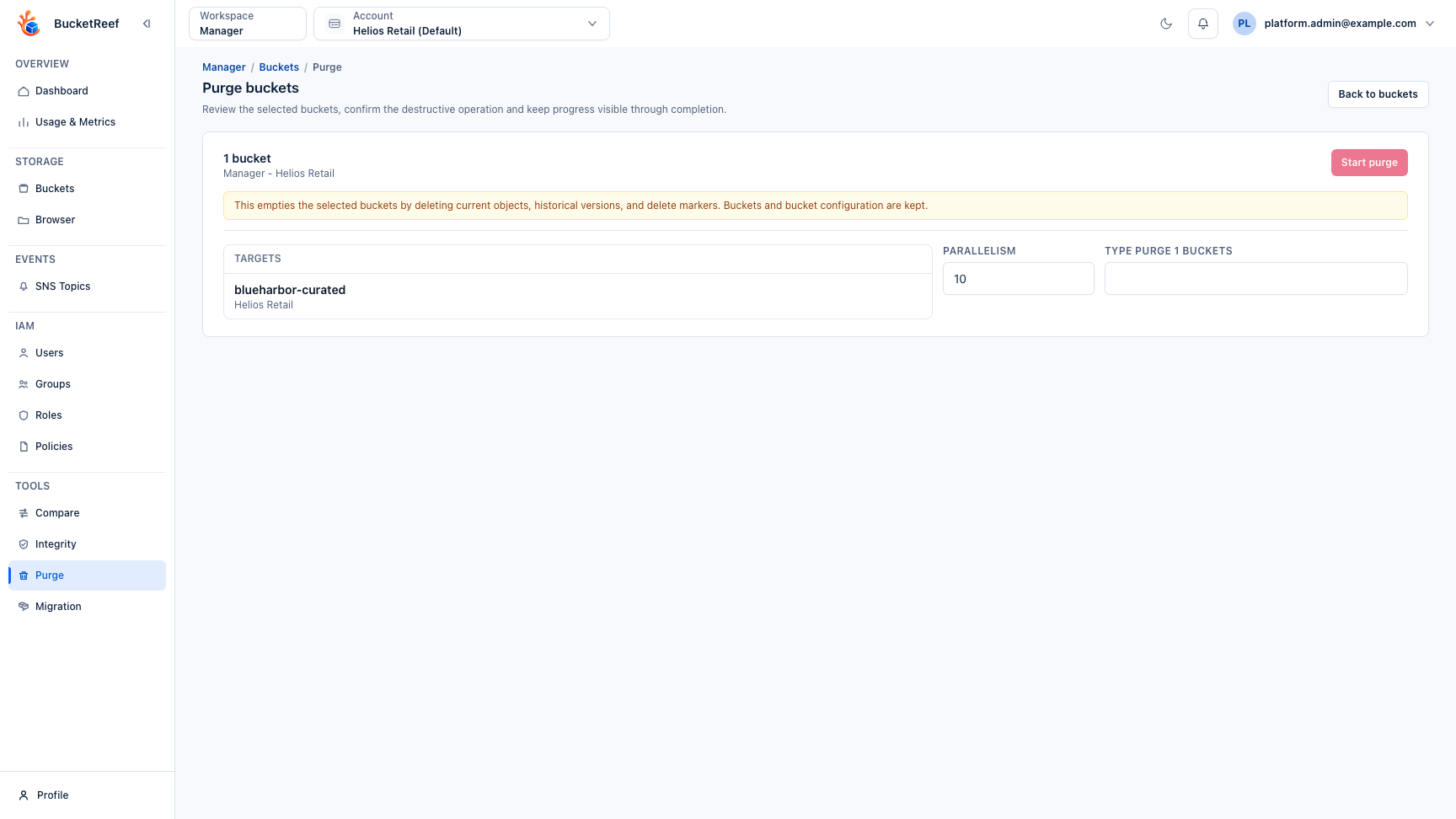
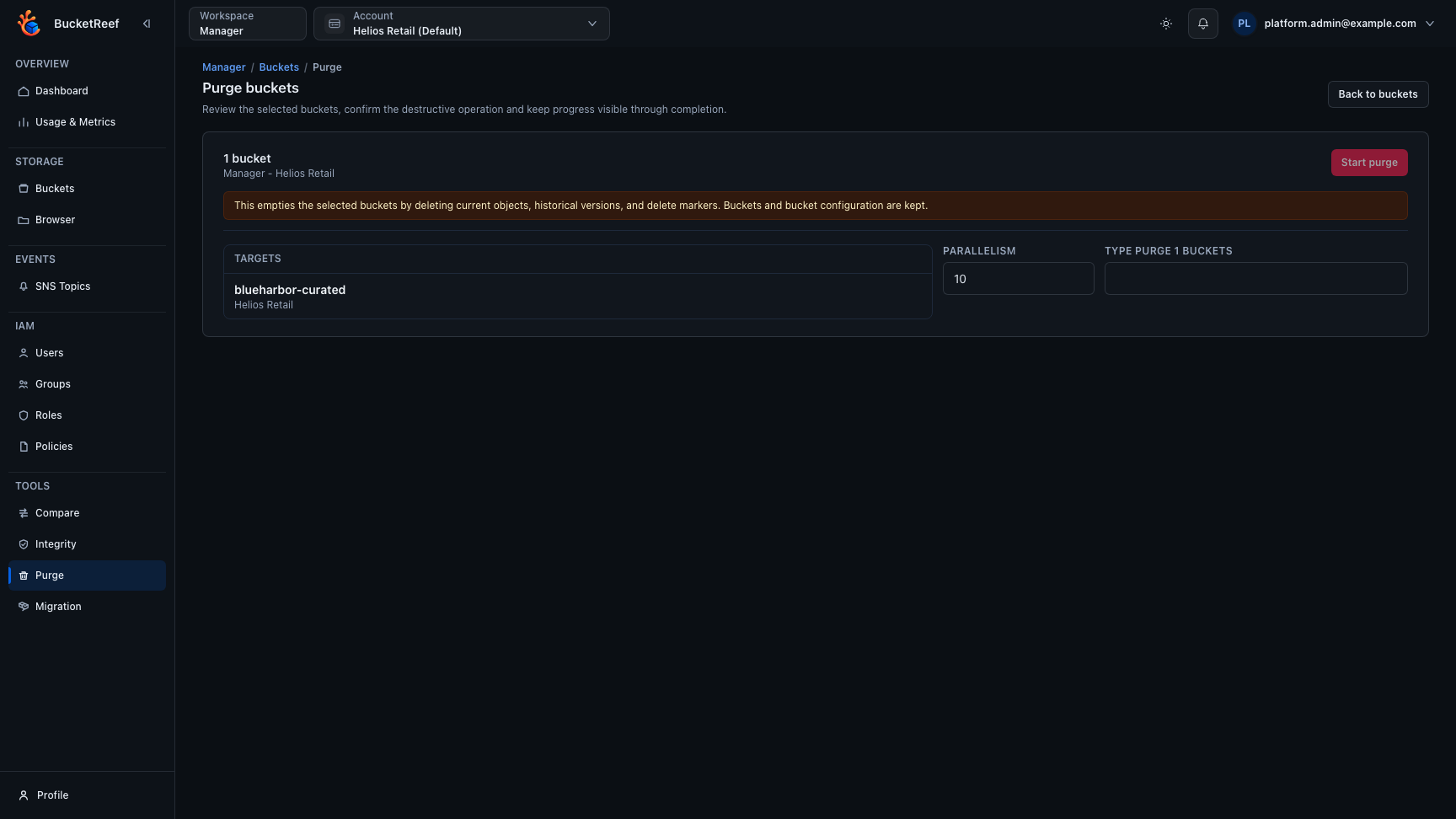
| Empty buckets with Bucket purge | Manager, Ceph Admin, Storage Ops | Deletes current objects, versions, and delete markers while keeping the bucket. | Explicit target summary, parallelism control, exact confirmation phrase, progress counters. |
| Delete a non-empty bucket | Manager | Deletes objects first, then deletes the bucket and its S3 configuration. | Requires purge access and a guarded delete confirmation flow. |
| Delete an RGW Account or User | Ceph Admin | Removes an administrative identity; optional User purge-data also removes owned data. |
Unitary row action, exact target phrase, active Ceph Admin User protection, persistent RGW result. |
| Delete a bucket with RGW Admin Ops | Ceph Admin | Removes the bucket; purge-objects also permanently removes all objects and versions. |
Options off by default, exact target phrase, RGW HTTP and Ceph result displayed. |
| Link or unlink a bucket | Ceph Admin | Changes the owner association without rewriting object ACLs. | Existing User/Account selector, exact target phrase, old/new owner in audit. |
| Check or fix a bucket index | Ceph Admin | Read-only by default; fix can modify the bucket index. |
Bulk checks are read-only and capped at 200 buckets; unitary fixes require an exact phrase and check-objects requires fix. |
| Apply lifecycle or notification changes in bulk | Ceph Admin, Storage Ops | Changes configuration on many buckets. | Preview/apply flow and visible progress. |
| Migrate buckets | Manager | Copies data and may change target state. | Precheck, mode selection, integrity options, progress and failure states. |
| Delete objects in Browser | Browser | Removes selected current objects or delete markers. | Selection review, action confirmation, Operations overview. |
Confirmation expectations
Destructive workflows should show:
- surface and execution context;
- target buckets or objects;
- exact effect;
- typed confirmation phrase when the blast radius is high;
- progress, completion, and failure counters.
Do not start a destructive action if any of those details do not match your intent.
Ceph Admin Ops precautions
- Keep
purge-data,purge-objects, andbypass-gcdisabled unless the operation explicitly requires them. - Treat
bypass-gcas an exceptional recovery option. Normal RGW garbage collection is the recommended path. - Do not use bucket Link as an ownership repair for object ACLs. It changes the bucket association only.
- Review the persistent result before closing the modal. A backend request may
be accepted while RGW returns a failure such as
BucketNotEmptyorAccountNotEmpty; the RGW HTTP status and Ceph error code are authoritative. - A successful empty RGW response is still reported with its real status, for
example
RGW HTTP 204. - Use the grouped RGW Admin Ops menu to distinguish Ceph administrative operations from S3 API configuration. Bulk index diagnostics never repair; open the unitary row action when a repair is required.
You are done when
The result screen shows completed targets, failures if any, and the expected post-action state is visible from the bucket or object list.
If you need to report a problem
Include the workspace, context, target names, confirmation phrase shown, operation status, and any failure message. For admin workflows, ask an operator to correlate the audit trail and backend logs.
Related pages
- Feature: Bucket purge
- Feature: Bucket migration
- Feature: Object operations in Browser
- Troubleshooting
Visual example