Feature: IAM
When to use
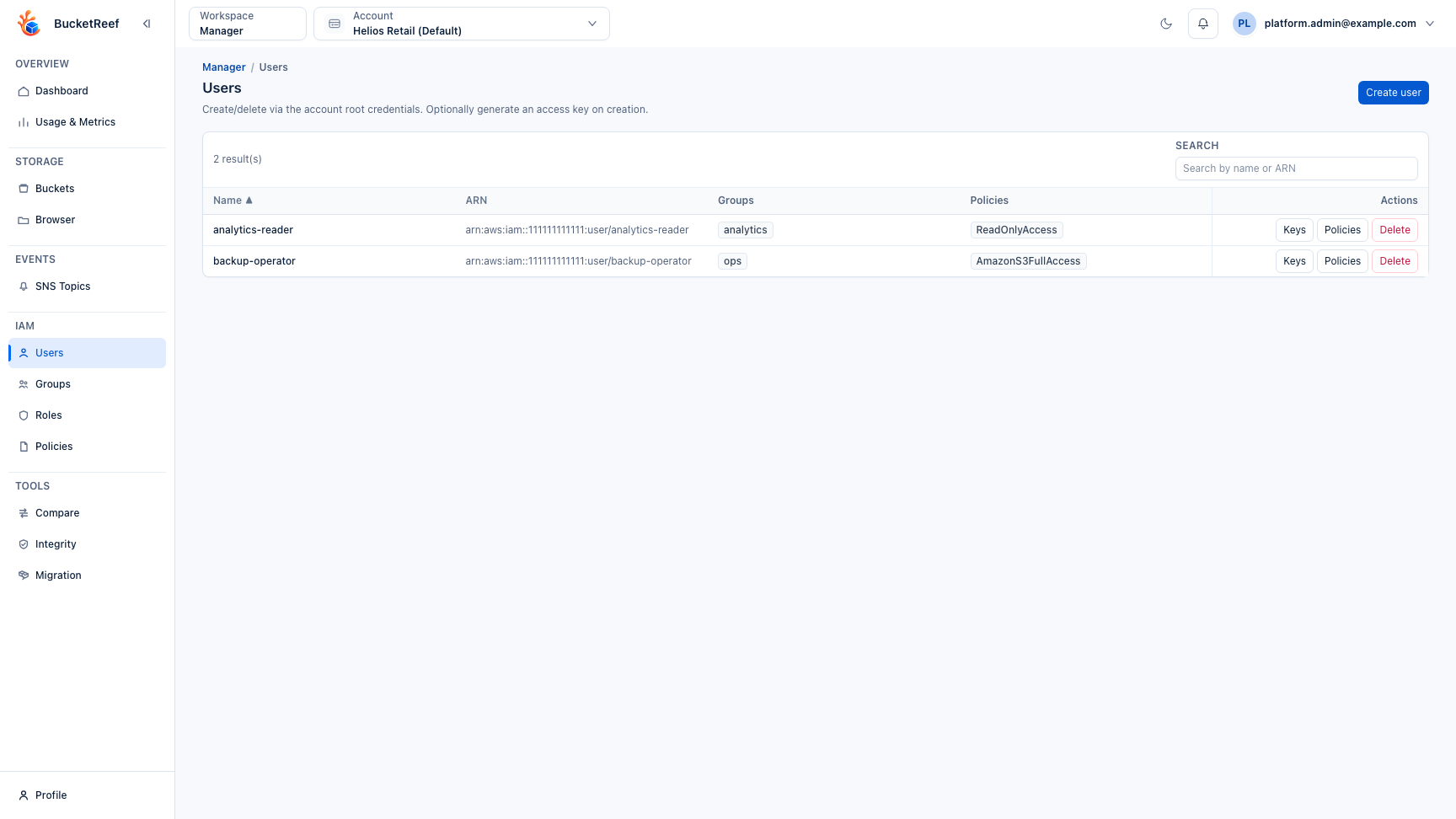
Use this guide for tenant IAM administration (users, groups, roles, policies).
Prerequisites
- Access to Manager IAM pages.
- Endpoint IAM capability enabled.
Before you start
Select the account or connection that owns the IAM resources. IAM changes should map to native IAM concepts and should not be used to compensate for missing UI access.
Ceph RGW S3 User keys are not IAM user keys. When you are working in a managed S3 User context, use Feature: Ceph access keys in Manager instead.
Steps
- Open
/manager/users,/manager/groups,/manager/roles, or/manager/iam/policies. - Create or edit IAM resources.
- Attach/detach policies to users, groups, or roles.
- Manage IAM access keys from user key pages.
- To create a personal private S3 connection without handling its secret,
select Create my private access on the Users page. The default creates a
dedicated IAM identity with
AmazonS3FullAccessand a Browser-enabled private connection. Open Advanced configuration to replace that policy, attach IAM groups or inline policies, or change Browser/Manager availability. BucketReef creates the key on the server and never displays its generated secret in this flow. - Verify resulting access with your standard IAM validation process.
Expected result
IAM resources are managed with native IAM semantics.
You are done when
The intended user, group, role, policy, or access key appears in Manager and a separate access check confirms the expected storage permissions.
If you do not see this action
Check endpoint IAM capability, Manager access, and the selected execution context.
Limits / feature flags
Note
IAM UI is unavailable when selected context endpoint reports iam = false.
Note
Create my private access is available only for an authorized RGW Account or S3 Connection that is executable in Manager and reports IAM capability. It does not reuse a Portal identity or the credentials of a shared connection. Ordinary Create user and New key actions still display a secret once for manual use, but no longer offer Add as S3 Connection in Manager.
Related pages
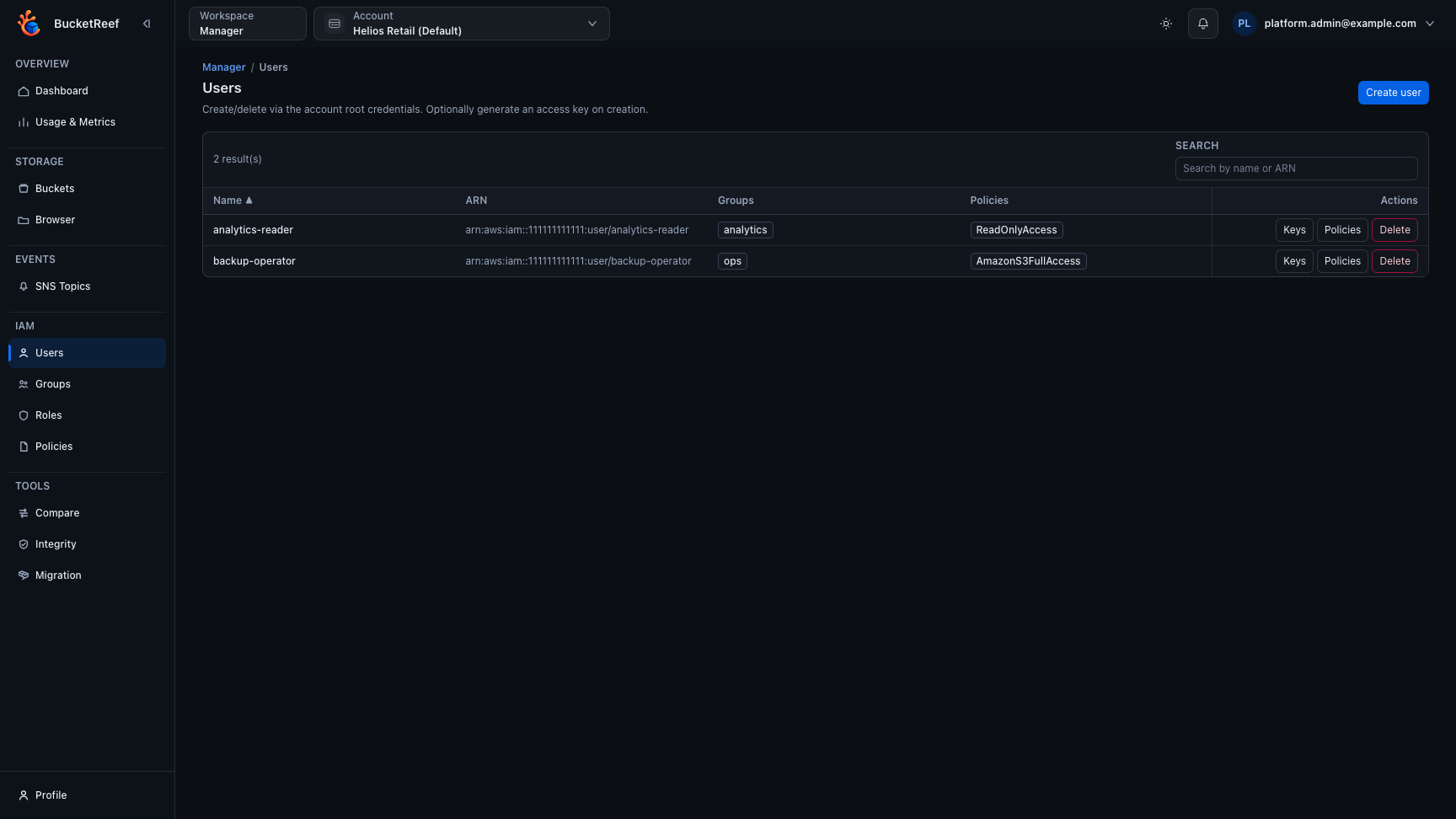
Visual example