Common Tasks for Storage Users
Use this page when you know what you want to do, but not which workspace or page to open.
Quick task map
| Task | Go to | What to check first |
|---|---|---|
| Browse files in an assigned space | Portal: Spaces | The expected project is selected. |
| Browse files in a bucket or connection | Workspace: Browser | The account or connection context is selected in the topbar. |
| Upload or download files in a Portal space | Portal: Files | You have Editor or Owner access for upload, and content access for download. |
| Upload or download files in a bucket or connection | Feature: Object operations in Browser | The account or connection context is selected in Browser. |
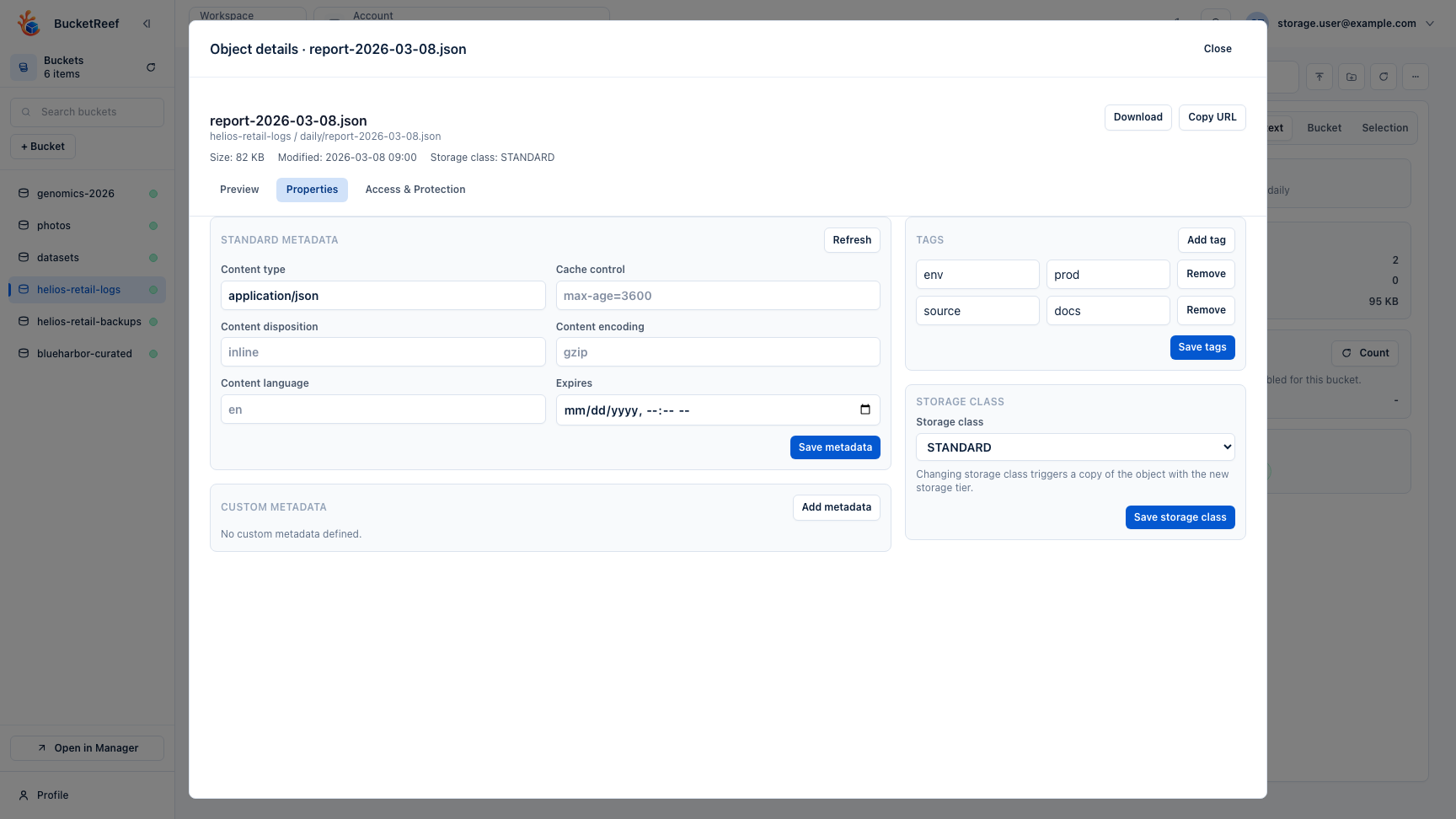
| Recover or inspect a previous object version | Feature: Object versions in Browser | Versioning is enabled on the bucket. |
| Create credentials for an external S3 client | Portal: External tools | Portal external-tool credential creation is enabled for your project. |
| Understand room left, usage, or alerts | Portal: Storage health | Usage collection is available for the selected project. |
| Report missing access | Troubleshooting | Capture workspace, account/context, bucket or space, and exact error text. |
A good first workflow
- Open Portal if your organization gives you spaces.
- Create or open the space for your project.
- Add a small test file, then invite collaborators when the space is ready.
- Open Browser only if you work directly with buckets, prefixes, and objects.
- Select the project, account, or connection before acting.
- If an action is hidden or disabled, check feature availability before reporting the issue.
You are done when
You can name the workspace you need, select the right context, and complete a small object operation without visiting Admin or Ops pages.
If something is missing
Missing actions usually mean one of four things: the selected context is wrong, the feature flag is disabled, the backend does not support the feature, or IAM/S3 denies the operation.
Related pages
Visual example