Portal: Help Requests
Use this page when you need help from a storage admin before you can finish a Portal task, add or remove someone from the project, or change the project storage limit.
Before you start
- The selected project is the project concerned by the request.
- You are a storage manager for the selected project when creating collaborator or storage-limit requests.
- You know the person's name and email when requesting project access for them.
- For storage-limit changes, you know the target capacity. The reason field is optional.
Main tasks
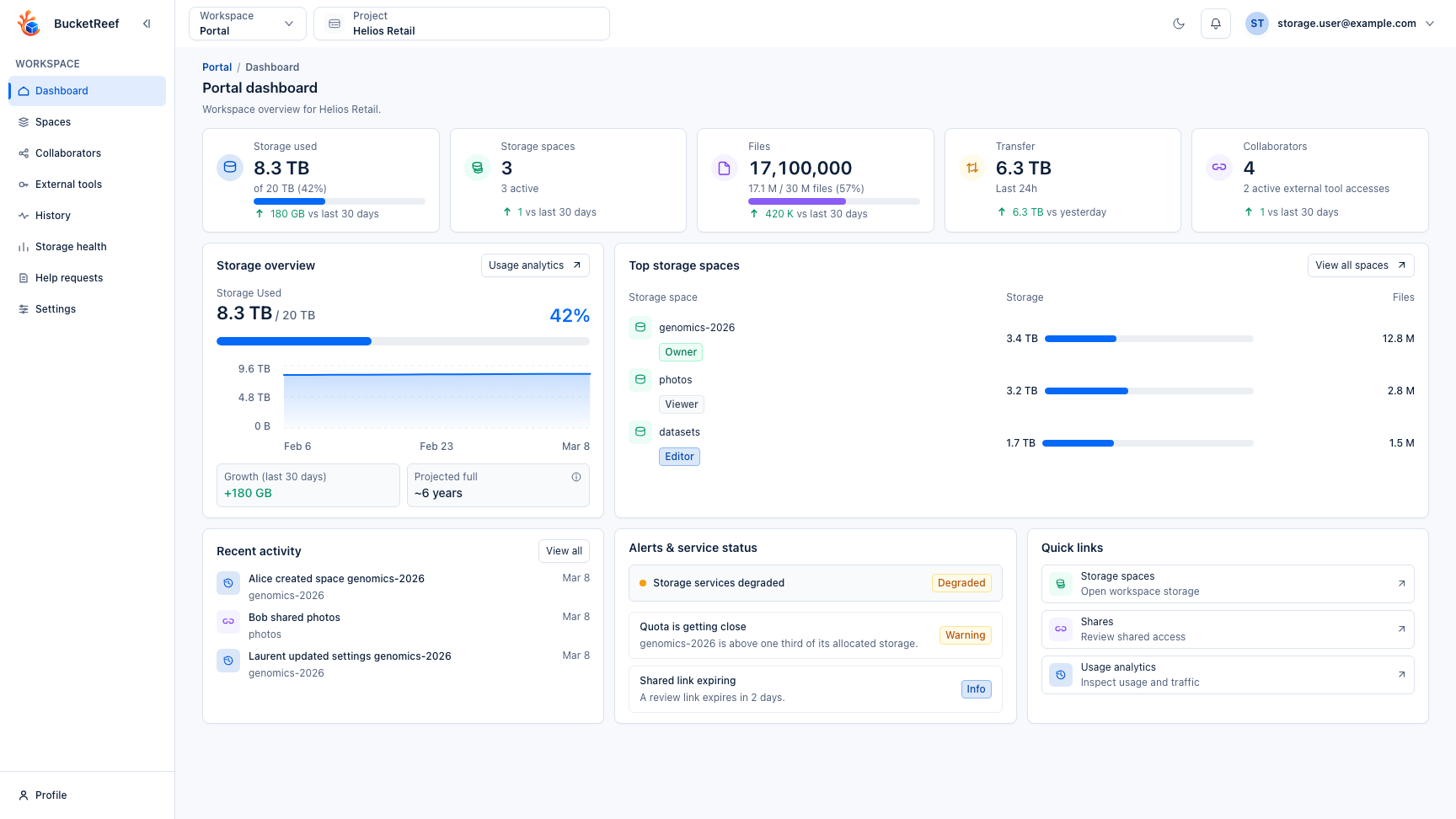
- Open Portal > Help requests.
- Review My help requests first to see pending, approved, rejected, or failed requests.
- Select Manage membership to add or remove a collaborator from the same form. For removal, choose an existing direct collaborator from the project list; the name and email are filled from that selection. The reason field is optional.
- Select Change storage limit to choose a higher or lower limit, enter the new target, and choose the unit. The preview shows the current limit, the requested limit, and the space already used. The reason field is optional.
- Review the request list to follow its status.
- Open request details to read admin messages, execution errors, or the final result.
Statuses
| Status | Meaning |
|---|---|
| Pending | The request is waiting for an admin decision. |
| Processing | An admin approved it and the platform is applying the change. |
| Approved | The requested action completed successfully. |
| Rejected | An admin declined the request. |
| Failed | The platform could not apply an approved request. |
Expected result
The request stays visible from Portal with admin messages and final status. Approving a request is an Admin action: project membership and storage limits are not changed until an admin validates the request. Portal blocks storage-limit requests that would set the new limit below the space already used.
Related pages
Visual example
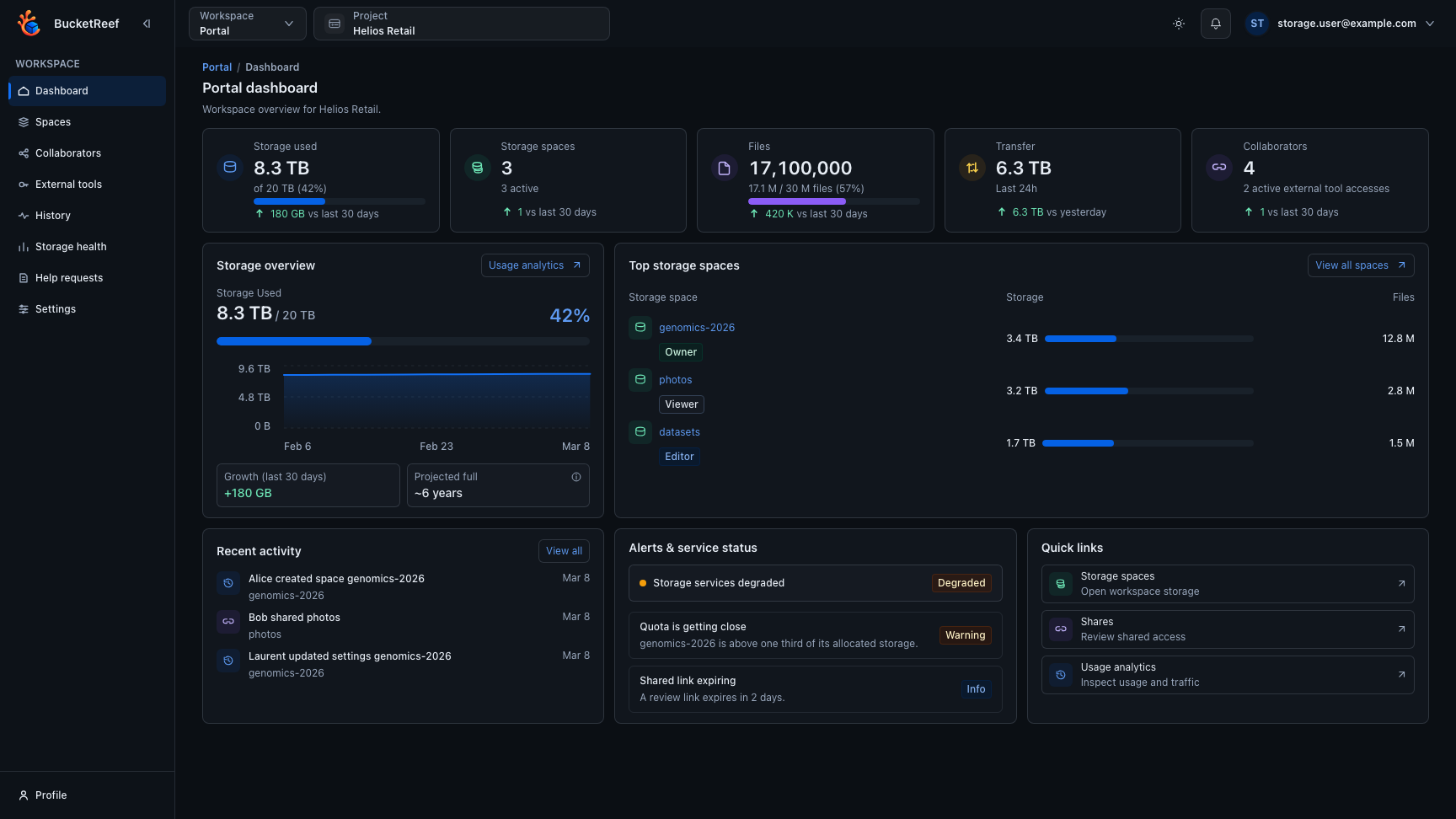
This page reuses the Portal dashboard screenshot because it shows the Help requests entry point and the surrounding Portal context.